Preparation
“I will check the appointment notes and confirm the preparation instructions.”

Veterinary
“Should my dog avoid food before tomorrow’s appointment?” needs the clinic’s approved instruction, not a guess.
Share a RoomLnk room in the reminder, at reception, or with the aftercare note. Owners join in the browser. Urgent symptoms need a veterinarian or an emergency clinic now.
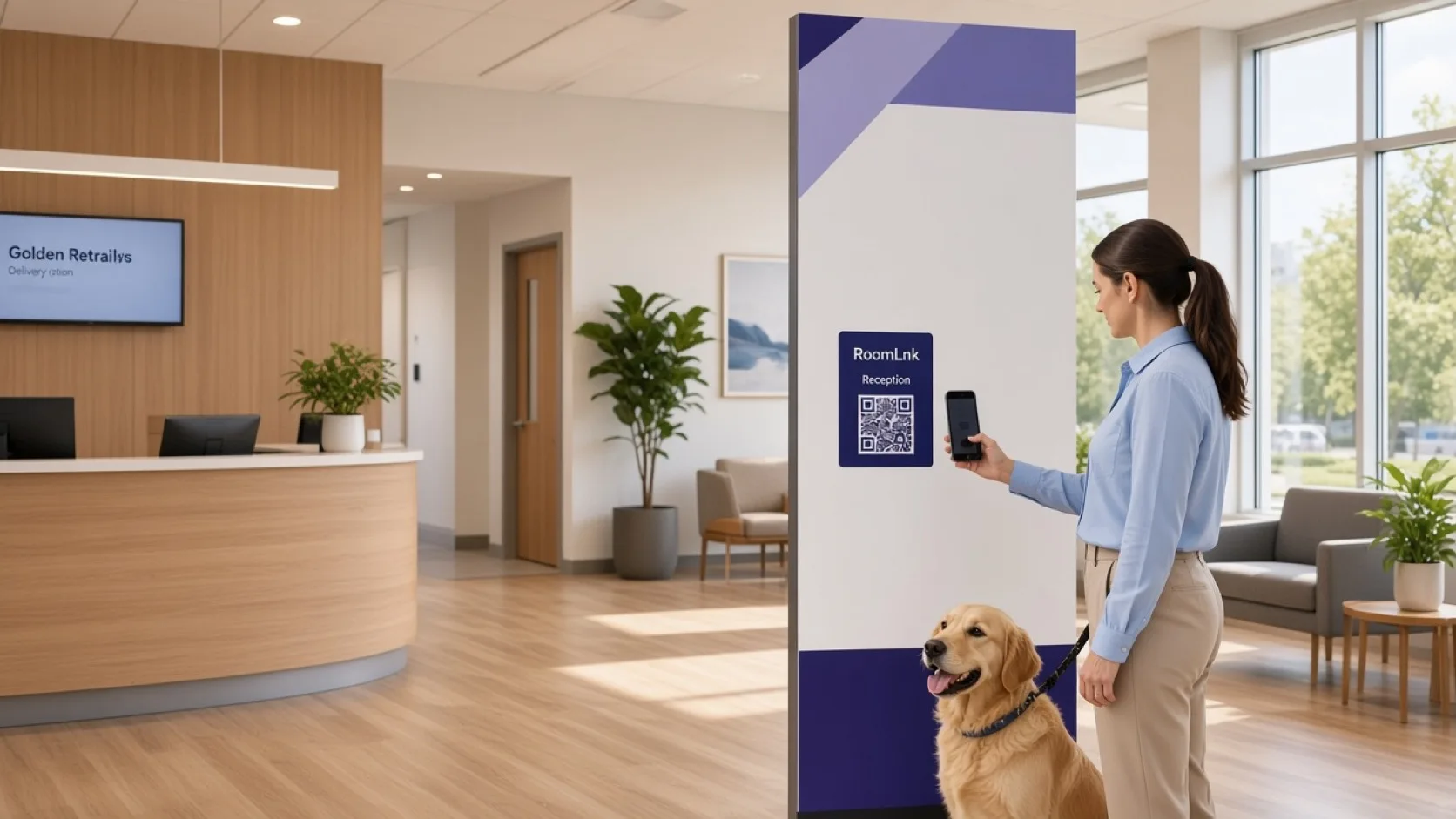
Non-urgent clinic questions
Owners ask what to bring, whether to fast, and how to find reception. Those are appointment questions.
RoomLnk can carry the approved wording. Individual clinical decisions, medication, and records stay with the veterinarian and the clinic system.
Owner conversations
Check the appointment notes before confirming preparation. Do not invent clinical advice.
“I will check the appointment notes and confirm the preparation instructions.”
Time, what to bring, and which entrance to use.
A practical question after the visit, routed to the right person.
Which form to complete before arrival.
Directions and preparation, not a diagnosis.
Reception replies. Clinical questions go to the veterinarian.
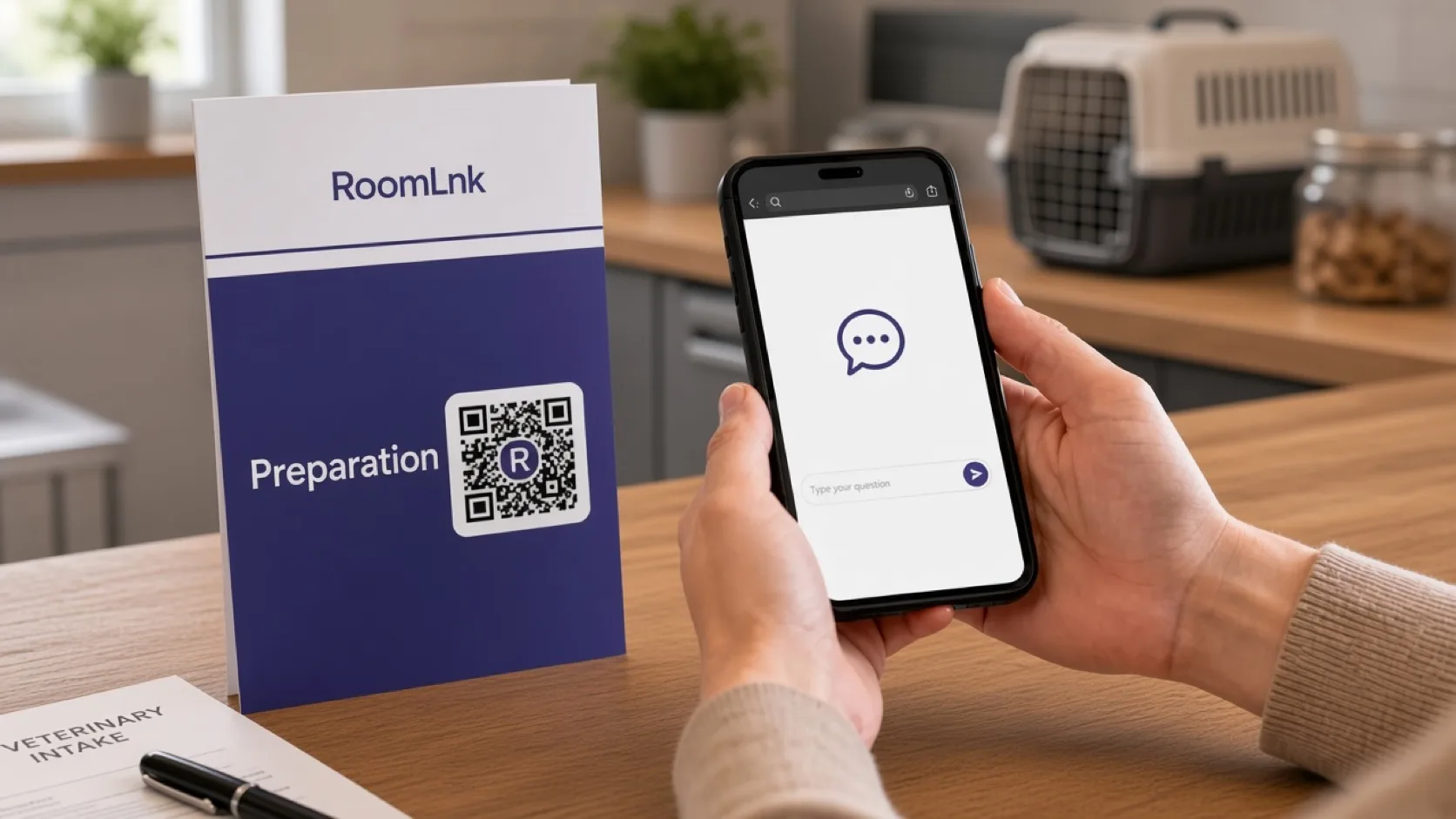
Tomorrow’s appointment
The owner asks about fasting. The clinic checks the notes and confirms only the approved instruction.
Breathing difficulty, poisoning, injury, and other emergencies go to a veterinarian or emergency clinic immediately.
How it works
Reminders, reception, and aftercare notes.
No app. The label says it is not for emergencies.
Preparation, arrival, or a form.
Confirm approved wording for that appointment.
The veterinarian uses the clinic’s proper channel.
Urgent symptoms do not wait in the chat.
Relevant RoomLnk features
The room is for the appointment. The clinical record stays in the clinic system.
RoomLnk is not an emergency service. Contact a veterinarian or emergency clinic directly for urgent animal health concerns.
Where to place the code
Do not put a diagnosis in the title
Name the appointment type or the desk. Keep clinical detail out of the room title.
Clinical boundary
Share only preparation and aftercare wording approved for that appointment. Individual clinical questions go to the veterinarian.
Verify the owner and the animal before discussing records, medication, or treatment. Direct emergencies to a veterinarian or emergency clinic immediately.
Questions and answers
Appointment preparation, arrival, forms, and other non-urgent practical questions.
No. Clinical questions go to the veterinarian through the clinic’s proper channel.
Contact a veterinarian or emergency clinic directly. Do not wait for a chat reply.
No. They open the reminder link or scan the reception code.
Yes, from the approved notes for that appointment, not from a guess.
Yes, for practical instructions. The original stays visible.
Start with RoomLnk