Visitor arrivals
“Welcome. Morgan has been notified and will meet you in reception.”

Office reception
“I am here to see Morgan from accounts” should notify the host without revealing their diary.
A RoomLnk code at reception, the entrance, or the loading point opens a private browser chat. Knowing a name is not access to the building.
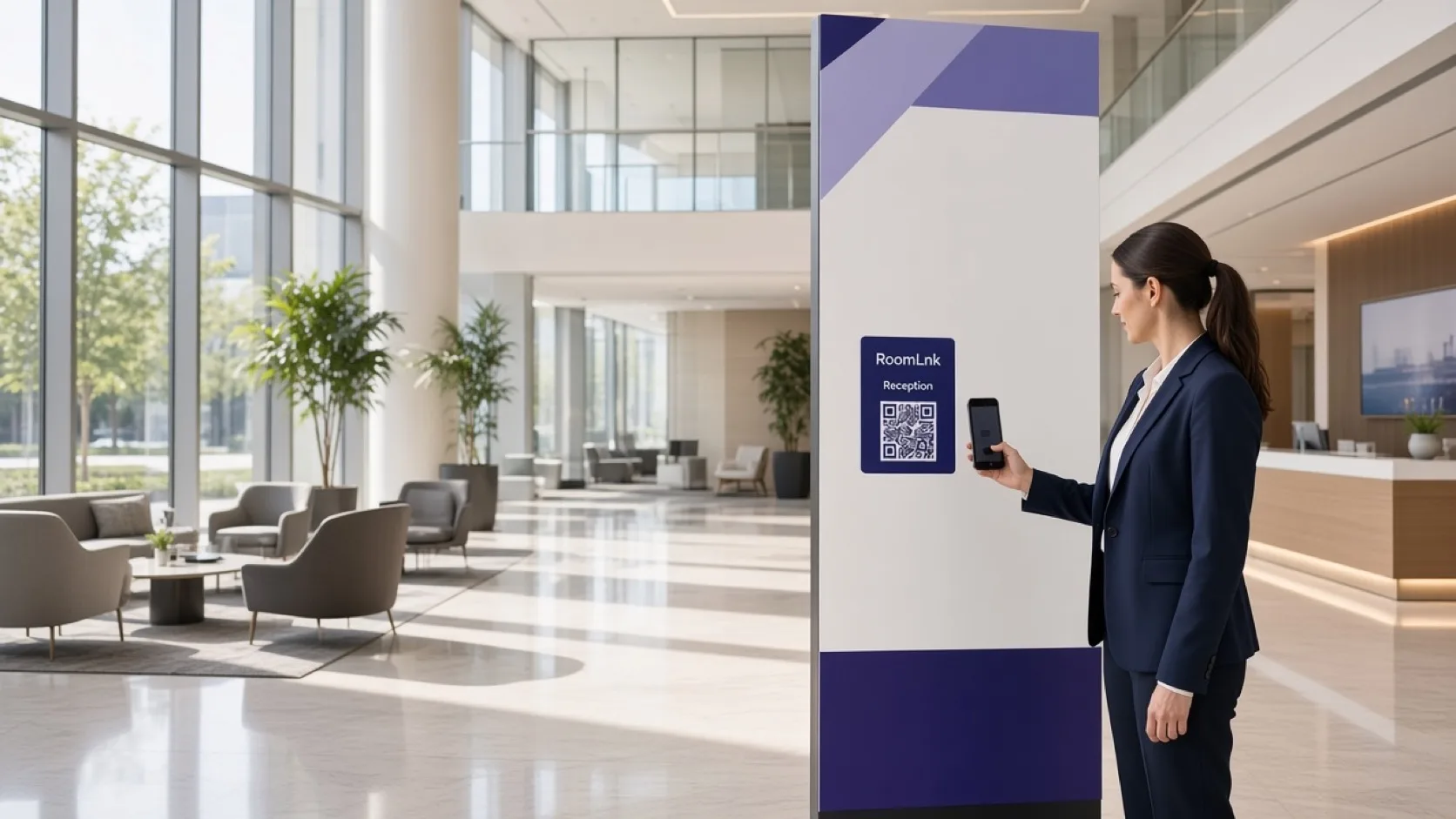
At the door
Visitors and drivers arrive when the desk is briefly away. They need a way to say who they are here for.
RoomLnk notifies the host through the business workspace. Schedules, internal numbers, and door access stay on the organisation’s reception process.
Lobby conversations
Confirm the visitor and the host. Do not describe where someone sits to a person you have not checked.
“Welcome. Morgan has been notified and will meet you in reception.”
Direct the driver to the approved loading point.
The host gets the room. Their mobile number stays private.
Translate the arrival message and keep the original.
Useful when the driver needs to show a label.
The code should say what it cannot do when the desk is closed.
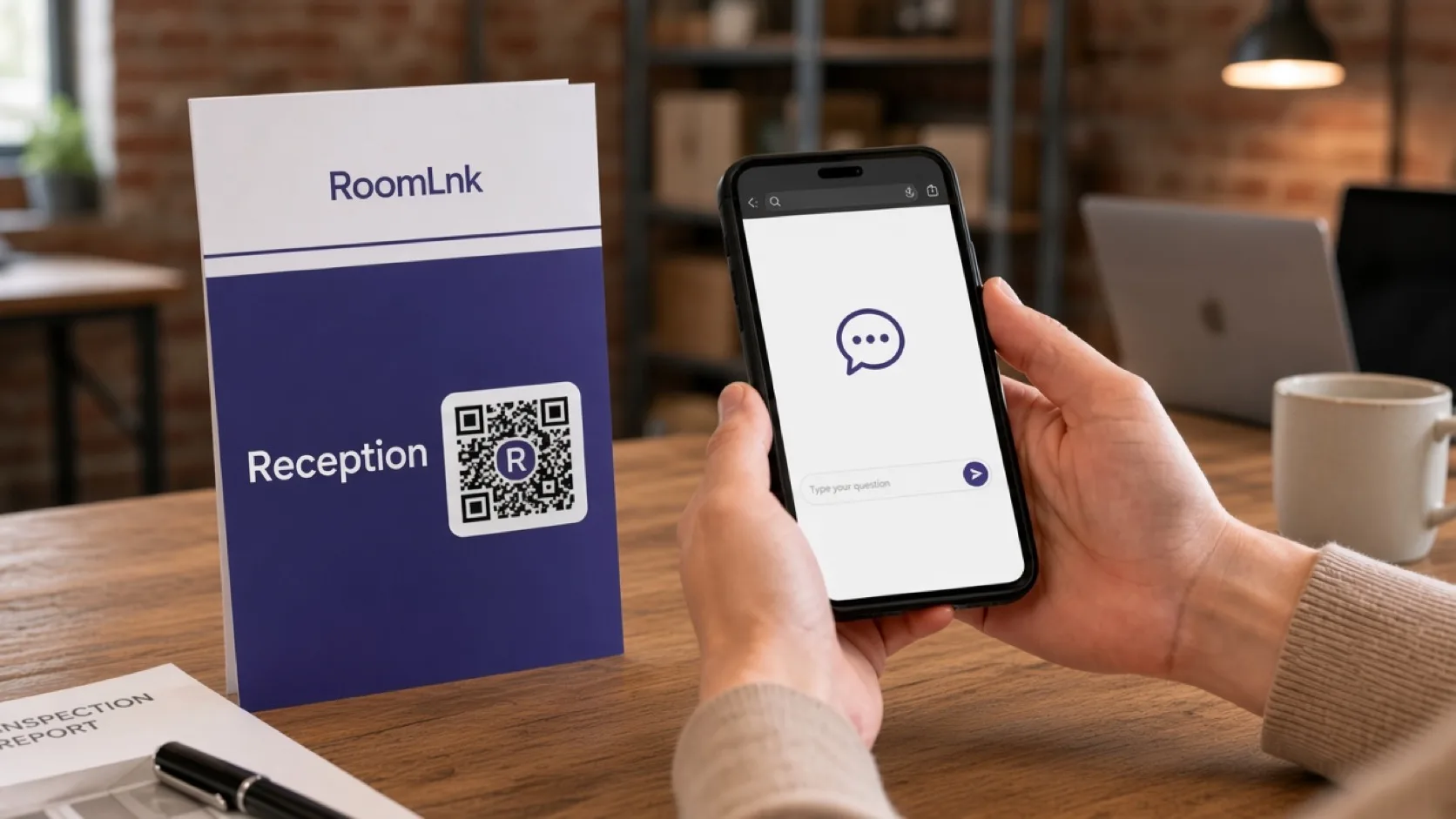
Reception
The visitor scans and names the person they are here to see. Reception notifies that host and keeps the meeting in the lobby.
Do not grant entry only because someone can name a staff member or a room code.
How it works
Reception, entrances, and delivery points.
A private chat opens in the browser.
Or which delivery they are carrying.
Without sharing an internal number.
Follow the building’s visitor process.
Access logs stay in the required system.
Relevant RoomLnk features
Visitors get an answer. Staff numbers stay off the lobby sign.
Do not grant building access from the chat alone, and do not publish staff mobile numbers on the reception sign.
Where to place the code
Name the door
Use the entrance or the delivery. Do not put an employee’s diary in the title.
Access control
Confirm the visitor and the host through reception. Do not reveal schedules, desk locations, or internal numbers to someone you have not checked.
Keep emergency, security, and accessibility help visible beside the code. Record visitor access in the required system.
Questions and answers
Yes. They scan the lobby code and chat in the browser.
No. Reception notifies them from the business workspace.
Use a labelled code at the delivery point so reception knows it is a driver, not a guest.
No. Access still follows the building’s visitor process.
What the room can answer, and how to reach security or emergency help.
Yes. The original message stays visible.
Start with RoomLnk