Check-in and arrival
“Please use reception on level two. The lift is beside the pharmacy.”

Healthcare
“Where should I check in?” is a logistics question. It is not a clinical consultation.
Share a RoomLnk room in the appointment message, at reception, or with the preparation note. Patients join in the browser. Clinical questions, results, and emergencies stay on the provider’s authorised channels.
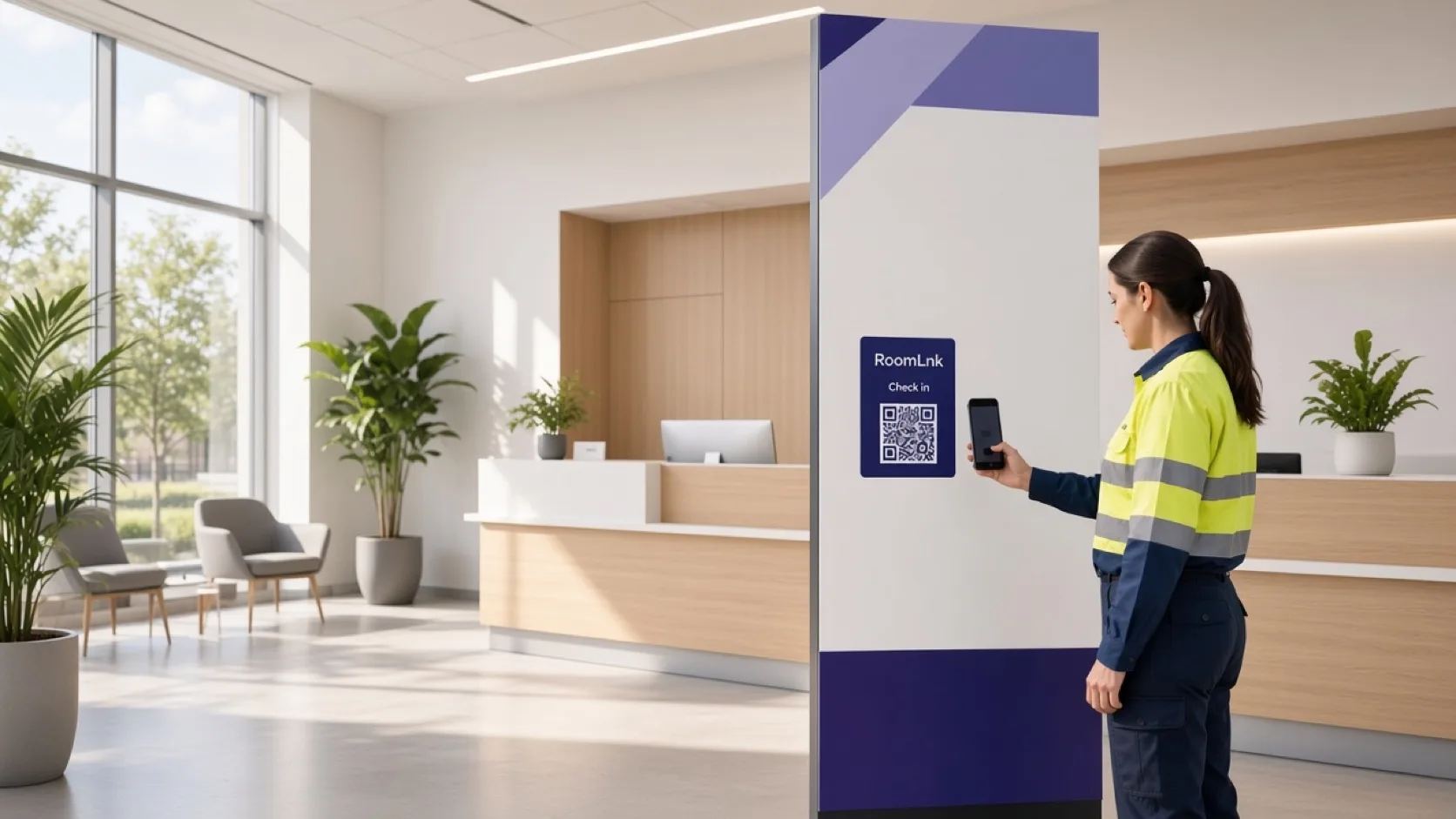
Non-urgent logistics
Patients need parking, check-in, forms, and published preparation details. Those questions should not require a clinician’s personal number.
RoomLnk can carry that administrative conversation. Identity checks, records, results, and treatment stay in the health system. Emergency guidance belongs outside the room.
Appropriate conversations
Keep it to approved non-urgent logistics. A display name is not proof of identity.
“Please use reception on level two. The lift is beside the pharmacy.”
Point people to the form they were asked to bring. Do not collect clinical history in the chat.
Times, accessibility, and published preparation.
A practical question after the visit, routed to the right desk.
Help with directions in the patient’s language. Do not translate a chat into clinical advice.
Authorised staff share the room. Clinical questions go to the qualified provider.
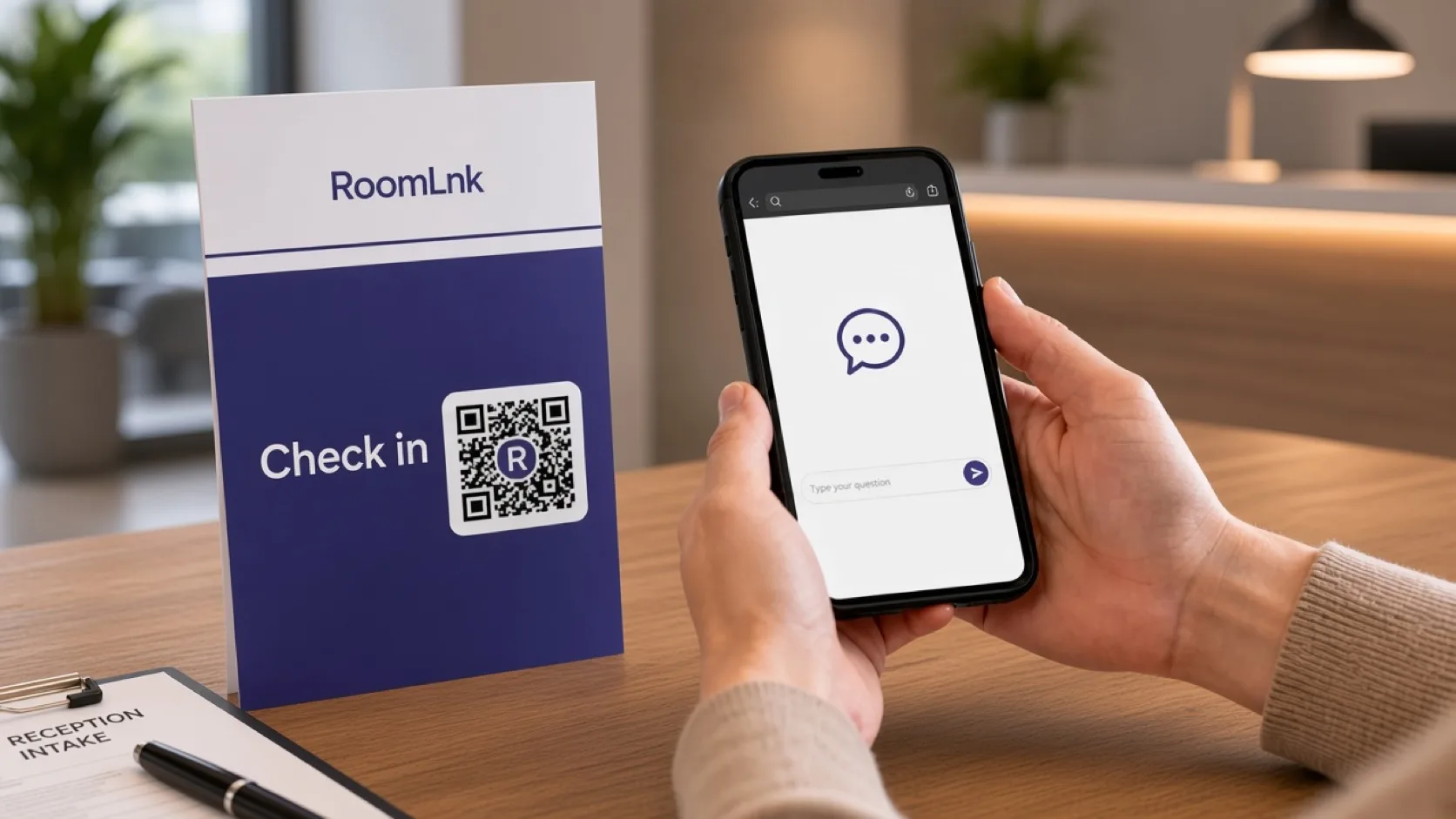
This appointment
The patient scans and asks where to check in. Reception replies with the published arrival instruction.
Before discussing a specific appointment, record, result, or bill, verify identity through the organisation’s approved process.
How it works
Appointment messages, reception, and preparation notes.
No app. The room states what it can answer.
Arrival, forms, accessibility, or published preparation.
Use the clinic’s identity process before discussing a specific patient.
Diagnosis, results, and treatment use the authorised channel.
Record required follow-up in the health system, then expire the room.
Relevant RoomLnk features
The room reduces phone tag for logistics. It does not become the medical record.
RoomLnk is not an emergency service and not a clinical record. Urgent symptoms need emergency or clinical care, not this chat.
Where to place the code
Keep titles operational
Name the desk or the visit type. Do not put a diagnosis in the room title.
Clinical boundary
Limit the room to approved logistics: arrival, accessibility, forms, and published preparation. Clinical questions need the qualified provider and the proper channel.
Verify identity before discussing appointments, records, results, billing, or treatment. Show emergency guidance beside the code.
Questions and answers
Non-urgent logistics such as where to check in, which form to bring, accessibility, and published preparation.
No. Clinical questions, results, and treatment belong with the qualified provider and the authorised health system.
No. Display emergency guidance beside the code.
No. They open the appointment link or scan the reception code in a browser.
Only after the organisation’s identity check. A display name is not verification.
Yes. Translation helps with logistics. It does not turn the chat into clinical advice.
Start with RoomLnk