Massage appointment preparation
Handle non-clinical arrival, preparation, and routine follow-up questions.

Beauty and wellness client communication
Give massage, nail, beauty, and spa clients a private browser-based way to ask practical questions through a link or QR code.
Create a room for an appointment or enquiry. The client joins without installing an app or exchanging a personal phone number.
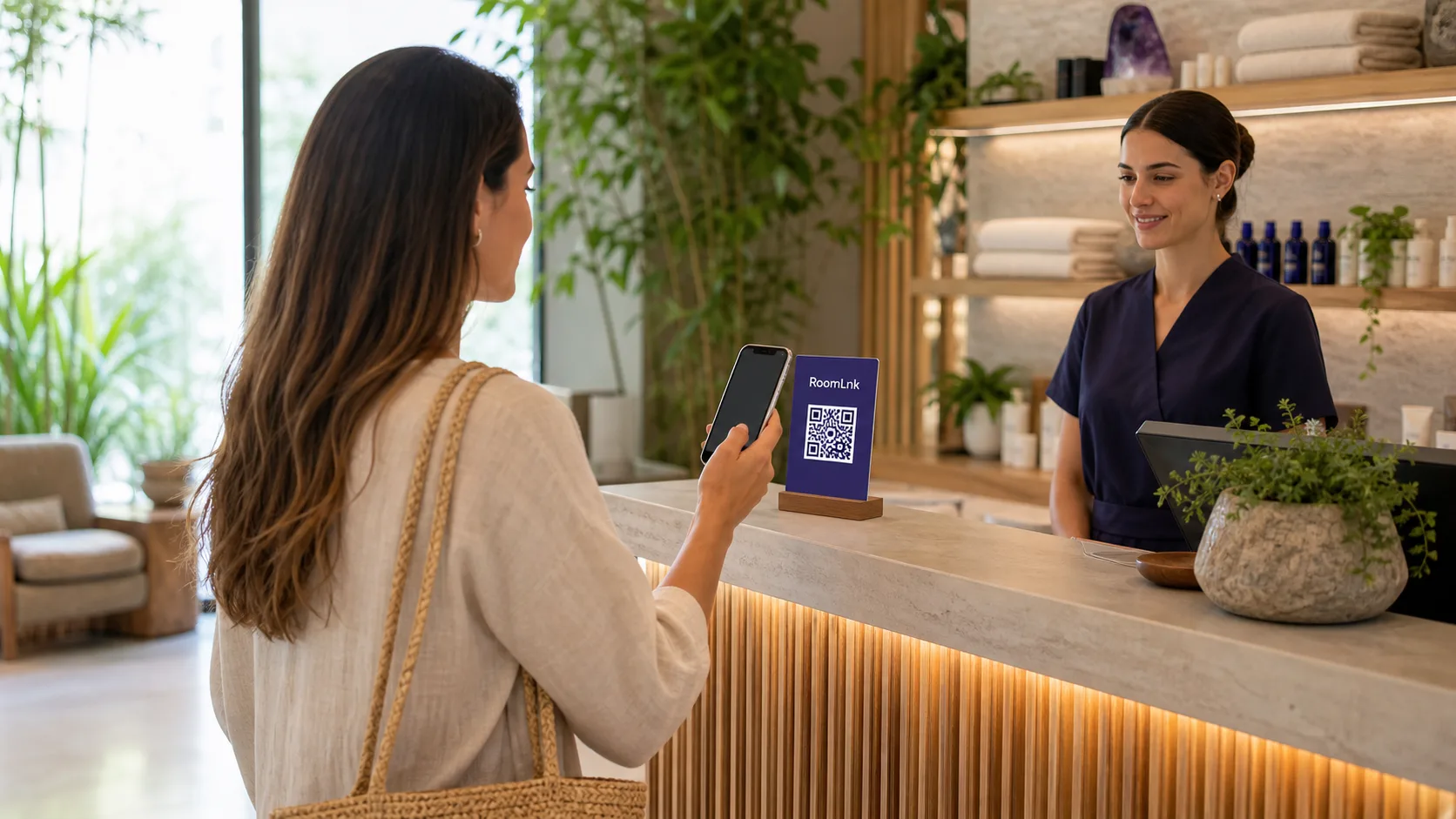
A clearer contact option
Clients often have questions that do not fit neatly into a booking form: where to park, how early to arrive, whether a service is available, or what they should bring. After a visit, they may need a receipt or general follow-up information.
RoomLnk creates a defined conversation for the appointment, service, or enquiry. It complements rather than replaces booking, payment, medical-record, and emergency systems.
Before, during, and after a visit
Use purpose-specific rooms for routine communication, with clear clinical and safety boundaries.
Handle non-clinical arrival, preparation, and routine follow-up questions.
Answer general questions about service availability, timing, or removal requirements.
Share directions, parking, arrival times, facility information, or group coordination.
Discuss practical, non-clinical questions and published preparation guidance.
Offer a clearly labelled QR code for routine, non-urgent help in reception or waiting areas.
Support receipt questions and approved general follow-up during a defined period.
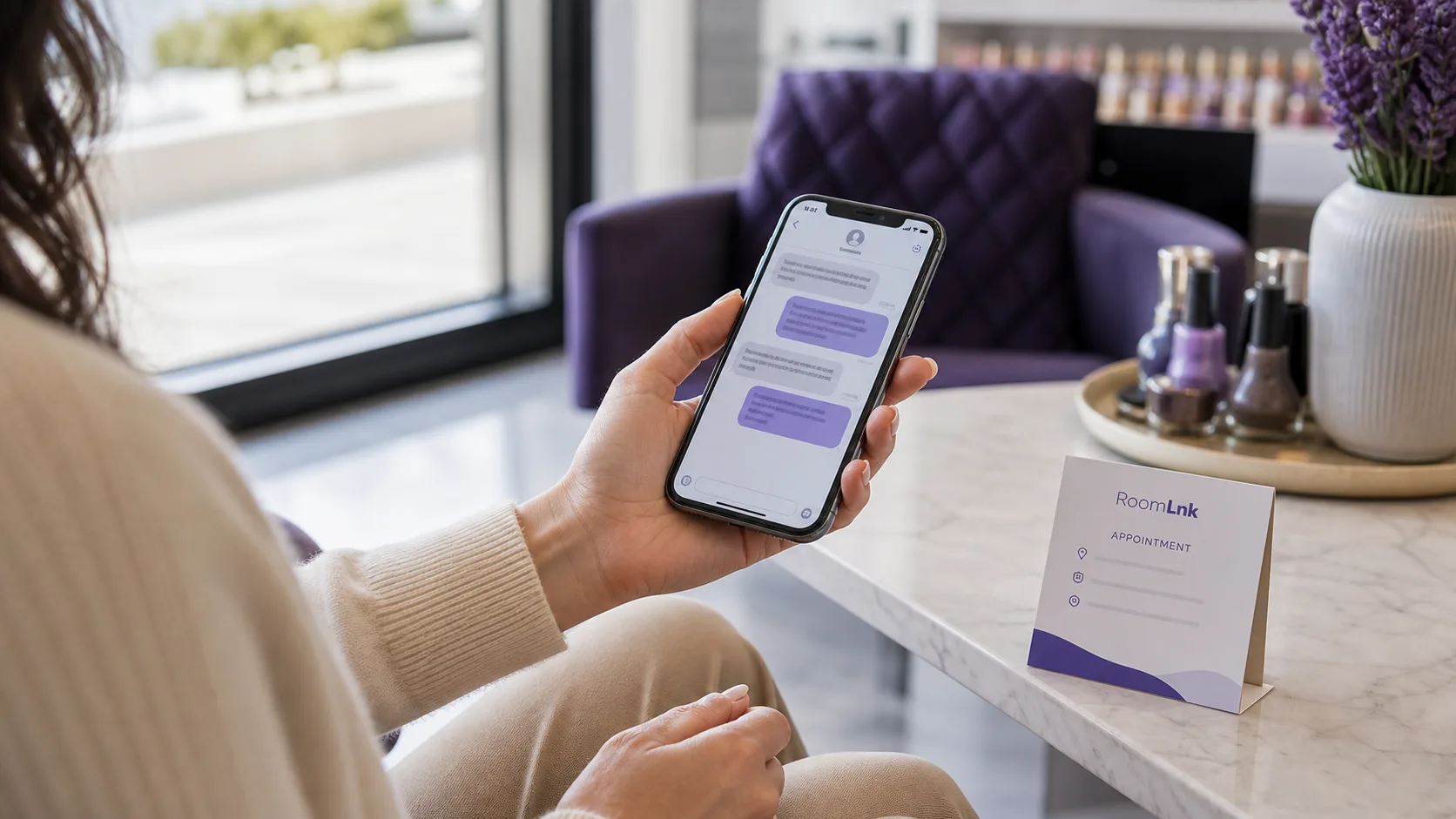
Low-friction client access
Add a RoomLnk link to the confirmation with a short explanation such as “Questions before your appointment?” The client can open it directly in their browser.
Keep formal bookings and payments in the business's established tools, and move protected health information to an approved clinical system.
Appointment communication
Create a room for the appointment or defined enquiry.
Use a booking reference or neutral label without sensitive details.
Add the room to the appointment confirmation with a clear purpose.
The client opens the room in a browser without installing an app.
An appropriate team member responds about arrival or general preparation.
Clinical or sensitive details go through the approved business system.
Apply the expiry policy after the appointment and follow-up period.
For the salon or spa
Give each enquiry a clear context and let authorised staff respond without depending on one practitioner's personal mobile number.
RoomLnk is not a medical-record platform and should not be presented as medically compliant without verified compliance information.
Place with a clear purpose
Protect client information
Use operational labels without medical conditions, detailed treatments, or unnecessary personal data.
Operational and safety boundaries
Decide who monitors rooms and how conversations transfer between reception and practitioners. Tell clients that RoomLnk is for routine communication, not emergencies.
Do not request sensitive clinical information in RoomLnk. Keep bookings, payments, and protected records in approved systems, and review staff access whenever roles change.
Questions and answers
RoomLnk is a browser-based private chat platform. A business creates a room for an appointment, service, or enquiry and shares it through a link or QR code, without requiring an app download or exchange of personal phone numbers.
No. Clients open a shared RoomLnk link or scan its QR code and join through their browser, which suits occasional salon, massage, and spa visits.
A salon or spa can create a separate room for each appointment or enquiry. Use a discreet naming convention, assign someone to monitor the room, and decide when it should expire.
No. RoomLnk supports browser-based conversations. It does not replace booking, payment, point-of-sale, or customer-record systems.
Clients should not be encouraged to share sensitive clinical information in RoomLnk. Providers should use approved clinical or health-information systems for protected details.
Business accounts can manage multiple rooms, and team access is available on supported plans. The business should define permitted roles, room ownership, and handover procedures.
Match the room lifetime to the appointment and reasonable follow-up period. The business should document a consistent expiry policy for each workflow.
No. RoomLnk should not replace emergency services, urgent medical advice, or the business's safety procedures. It is intended for routine, non-emergency communication.
Start a private client conversation