Open day
“They are in Building 4 today. I can send you the campus map.”

Universities
“Where can I speak with the engineering faculty?” should get today’s location, not a personal academic number.
Put a RoomLnk code on the open-day map, the faculty desk, or the student service point. Visitors join in the browser. Student records and emergencies stay on university systems.
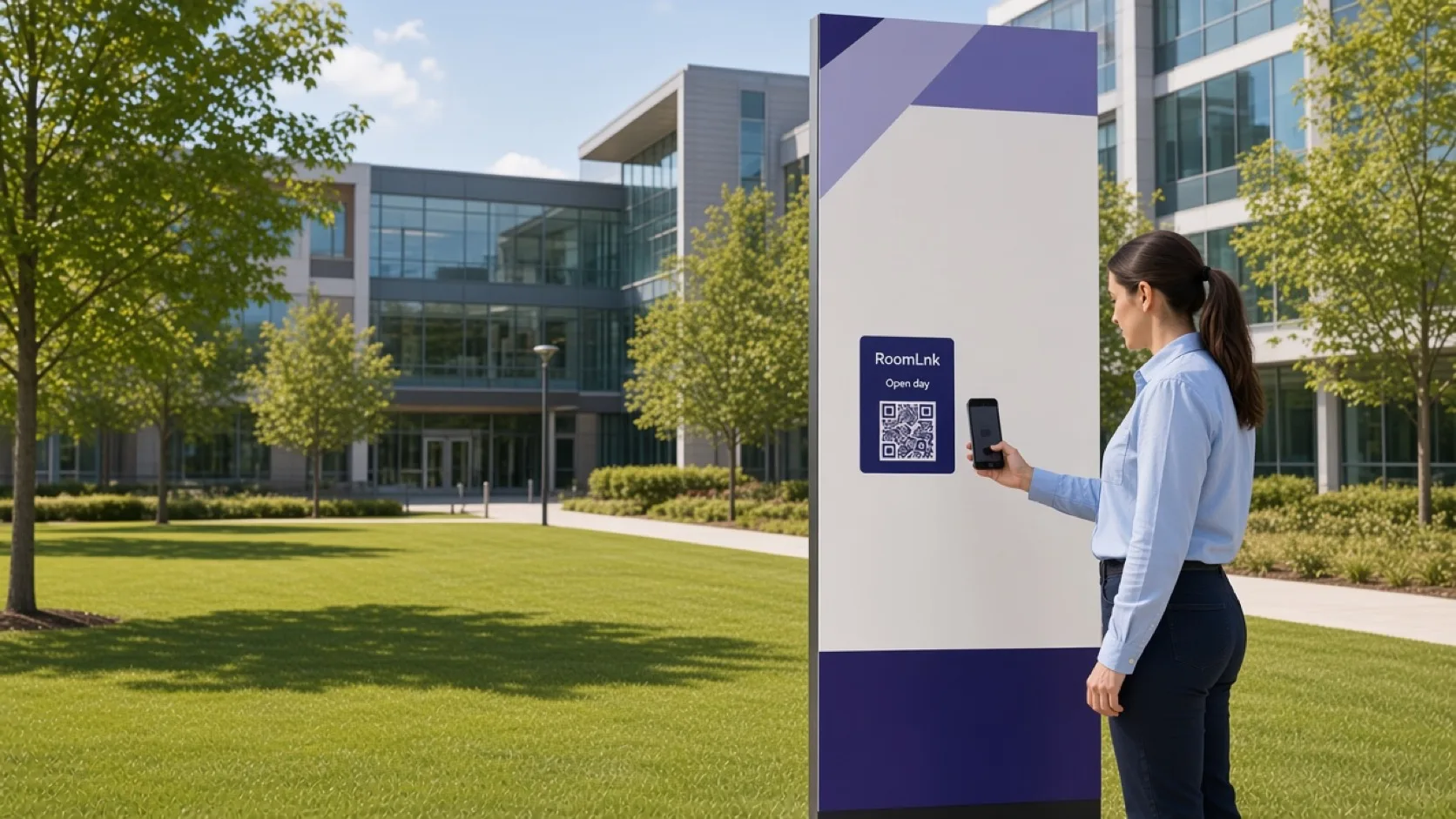
On campus
Open days, admissions, and department stands create the same practical questions: where to go, who is here today, and what the next public step is.
RoomLnk can answer from current campus information. Results, fees, visas, and student records need the authorised system and an identity check.
Campus conversations
Use today’s map. Send specialised academic or enrolment questions to authorised staff.
“They are in Building 4 today. I can send you the campus map.”
Published dates and where to ask, not an application decision.
Each stand can have a room for that department.
Where to go for a general enquiry.
Translate a campus question and keep the original.
Staff covering that desk share the room.
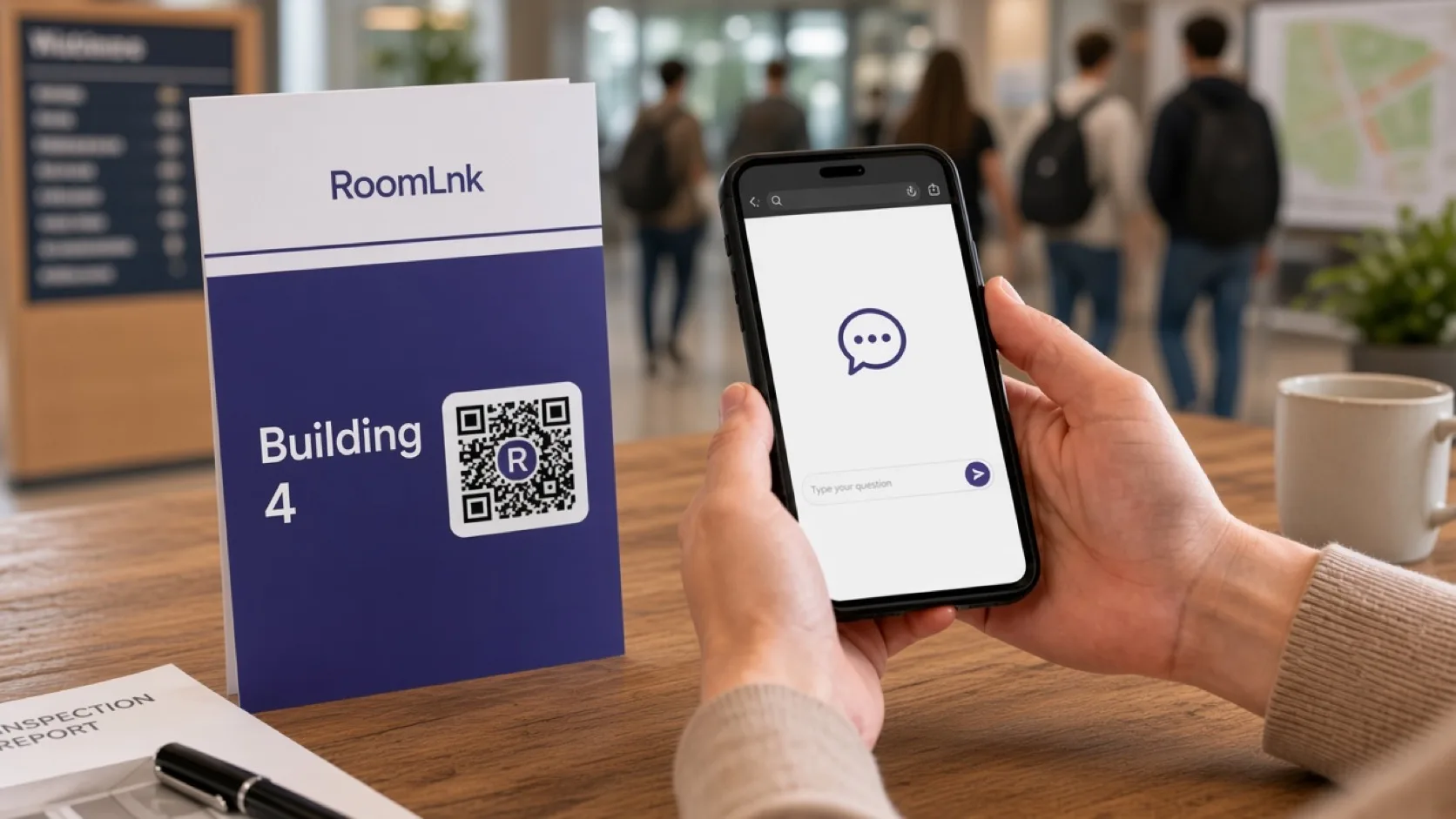
Building 4
The visitor scans and asks for engineering. The stand replies with Building 4 and can send the map in the room.
Do not discuss results, fees, or a student’s file until identity is verified in the university system.
How it works
Open days, faculties, libraries, and service points.
A private room opens in the browser.
Or which published process applies.
From current campus information.
Results, fees, and applications use university systems.
Expire open-day rooms when the day ends.
Relevant RoomLnk features
Each faculty or service point can have its own room.
Do not discuss student records, results, or fees in a general RoomLnk room, and do not use it as the campus emergency line.
Where to place the code
Name the desk
Use the faculty or the event. Do not put a student number in the title.
Student records
Route visas, enrolment decisions, results, fees, and research questions to authorised staff.
Verify identity before discussing a student’s record. Emergencies, security, and wellbeing use their published pathways.
Questions and answers
Yes. The stand card opens a room for that desk.
No. They scan the map or the desk card in a browser.
Yes, from the current campus information.
No. Those need the university system and an identity check.
Yes. Files can be shared in the same conversation.
No. Security and wellbeing stay on their published pathways.
Create your RoomLnk