Speaker Q&A
“Yes. We will post the references in this room after the Q&A.”

Conferences
“Will the speaker share the research links?” belongs in the session room, after the Q&A.
Print a RoomLnk code on the program, the slide, the badge, or the stand. Attendees join in the browser. The room can expire when the conference ends.
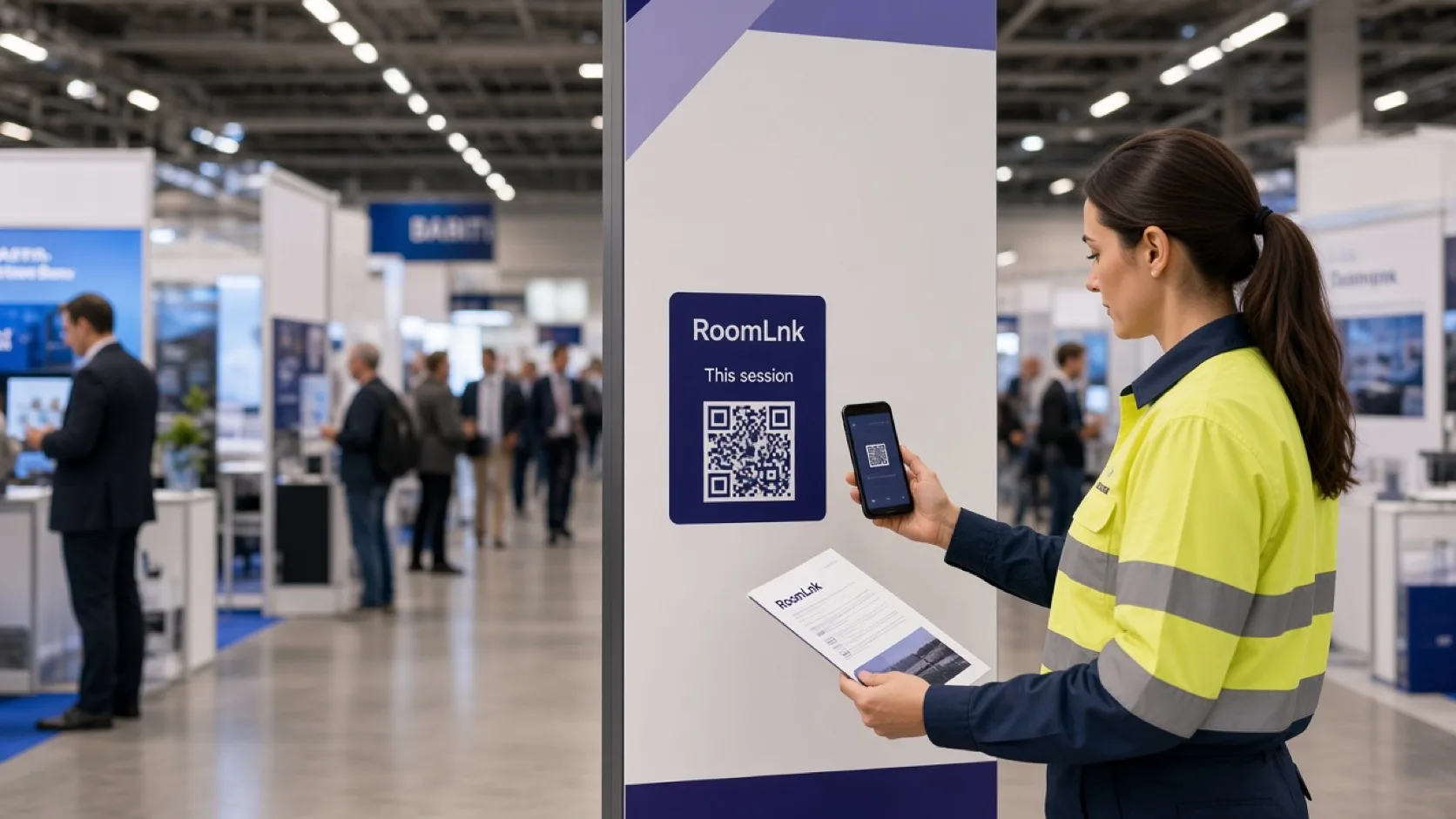
In the session
Speakers, exhibitors, and attendees need a thread for this talk or this stand. A permanent group chat outlives the conference and mixes unrelated people.
RoomLnk can be a session room, a speaker follow-up, or an exhibitor room. Safety, harassment, and program-wide alerts stay on the official event channels.
Conference conversations
Tell speakers what will be shared, and when unanswered questions will be closed.
“Yes. We will post the references in this room after the Q&A.”
A private room when a public thread is the wrong place.
Questions for that booth, expired when the hall closes.
Links and files the speaker has agreed to post.
Translate a question and keep the original.
Close it when the session or the conference is over.
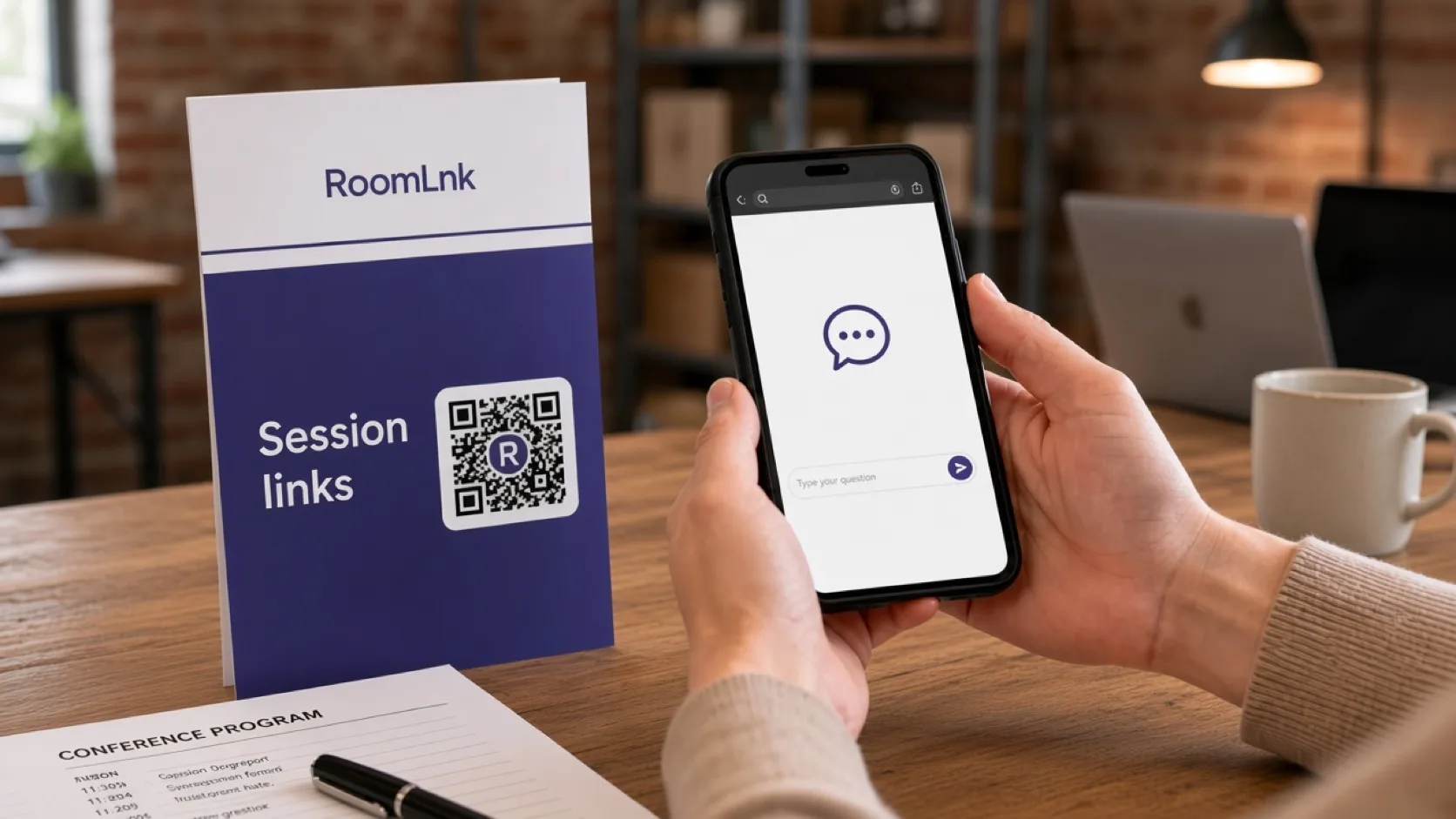
This session
The attendee scans and asks for the research links. The chair replies that they will be posted in this room after the Q&A.
Say what will not be shared. Attendee details are not passed on unless the event has said so.
How it works
Programs, slides, badges, and stands.
The room opens in the browser.
Or request the materials from the talk.
On the timing you agreed.
Respect copyright and the event policy.
When the session or the conference ends.
Relevant RoomLnk features
Each talk or stand can have its own temporary room.
Do not use a session room as the conference safety or harassment channel. Publish those contacts separately.
Where to place the code
Name the session
Use the session or the stand. Do not publish an attendee list as the title.
Moderation
Set expectations for moderation, response time, and which materials may be shared after the session.
Keep safety announcements, accessibility emergencies, harassment reports, and urgent venue issues on the official event channels.
Questions and answers
Yes. A code on the program or the closing slide opens that room.
No. They scan and join in the browser.
Yes, if the event and the speaker have agreed those materials can be shared.
Only if the event has said that it will. Say that beside the code.
When you set it to expire, typically at the end of the session or the conference.
No. Safety and harassment reports use the official event channels.
Create your RoomLnk