Reception enquiries
Hours, who to ask for, and where to sign in.

Schools
“Where do we collect students after the concert?” is an event question, not a student record.
Put a RoomLnk code on reception, the newsletter, or the excursion note. Families join in the browser. Absences, custody, and wellbeing stay on the school’s official process.
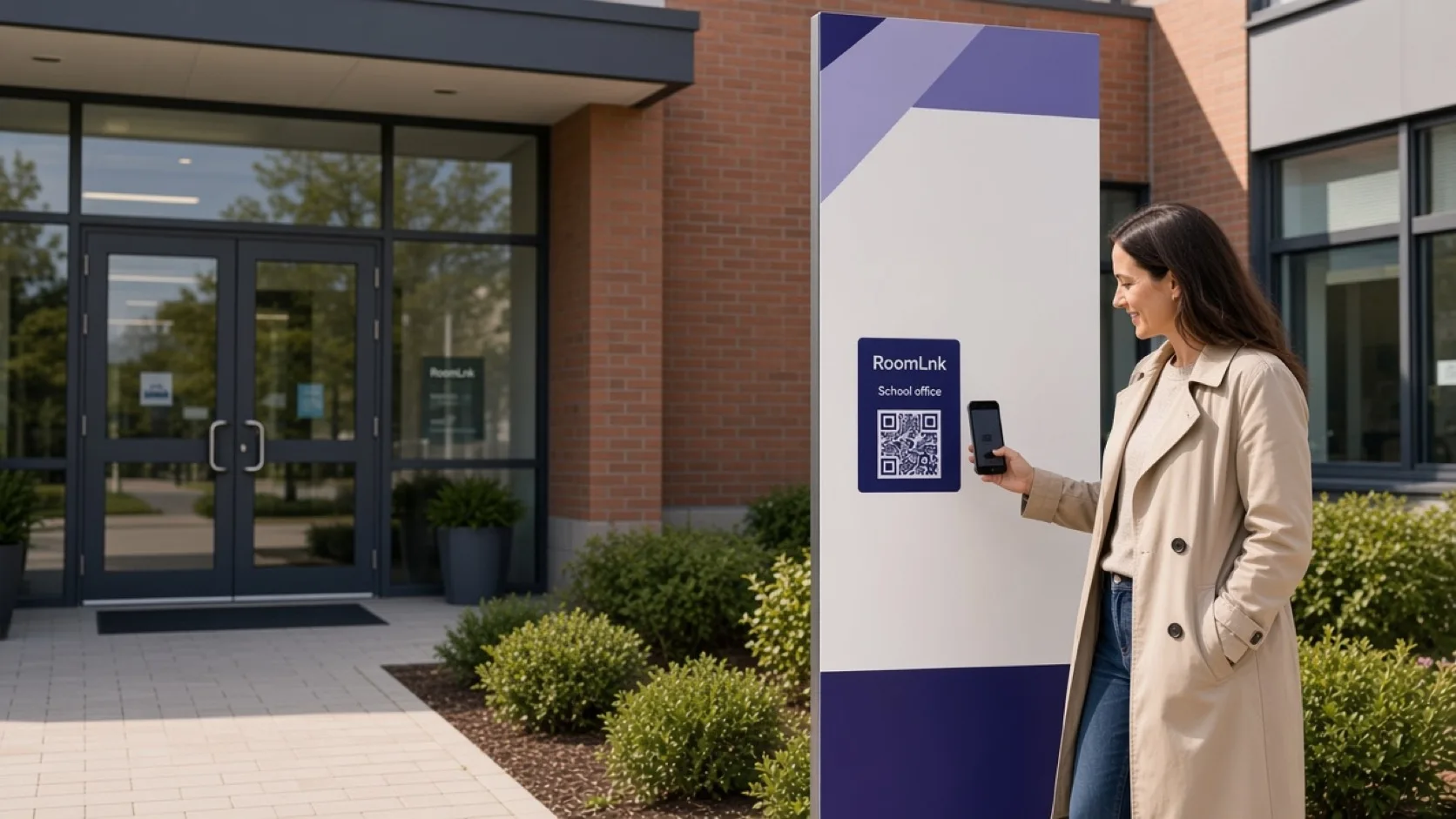
Everyday school questions
Gates, concerts, and reception questions change. Families need the current instruction without a personal staff number.
RoomLnk can publish that logistics conversation. A display name does not verify who may collect a child, and it is not a safeguarding report.
Suitable conversations
Update the room owners when a gate, time, or supervision plan changes.
Hours, who to ask for, and where to sign in.
“Collection is from the north gate after the final performance.”
Published times and places, updated if they change.
Which office handles a general form, not the student’s file.
Translate a gate or event question. Keep the original.
Reception shares the room instead of a personal mobile.
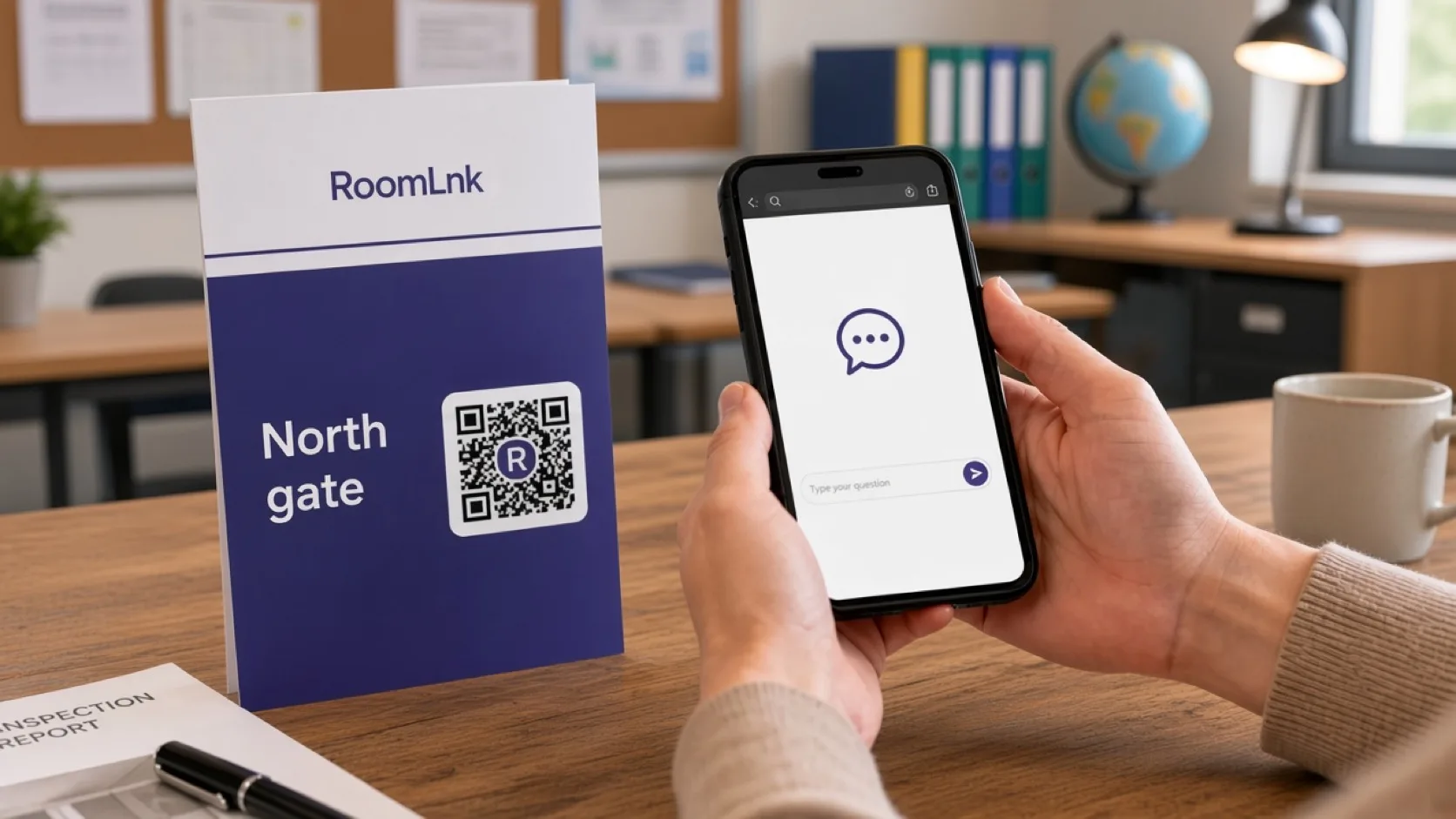
This event
A family scans the concert card and asks where to collect students. The office replies with the approved gate and time.
Changing who may collect a child, recording an absence, or raising a wellbeing concern uses the school’s official process.
How it works
Reception, newsletters, events, and excursion information.
No app. The label says what the room is for.
Gate, time, or which office to speak to.
From the current approved instruction.
Custody, absences, and wellbeing leave the general room.
Take the code down when the event or the gate plan changes.
Relevant RoomLnk features
The room answers the notice. It does not become the student record.
Do not use RoomLnk for safeguarding reports, custody changes, or as the only urgent contact for the school.
Where to place the code
Do not name the child
Name the event or the gate. Do not put a student’s name in the room title.
Safeguarding
Publish collection and event instructions from an approved source, and update them when a gate, schedule, or supervision plan changes.
Follow identity, safeguarding, and custody procedures before disclosing student information or changing who may collect a child. Urgent safety matters use immediate contacts.
Questions and answers
Reception, event collection, excursion meeting points, and other published logistics.
No. Those go through the school’s official process.
No. They scan the notice or open the newsletter link in a browser.
No. Collection authority follows the school’s identity and custody procedures.
Yes. Translation is for the logistics message. The original stays visible.
Update the people answering, and replace the code or the notice so families are not sent to the old place.
Start with RoomLnk