Attendee help
“Where is the afternoon workshop?” can start from the schedule card.

Events
“Where is the afternoon workshop?” should be answered from the schedule the attendee is holding.
Print a RoomLnk code on the booth, the badge, the map, or the session card. The room can expire when the event ends. Safety issues stay on the venue’s immediate procedure.
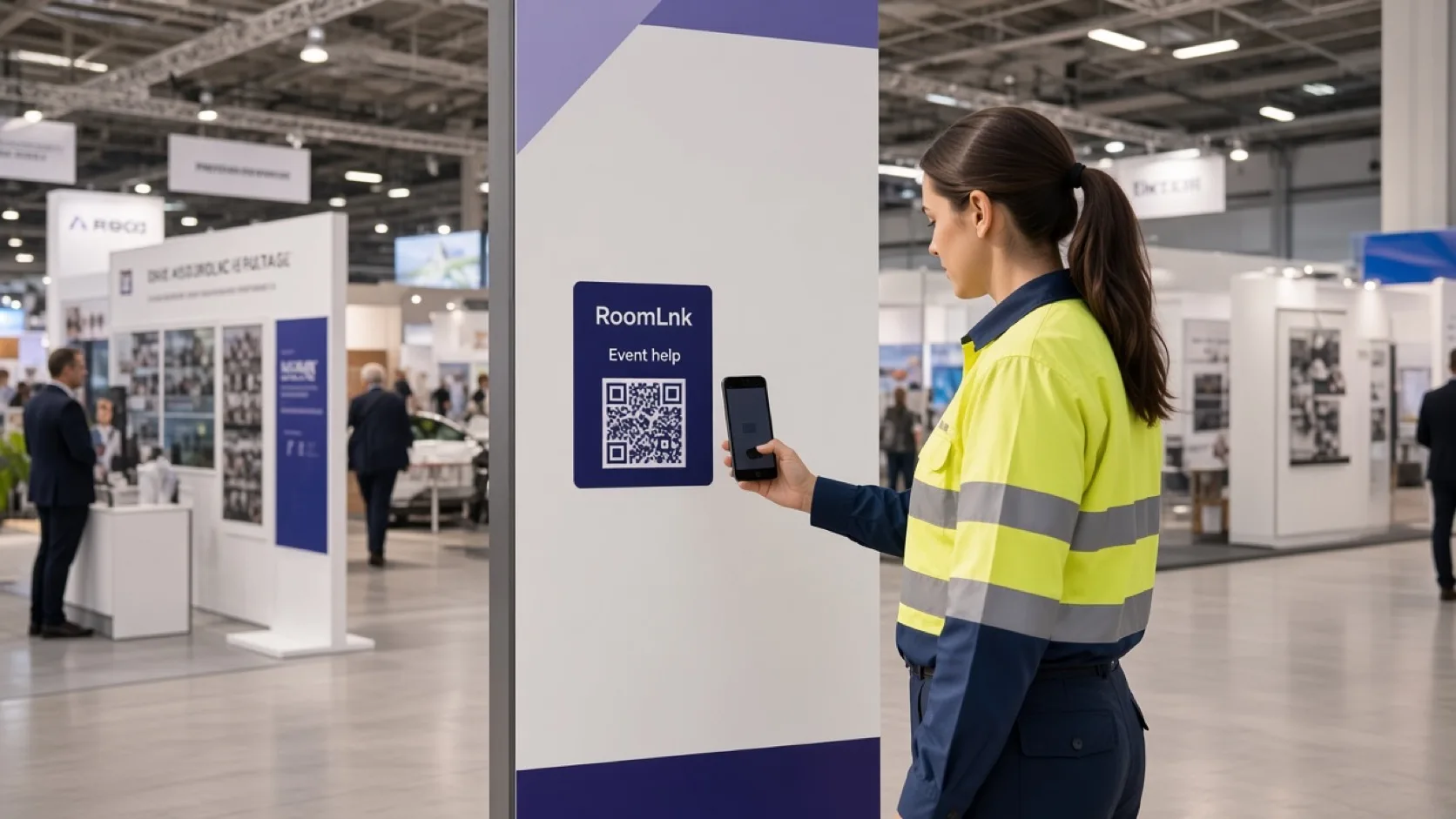
On the event floor
Attendees, exhibitors, and speakers only need a thread for this event. A permanent group leaves everyone’s numbers behind after the doors close.
RoomLnk can be a booth room, a session room, or a general help room. Lost children, medical needs, and security go to the published response procedure, not ordinary chat.
Event conversations
Give responders the current map and running order. Update them when a room or time changes.
“Where is the afternoon workshop?” can start from the schedule card.
Each stand can have a room that expires with the event.
Non-urgent lost property has a labelled place to ask.
Translate a question and keep the original.
A photo of a booth or a room name avoids a wrong direction.
Info-desk staff share the business workspace.
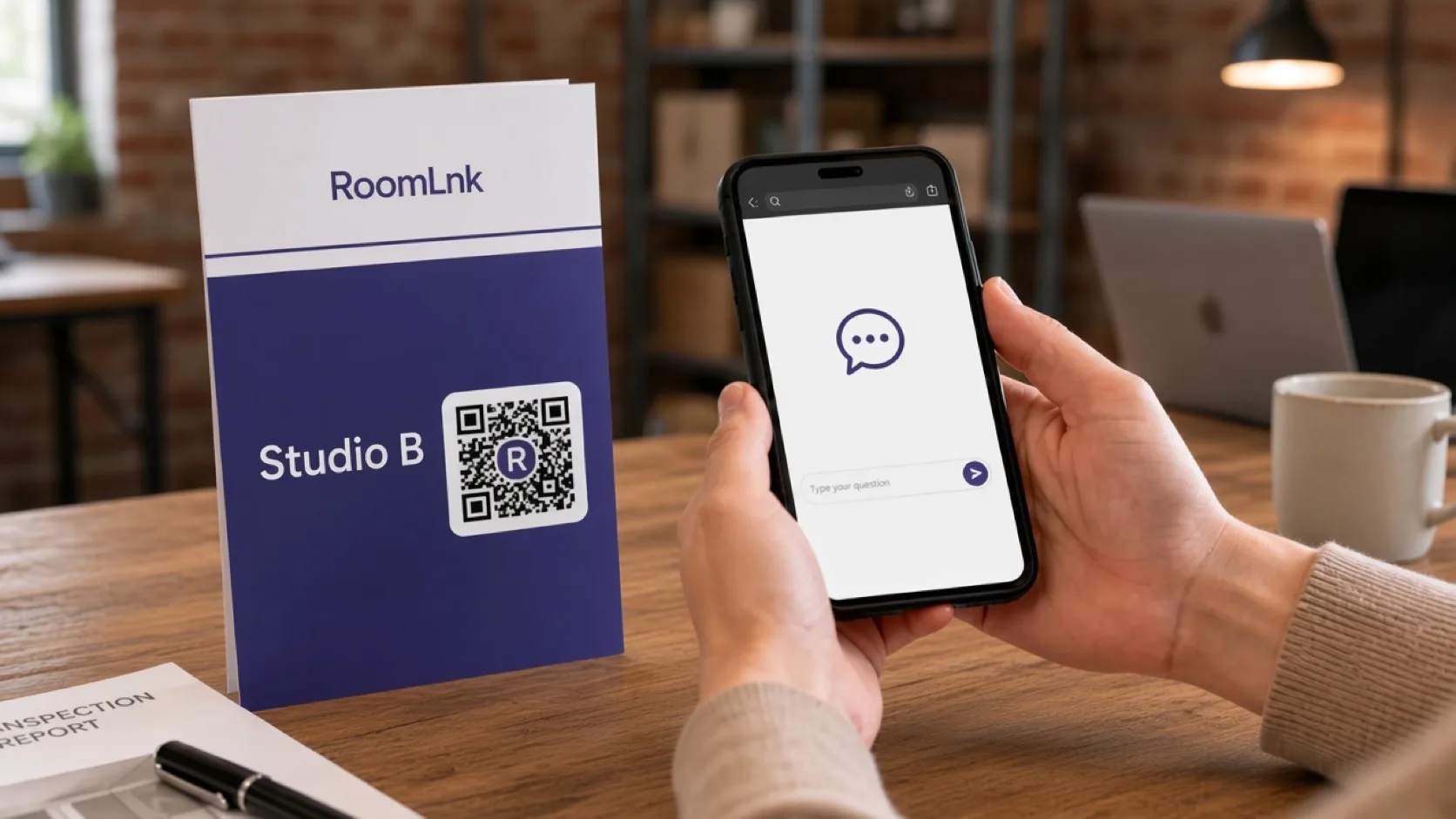
This session
The attendee scans and asks where the workshop is. The desk replies, “It starts at 2pm in Studio B, beside the main stage.”
If the room assignment changes, update the people answering before they send the old direction again.
How it works
Booths, badges, maps, and session cards.
Help opens in the browser. No event app required.
A booth, a session, or lost property.
From the current map and running schedule.
Medical, security, and lost children use the immediate procedure.
Close the rooms when the doors close.
Relevant RoomLnk features
Temporary rooms keep booths and sessions separate.
Do not use a RoomLnk room as the only channel for medical help, lost children, or venue security.
Where to place the code
Name the touchpoint
Use the booth or session. Do not put an attendee list in the room title.
Event safety
Keep the live map and schedule with the people who reply, and update them when a room, entrance, or time changes.
Direct lost children, medical needs, security concerns, and urgent venue problems to the published immediate-response procedure.
Questions and answers
Yes. The booth sign opens a room for that stand, and it can expire when the event ends.
No. They scan a badge, map, or schedule card and chat in the browser.
Yes, from the current map. Update staff when a room assignment changes.
No. Medical needs, lost children, and security use the venue’s immediate procedure.
Yes. Photos help the desk see where they are standing.
Yes. The original message stays visible.
Create your RoomLnk