Quote requests
“Send a photo here and your suburb, and I will take a look.”

Trades
“Could you quote for replacing an outdoor tap?” can start with a photo, not a missed call.
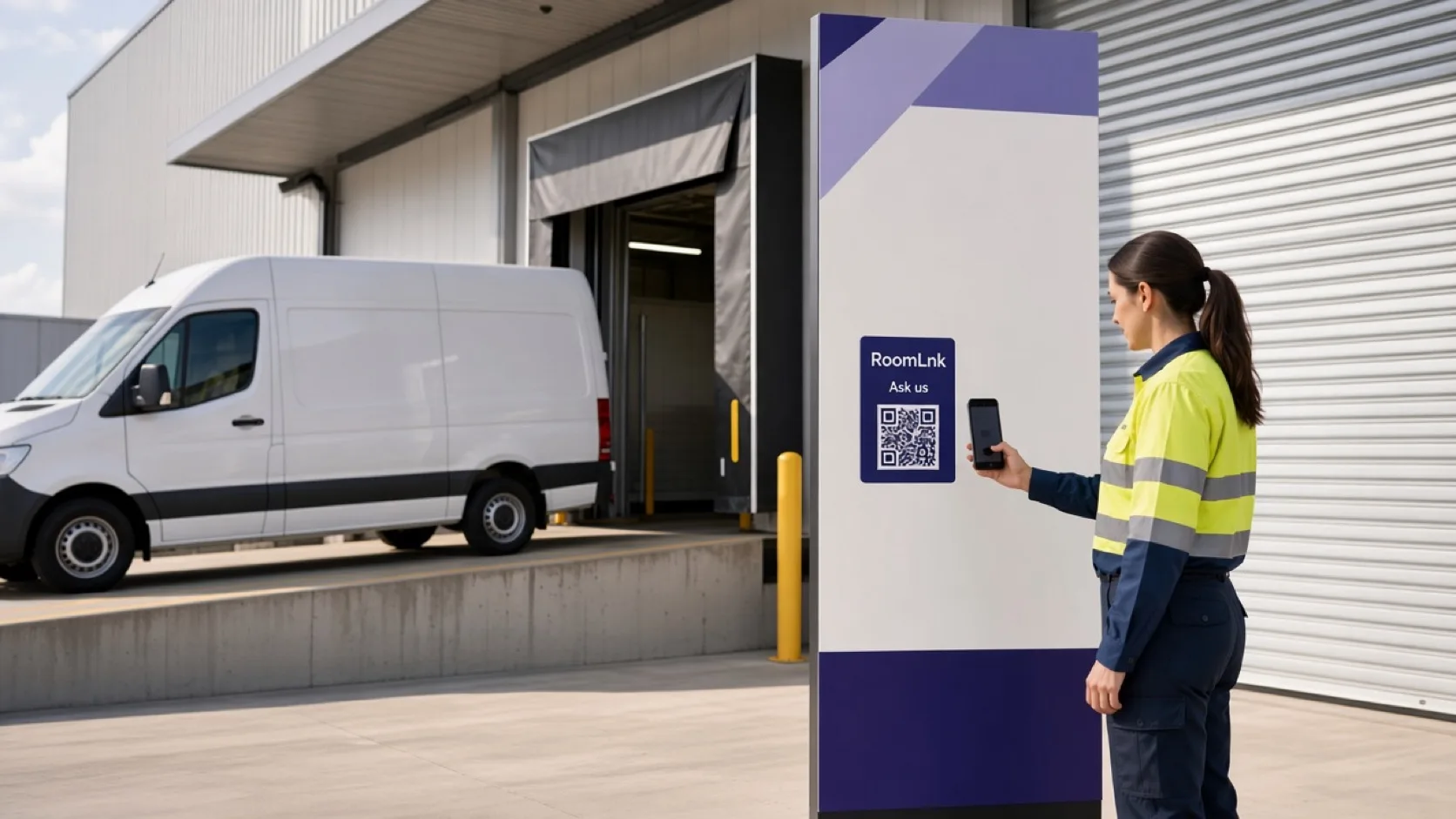
Put a RoomLnk code on the vehicle, the job sign, the quote, or the invoice. The customer joins in the browser. A chat estimate is not the formal quote.
On the job
Customers see the van or the job sign and want a price, a time, or an update. Calling around for a mobile number slows that down.
RoomLnk takes the photo and the suburb in a private room. Access details, variations, and invoices stay on the business process.
Job conversations
Photos help the first look. Say when you still need to visit before pricing the work.
“Send a photo here and your suburb, and I will take a look.”
Agree a time without publishing alarm codes in the chat.
Running late, parts on order, or the work is finished.
The tap, the leak, or the finished work.
Keep the customer’s original message.
The office or the tradesperson covering the job can reply.
This job
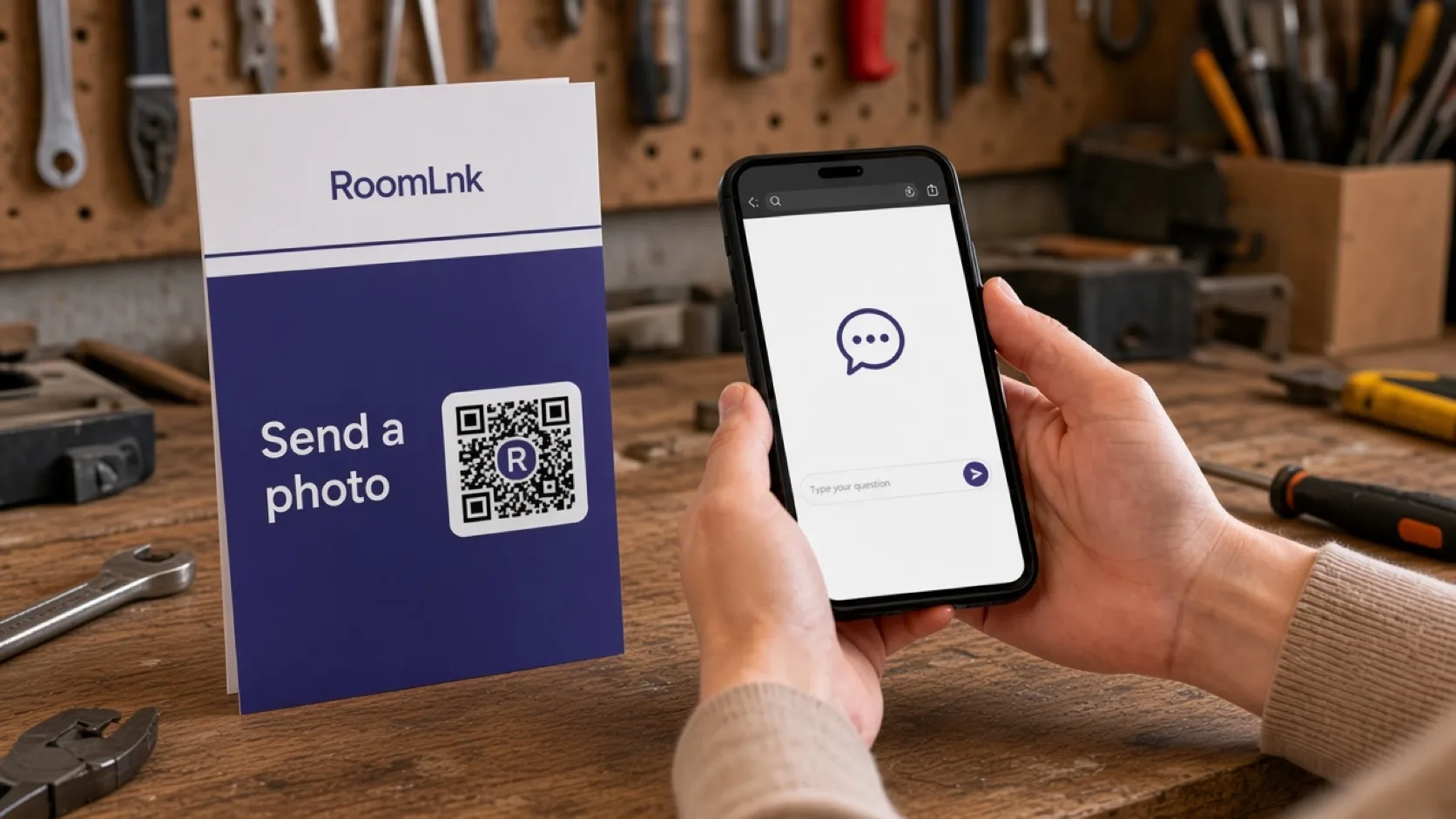
The customer scans and asks for a quote. They can send a photo of the outdoor tap in the same room.
The formal quote, the scope, and the invoice are issued through the business process. A conversational estimate is not the approval.
How it works
Vehicles, job signs, quotes, and invoices.
A private room opens in the browser.
Plus the suburb or the job reference.
Do not price unseen work as if it were confirmed.
Share access details only as widely as necessary.
Quotes, variations, and invoices stay formal.
Relevant RoomLnk features
The crew can share the room. The customer does not keep a private mobile number.
Do not send keys, alarm codes, or a fixed price for work you have not properly assessed.
Where to place the code
Name the job
Use the job or the suburb. Do not put alarm codes or a full private address in the title.
Quote and safety
Say when an onsite inspection is required before pricing or confirming availability.
Coordinate access without spreading keys or alarm details. Issue quotes, variations, warranties, and invoices through the formal process.
Questions and answers
Yes. A customer scans it and sends a photo in the browser. They do not need your mobile number.
No. Use the room for context. Issue the quote, variations, and invoice through your normal process.
Yes. Photos and voice clips stay in that job’s room.
Yes. Business team access lets more than one person reply.
No. Share access details only through the process you already use, and only as widely as necessary.
Yes. The original message stays visible.
Create your RoomLnk