Phones and computers
Status and part delays stay with that device, not a personal text.

Repair services
Repair #R8293 can carry its own RoomLnk code. The customer scans it and asks, “Is my repair ready?”
The workshop already knows which job the question belongs to. Updates, photos, and pickup information stay in that room instead of being split across calls, SMS, and email.
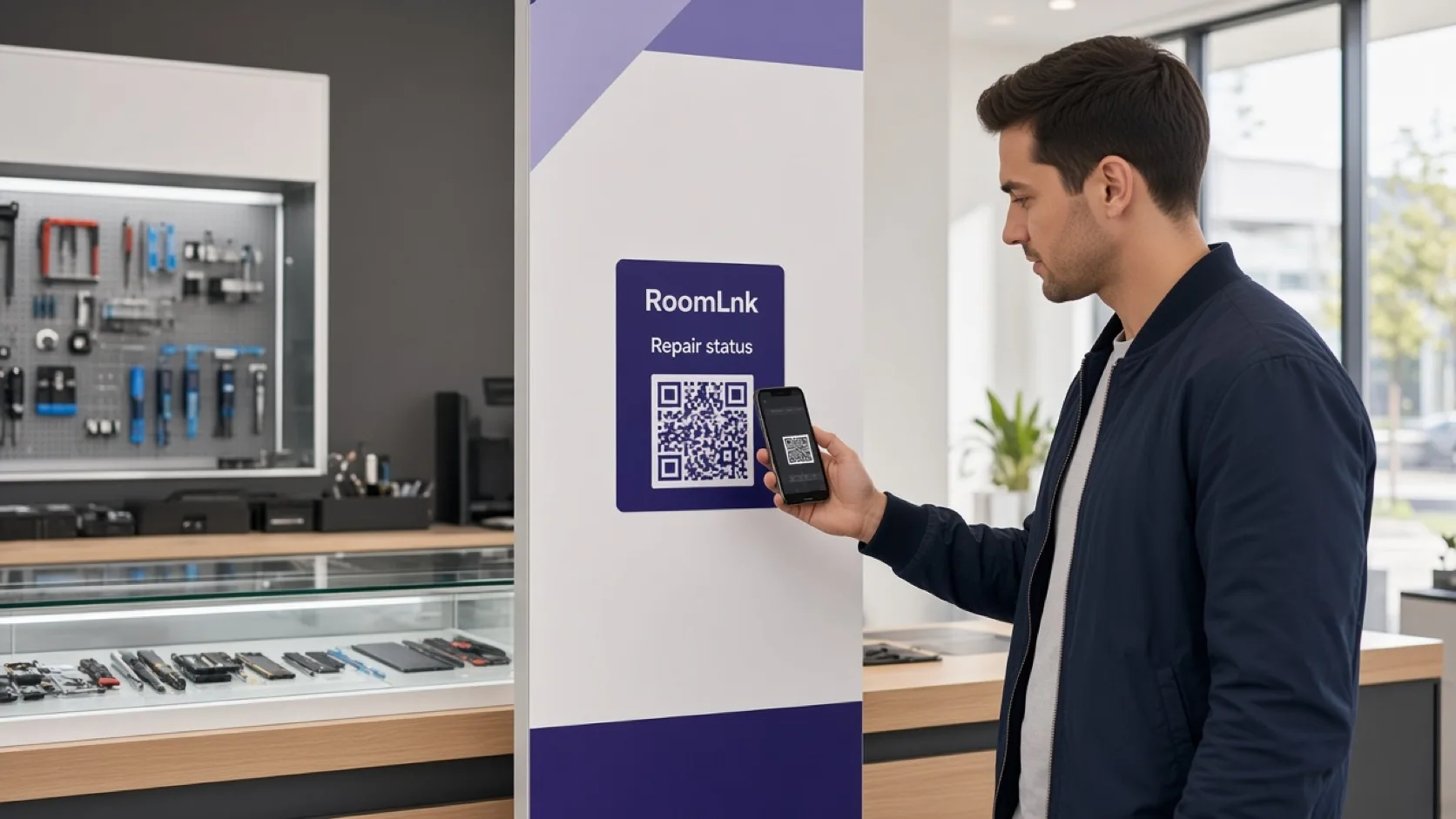
One job, one room
Phone repair, computers, appliances, bikes, furniture, watches, and general service counters all have the same problem: the customer wants the status of this job, and the answer is trapped in someone's messages.
A code on Repair #R8293 opens a private room. “We're waiting for one component. We expect it tomorrow.” is the reply, in the thread for that repair.
Workshops that fit
The same pattern works across repair counters.
Status and part delays stay with that device, not a personal text.
Photos of the fault and pickup timing live in the job room.
Show the item and tell the customer when it can be collected.
“Is my repair ready?” is the question the ticket code is for.
Send the update in the customer's language without losing your original note.
Anyone on the business team can answer that job.
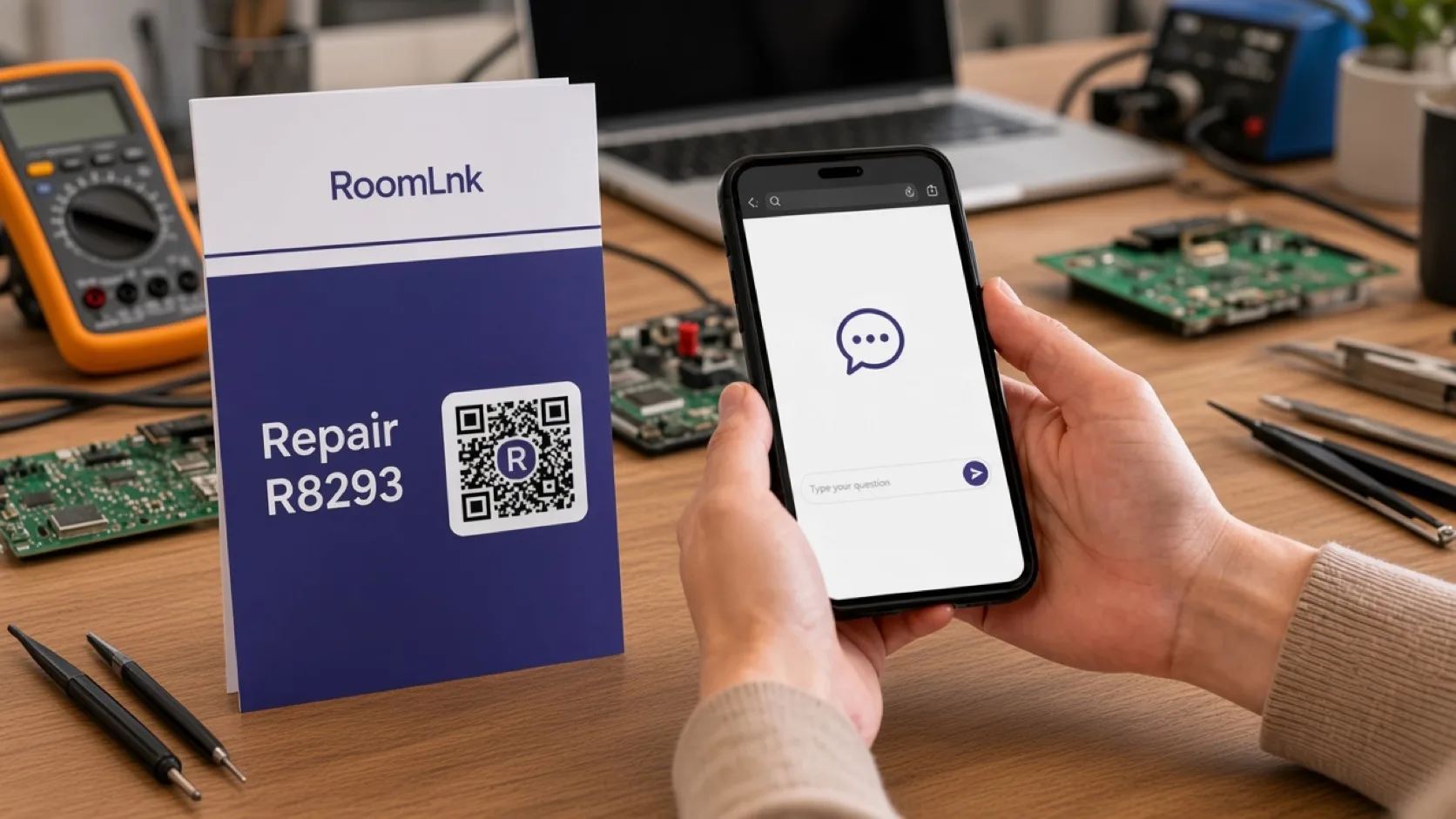
Repair #R8293
The ticket shows Repair #R8293 and a RoomLnk code: Scan for updates. The customer asks if it is ready. The workshop replies that one component is still due tomorrow.
Photos of the fault, voice clips, and translation stay with that temporary room until the item is collected.
How it works
Add RoomLnk to the repair ticket or the claim check.
The browser opens the room for Repair #R8293.
“Is my repair ready?” needs no phone call.
Share the component delay, the quote question, or the pickup time.
A photo explains the fault or the finished repair.
Expire the room when the item has gone and the questions have stopped.
Relevant RoomLnk features
Customers come back to the job, not to a stack of missed calls.
Where to place the code
Use the job number
Lead with the repair number so two similar devices never share a thread.
Workshop boundary
Quotes, warranties, payments, and parts orders stay in the repair system. Use the room so the customer can hear the status without calling.
Close or relabel codes when the job is collected. A ticket that still opens a dead room will generate the next confused message.
Questions and answers
Yes. Repair #R8293 can open a room that the workshop matches to that job.
Phone, computer, electronics, appliance, bicycle, furniture, watch, and general service counters.
Yes. Photos, voice clips, and files can be sent in the job room.
No. They scan the ticket and read the update in the browser.
Yes. Status updates can be translated, and the original message stays visible.
No. Quotes, payments, warranties, and parts stay in the workshop system. The room is the customer conversation.
Start with RoomLnk