Arrival windows
“They are scheduled for 8am. We will update you here if that changes.”

Construction
“What time will the flooring team arrive tomorrow?” belongs on the project, not in a mixed text thread.
Put a RoomLnk code on the project board, the client update, or the site notice. The client joins in the browser. Variations, safety directions, and compliance documents stay in the project system.
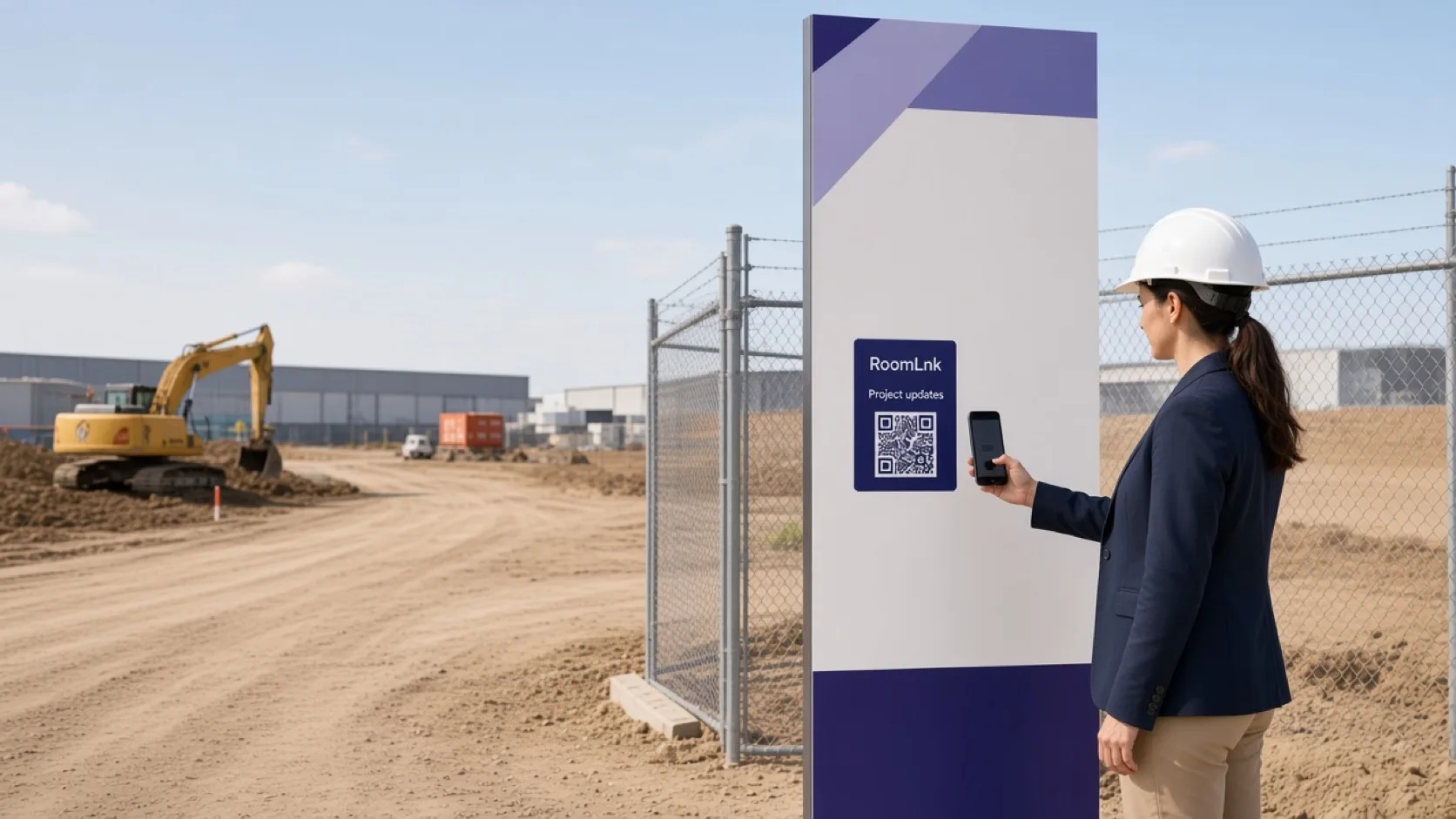
On the project
Clients want arrival times, access, and a plain update. Those messages get lost when they live on a supervisor’s personal phone.
RoomLnk can carry that practical conversation. Contractual notices, safety directions, and variations are issued by the responsible role through the project system.
Project conversations
Coordinate the visit. Do not put access credentials in a room that is wider than it needs to be.
“They are scheduled for 8am. We will update you here if that changes.”
Where to meet, without posting gate codes in the title.
A plain update, clearly separate from a formal notice.
Useful context. The compliance record still lives in the project system.
Keep the original message for the project team.
The people covering the job can reply.
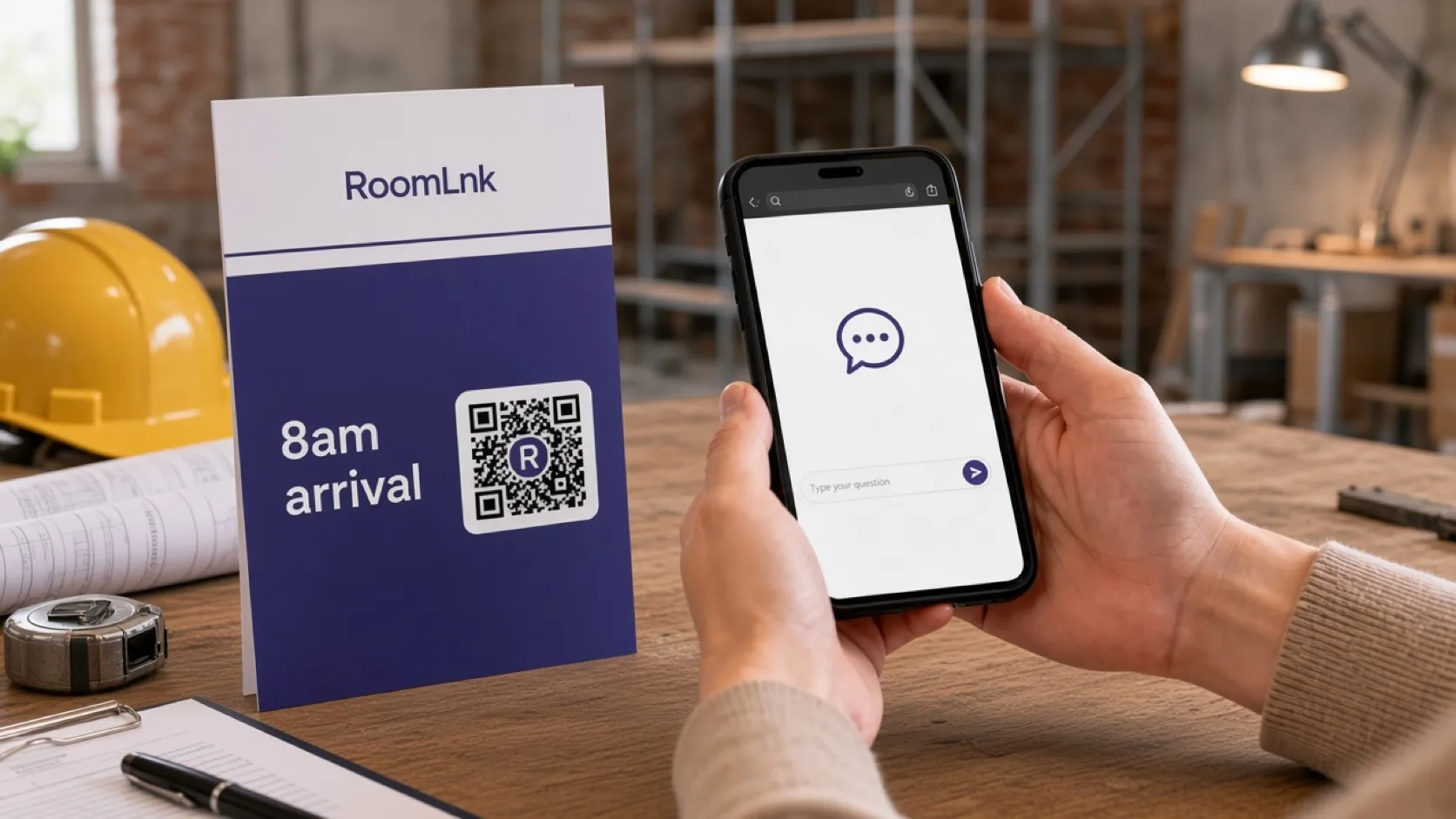
This project
The client asks when the flooring team will arrive. The supervisor replies with the scheduled time and promises an update here if it changes.
That reply is not a variation, a safety instruction, or a completion certificate.
How it works
Boards, client updates, and handover notes.
A private room opens in the browser.
Time, access, or what is happening tomorrow.
And says if that time can still change.
Variations, defects, and compliance documents.
Site safety directions use the responsible role and channel.
Relevant RoomLnk features
The conversation is about this job. The project system remains the record.
Do not use RoomLnk as the site emergency channel or as the only record of a variation, instruction, or safety direction.
Where to place the code
Name the project
Use the project or the trade. Do not put gate codes in the title.
Project controls
Coordinate arrival and access from the current schedule. Do not expose credentials in a room that does not need them.
Variations, defects, inspections, instructions, and compliance documents are recorded in the project system by the responsible role.
Questions and answers
Yes. A code on the board or the update opens a room for that job.
No. They scan and read the update in the browser.
No. Variations and instructions are issued through the project process.
Yes. The compliance record still lives in the project system.
Yes. The office and the crew can share the room.
No. Emergencies and safety directions use the site’s official process.
Create your RoomLnk