Tool rental
A tagged tool can open help for setup, return, or a fault on site.

Equipment rental
When a customer has a problem with rented equipment, they should not have to work out who to call.
Attach a RoomLnk QR code directly to the equipment. Equipment #EX-2841 already tells the rental team which item the conversation is about.
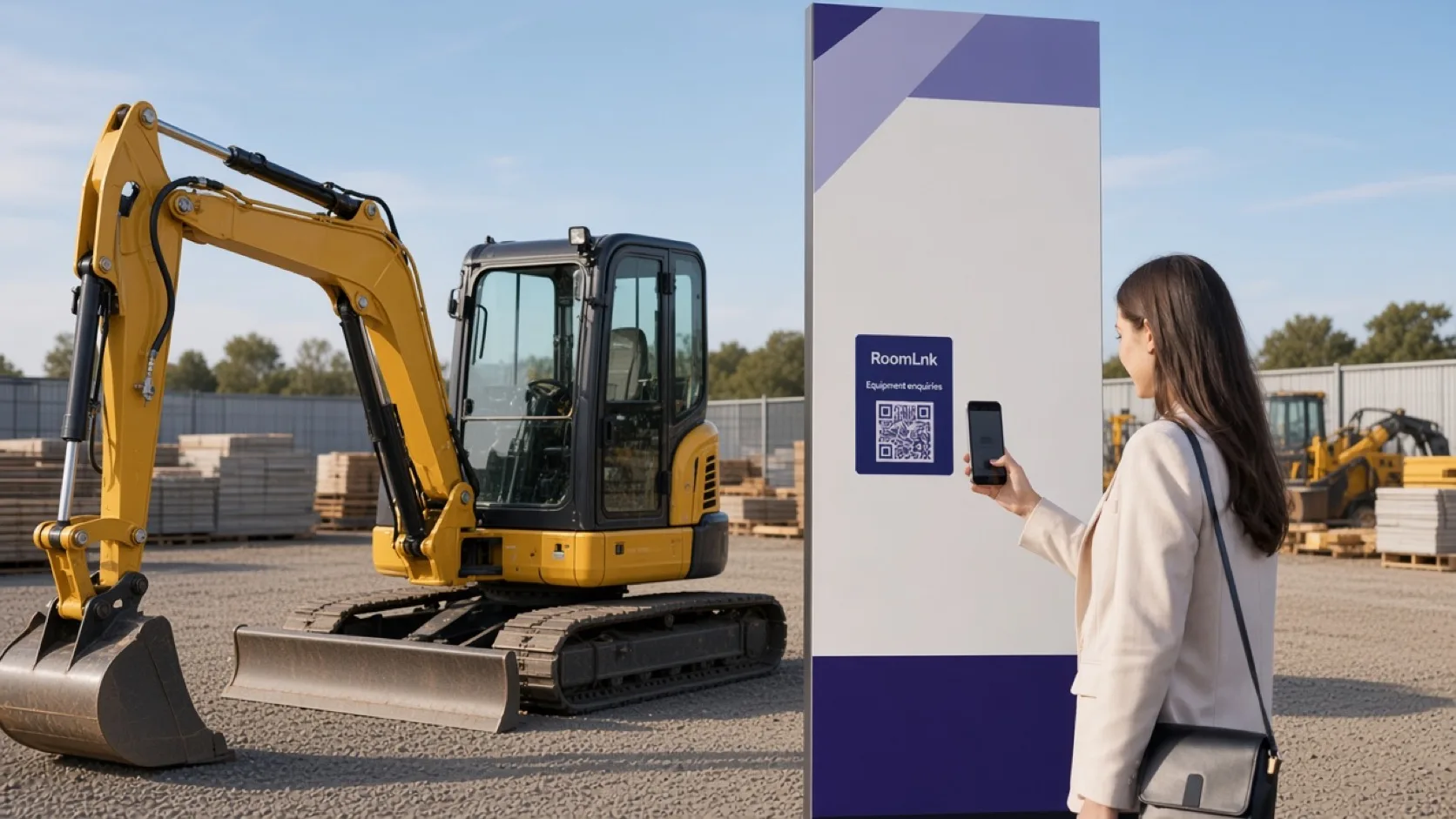
Support on the asset
Tool hire, construction plant, cameras, event gear, bikes, and sports equipment all fail away from the counter. The customer is standing next to the item, not next to the person who rented it out.
A code on that item opens a temporary private room. “The machine starts but stops after a few seconds” arrives already linked to Equipment #EX-2841.
What can carry a code
Use the same pattern across the rental catalogue.
A tagged tool can open help for setup, return, or a fault on site.
Plant on a job site keeps its own support room for that hire period.
Photographers and venues can ask about a specific kit without a group text.
The asset number on the tag is the room context.
Pickup, return, and fault questions stay with that item.
A photo or voice clip of the symptom is more useful than a model guess.
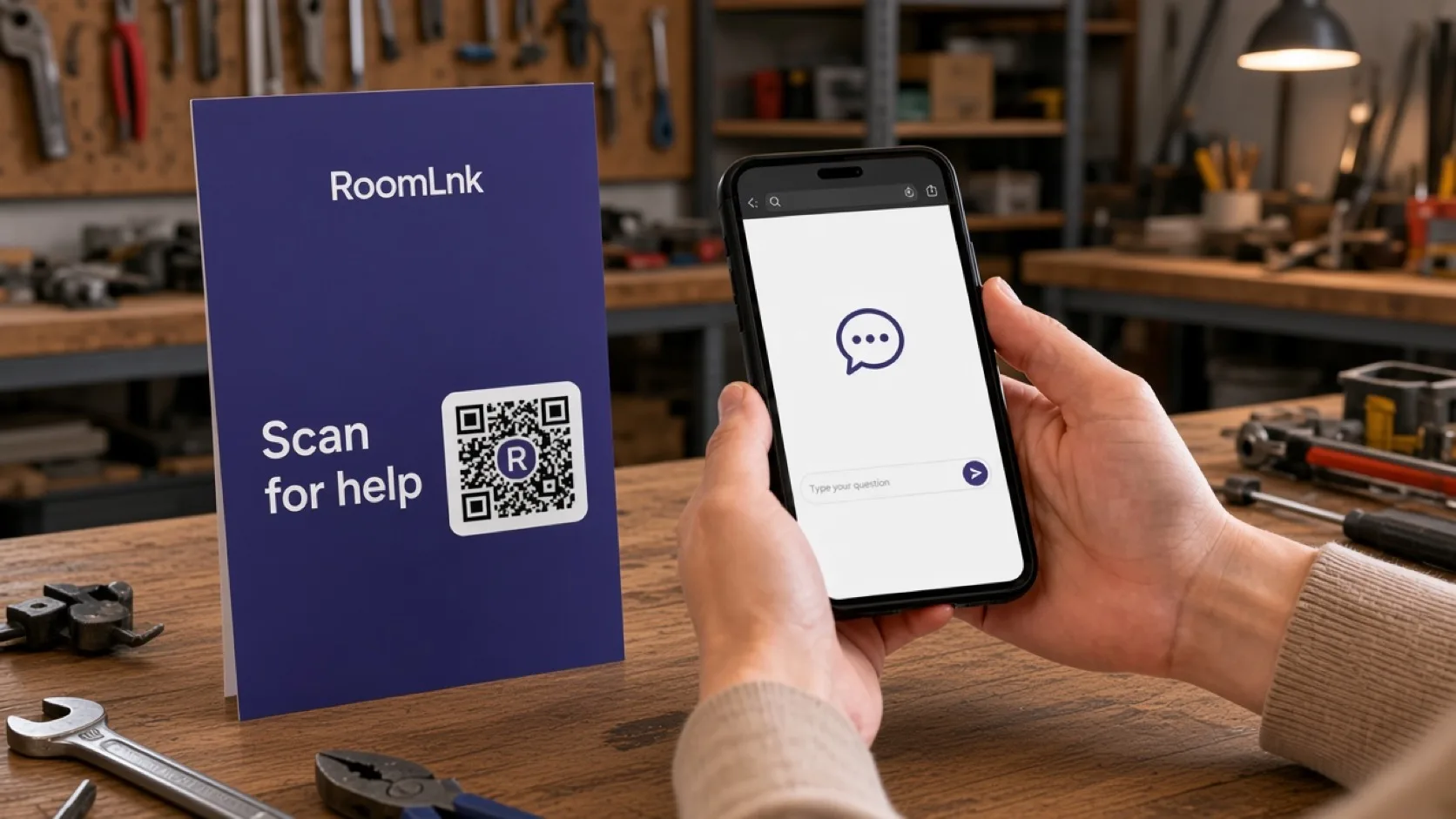
Equipment #EX-2841
The tag reads Equipment #EX-2841, with a RoomLnk code and a short line: Scan for help. The customer writes “The machine starts but stops after a few seconds.”
The rental team knows the asset before they answer. Instructions, photos, and voice messages stay in a room that can expire when the hire ends.
How it works
Attach a RoomLnk code to the equipment or its hire paperwork.
Help opens in the browser beside the item. No app.
The team sees Equipment #EX-2841 with the message.
Show the symptom, or send a short voice message from site.
Keep the original message and show a translation beside it.
Close the room when the item is back and the question is finished.
Relevant RoomLnk features
The conversation is about one asset, for the length of the hire.
Do not use the chat as the only safety instruction for machinery. Direct unsafe equipment through the rental company's shutdown and incident process.
Where to place the code
Use the asset number
Lead with the equipment ID so two similar machines never share one thread.
Safety and records
Use the room for practical help and status. Formal hire terms, damage charges, and safety-critical procedures stay in the rental system and the manufacturer's instructions.
If an item is unsafe to use, say so clearly and follow the hire company's shutdown process. Do not leave a code on equipment that has been retired.
Questions and answers
Yes. A tag such as Equipment #EX-2841 opens a room the team can match to that asset.
Tool hire, construction equipment, cameras, event gear, machinery, bikes, and sports equipment can all carry a code.
Yes. Photos, files, and voice messages stay in the equipment room.
No. They scan the tag and continue in the browser.
Temporary rooms can expire when the item is returned and the question is resolved.
No. Contracts, charges, and maintenance records stay in the rental system. The room is the conversation about that item.
Create your RoomLnk