Where to meet
The original pickup point, or the new one if it has actually changed.

Tourism
“Is the rainforest tour still running in this weather?” needs the live schedule, not a guessed answer.
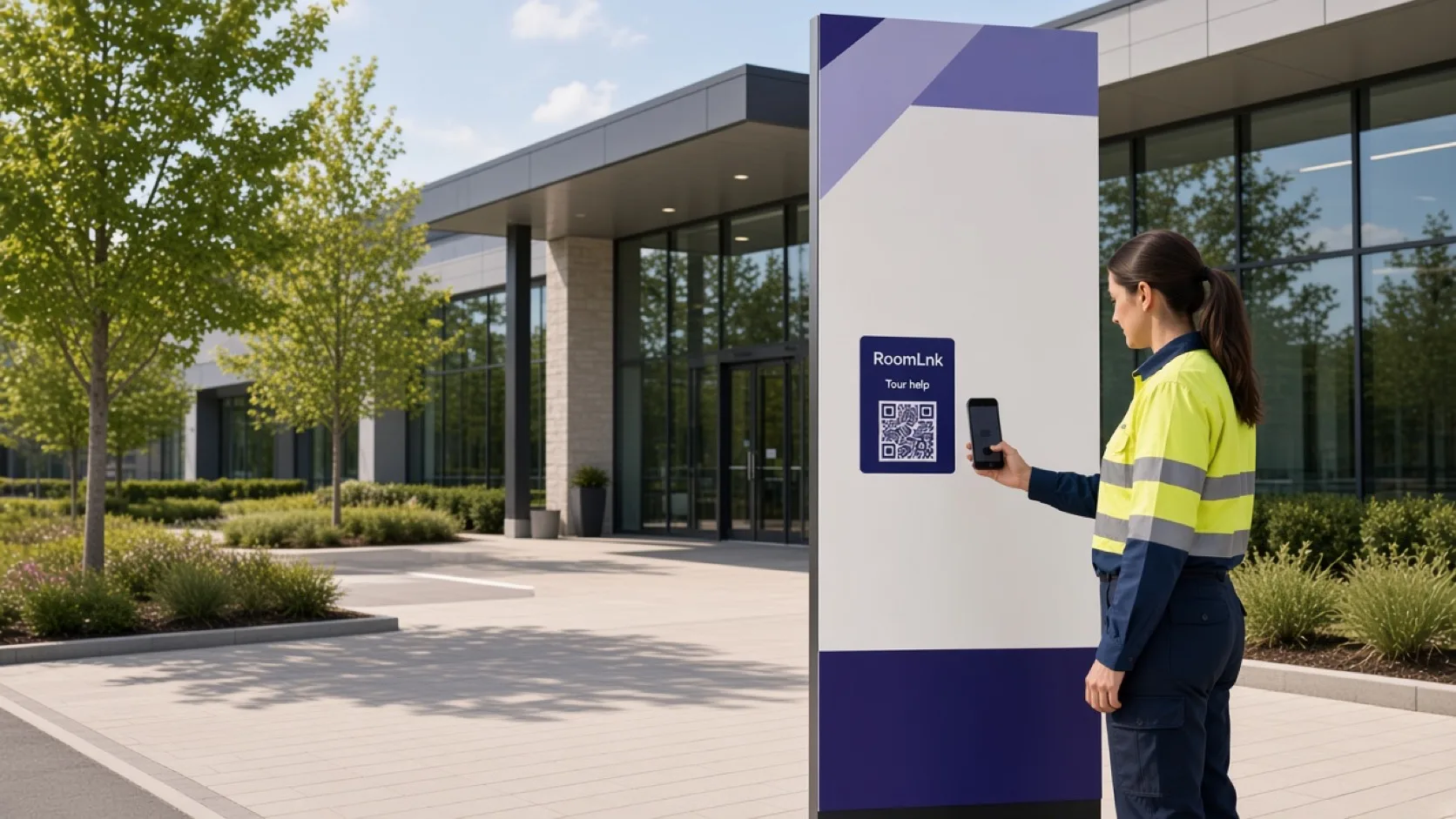
Put a RoomLnk code on the ticket, the map, the attraction sign, or the booking confirmation. Visitors join in the browser. Refunds and emergencies stay on their own processes.
On the day
Visitors ask where to meet, whether the weather has changed the tour, and what to bring. Those answers change, and a personal guide number is the wrong system of record.
RoomLnk keeps the update on that departure or that attraction. Say clearly when a time is confirmed and when it may still change.
Visitor conversations
Answer from the live schedule. Direct urgent safety and medical issues to the local procedure.
The original pickup point, or the new one if it has actually changed.
“Yes, with a 20-minute delay” only when that is the live status.
Approved clothing, accessibility, and preparation notes.
A photo of the meeting point helps a lost visitor.
Translate the update and keep the original.
Guides and the desk share the room for that departure.
This departure
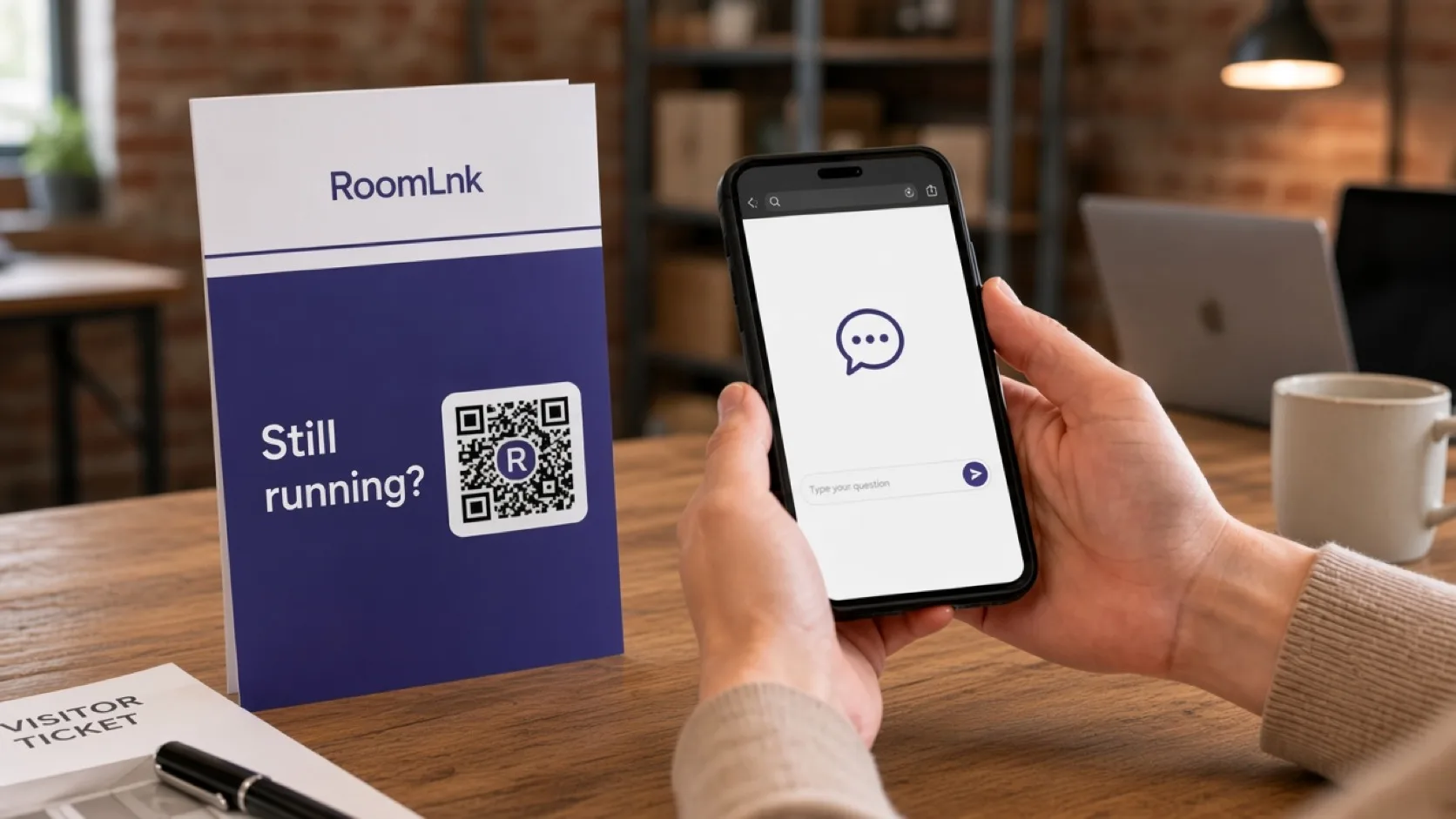
The visitor scans and asks if the tour is still running. The desk replies that it is, with a 20-minute delay, and to meet at the original pickup point.
Refunds, waivers, and paid extras are recorded in the booking system. Do not ask for passport or card details in the chat.
How it works
Tickets, maps, signs, and confirmations.
Help opens in the browser. No app.
Weather, meeting point, or what to bring.
Separate a confirmed delay from an estimate.
Safety and medical issues use the local procedure.
Refunds and extras stay in the tour system.
Relevant RoomLnk features
Each departure or attraction can have its own room.
RoomLnk is not the emergency contact for a tour or attraction. Do not collect passport or payment details in the chat.
Where to place the code
Name the departure
Use the tour and the time. Do not put a traveller’s document details in the title.
Operating truth
Answer from the live schedule. Distinguish a confirmed delay or cancellation from an estimate that may still change.
Direct urgent safety, missing-person, and medical matters to the immediate local procedure. Record refunds and waivers in the booking system.
Questions and answers
Yes. The ticket or confirmation opens a room for that tour.
No. They scan the ticket or the sign and chat in the browser.
Yes, when it is the live status. Say if a time is still only an estimate.
The room can explain the next step. Refunds are recorded in the booking system.
Yes. A photo of the sign helps the desk direct them.
No. Safety and medical issues use the operator’s immediate procedure.
Start with RoomLnk