Hotel and accommodation stays
Give a guest one place to ask about arrival, facilities, housekeeping, or departure arrangements throughout their stay.

Hospitality guest communication
Give hotel guests and restaurant customers a private browser-based way to contact your team through a link or QR code.
Create a room for a table, booking, stay, or enquiry. The guest joins without downloading an app or exchanging a personal phone number.
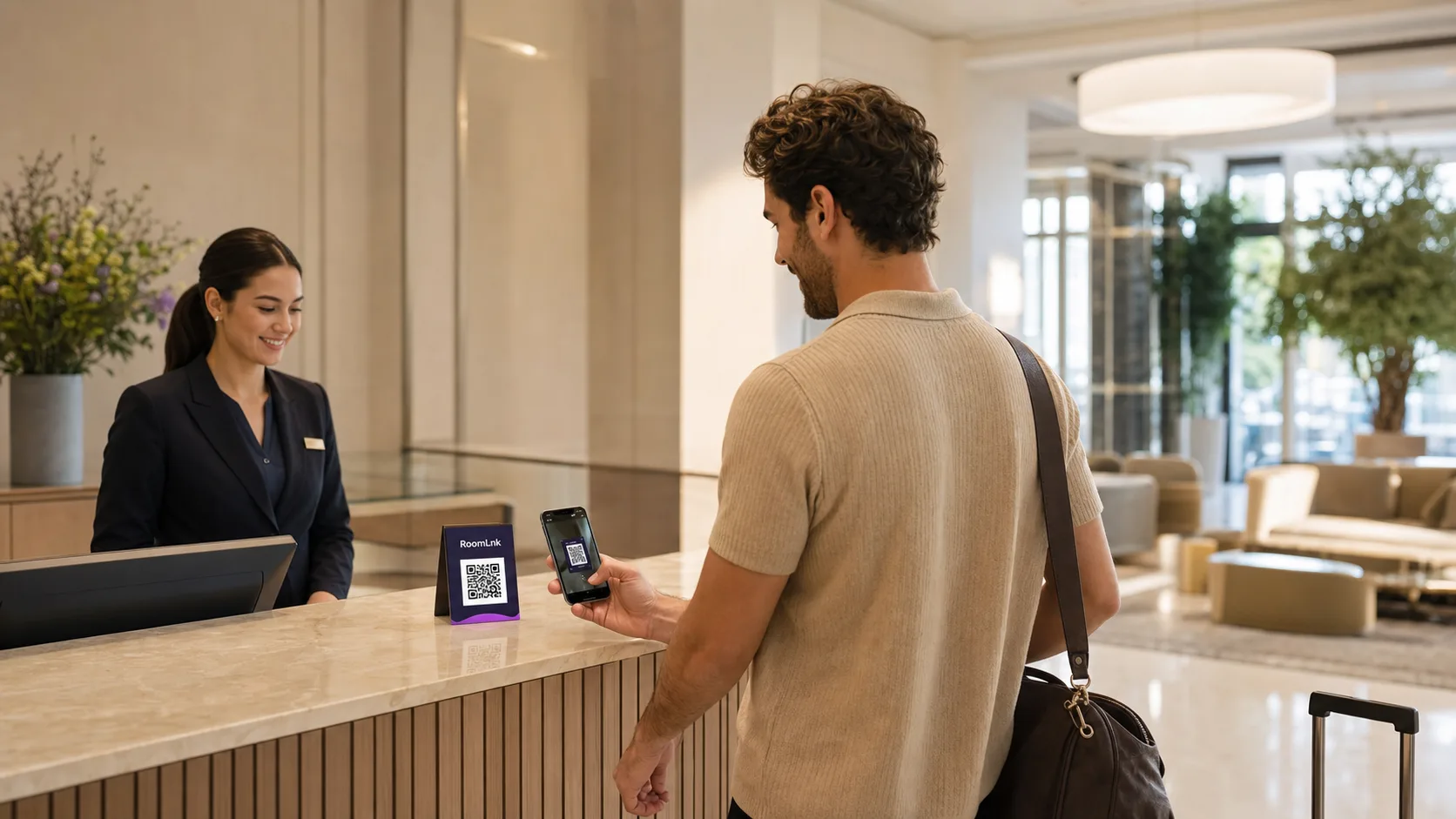
One clear channel
Guests have practical questions before, during, and after a visit. Those conversations can become scattered across calls, personal texts, social media, and front-desk interactions. Context can disappear when a shift changes.
RoomLnk creates a direct conversation for a specific purpose. It complements your booking, ordering, payment, emergency, and property-management systems by giving guests a clear route for everyday questions and requests.
At each guest touchpoint
Connect each room to a clear operational purpose and point of need.
Give a guest one place to ask about arrival, facilities, housekeeping, or departure arrangements throughout their stay.
Place a QR code at a table, on a menu, or in a confirmation for practical assistance and follow-up questions.
Create purpose-specific rooms for facilities, activities, event spaces, and visitor enquiries.
Share a link before the visit for check-in times, parking, accessibility, directions, or what to bring.
Use a room-specific QR code for everyday requests while keeping urgent concerns in the property's emergency process.
Keep a room available for an appropriate period for receipt questions, practical follow-up, or non-urgent lost property.
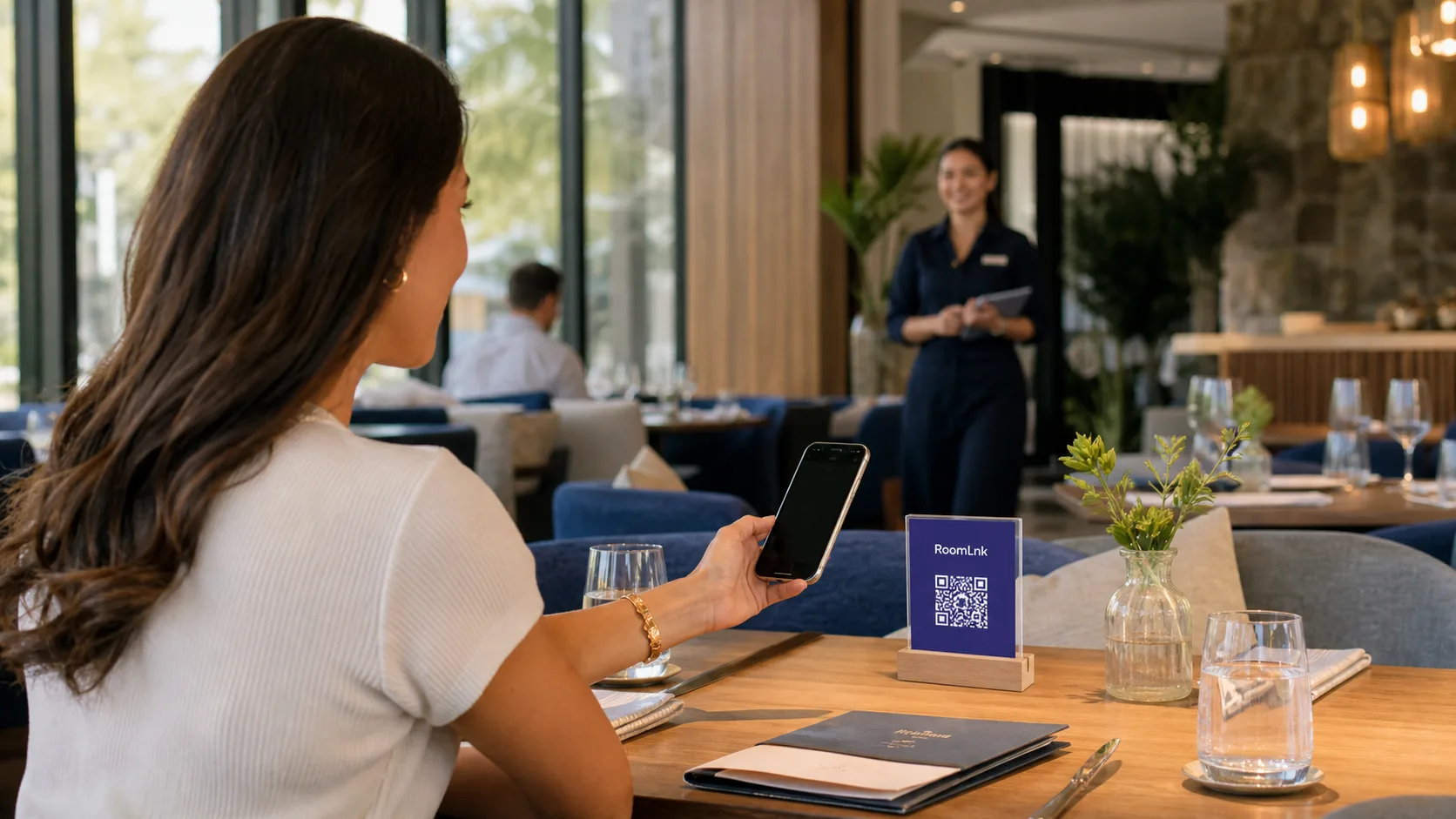
Optional assistance
Use a link for digital touchpoints such as booking confirmations and a QR code for physical locations such as guest rooms, tables, menus, or reception.
A short label such as “Scan for room assistance” tells guests exactly what to expect. RoomLnk handles the conversation, while formal bookings, orders, and payments remain in your approved systems.
A practical guest workflow
Create a room for the booking, table, stay, or enquiry.
Use an operational label without unnecessary personal information.
Add the link to a booking message or display its QR code.
The guest opens the room in a browser without installing an app.
An appropriate team member handles the conversation in the business workspace.
Apply the business's expiry and retention process after the visit.
For the hospitality business
Business accounts can manage multiple rooms, with team access available on supported plans. This keeps communication from depending on one employee's personal phone.
Place with purpose
Operational context
Help staff identify the purpose without displaying more personal information than necessary.
Before launch
Decide who monitors each room, when coverage is available, and how a conversation transfers between shifts. Give guests a separate, prominent route for emergencies.
Start with one workflow, such as pre-arrival questions for one property or table assistance in one restaurant section. Review the QR placement, room naming, and staff ownership before expanding.
Questions and answers
RoomLnk is a browser-based private chat platform. A hospitality business creates a room for a booking, table, stay, or enquiry and shares it through a link or QR code. The guest joins from a browser without downloading an app or exchanging personal phone numbers.
No. Guests open a RoomLnk room in their browser through the link or QR code supplied by the business. This suits short interactions such as a restaurant visit, hotel stay, or venue enquiry.
You can create a separate room for each table, hotel room, booking, or enquiry and share that room through its QR code. Use a consistent naming system and explain the code's purpose beside it.
No. RoomLnk provides browser-based conversations and works alongside established booking, ordering, payment, emergency, and property-management systems.
Business accounts can manage multiple rooms, and team access is available on supported plans. The business should define room ownership, monitoring hours, and shift handover responsibilities.
The right lifetime depends on its purpose. A table room may last for one sitting, while an accommodation room may cover pre-arrival, the stay, and a defined follow-up period.
No phone number exchange is required to join through a shared link or QR code. Businesses should still avoid asking guests to share unnecessary sensitive information.
No. RoomLnk should not replace emergency services or a property's established safety, medical, or security process. Use it for routine assistance and practical questions.
Start a clearer guest conversation