Housekeeping
“Could we get two more towels in room 408?” creates the task, not a phone call.

Hotels
Room 408 should be able to ask for two more towels without calling a personal mobile.
A RoomLnk code in the room, the lobby, or the booking message opens a private browser chat for that stay. Housekeeping and the front desk reply from the hotel workspace.
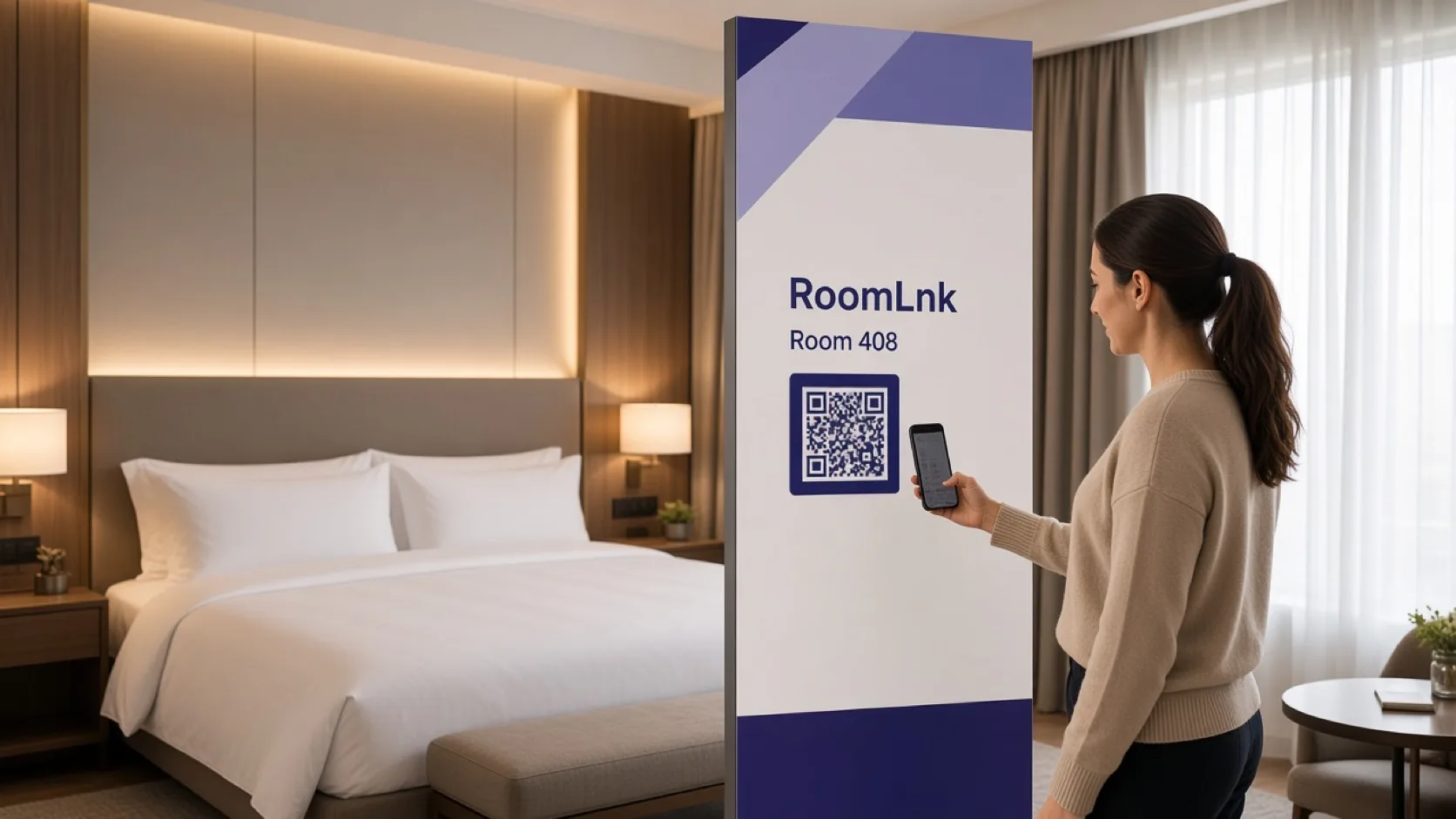
During the stay
Towels, late checkout, and a local recommendation are stay questions. They get lost when every guest has a different staff number.
RoomLnk gives the stay a private room. Keys, charges, and reservation changes still follow the hotel’s own approval process.
Guest conversations
Verify enough stay context before discussing a booking. Do not issue keys from the chat.
“Could we get two more towels in room 408?” creates the task, not a phone call.
The desk can explain the hotel’s approval process before changing the departure.
Parking, check-in, and what to bring can start from the booking message.
Translate the request and keep the original.
A photo of a lamp or a leak helps housekeeping before they arrive.
The right team replies without sharing personal numbers.
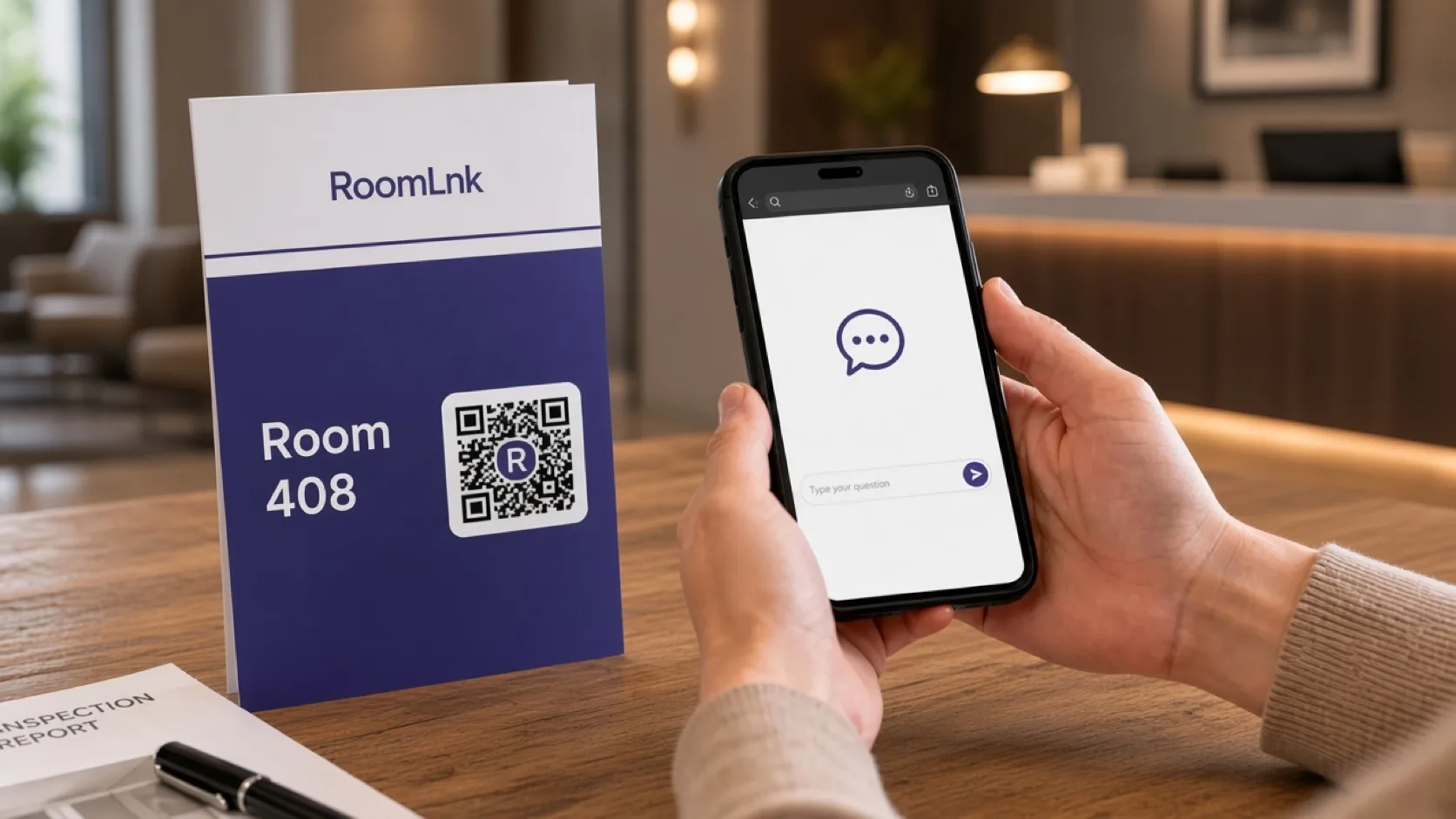
Room 408
The guest scans and asks for towels. The desk replies, “Yes. Housekeeping will bring them up shortly.”
Extending checkout, changing guests, issuing keys, or discussing charges still needs the hotel’s identity and approval process.
How it works
Guest rooms, the lobby, and booking messages.
The browser opens a private room. No app.
Towels, a question, or a photo of the issue.
Front desk or housekeeping takes the room.
Identity and approval stay on the hotel’s process.
Expire the room when the stay and the follow-up are finished.
Relevant RoomLnk features
Separate rooms keep one stay from mixing with another.
RoomLnk is not the emergency line for the hotel. Safety issues use the property’s emergency process.
Where to place the code
Name the stay
Use the room number or booking reference. Avoid extra guest detail in the title.
Hotel controls
Create the housekeeping or maintenance task in the property system. Give a realistic time, not a promise the team cannot keep.
Apply the hotel’s identity process before extending checkout, changing guests, issuing keys, discussing charges, or revealing reservation details.
Questions and answers
Yes. A code in room 408 tells housekeeping which room asked.
No. They scan the card or open the booking link in a browser.
No. Keys, charges, and reservation changes follow the hotel’s approval process.
Yes. Photos and voice clips help the team see the request.
No. Urgent safety issues use the hotel’s emergency process.
Yes. The guest’s original message stays visible.
Start with RoomLnk