Gate access
“The gate isn't opening” can start from the code on the gate itself.

Self storage
Storage customers often need help when nobody is standing nearby.
A QR code at the gate, loading area, or facility entrance can open a private RoomLnk conversation immediately. No app download. No searching for a support number.
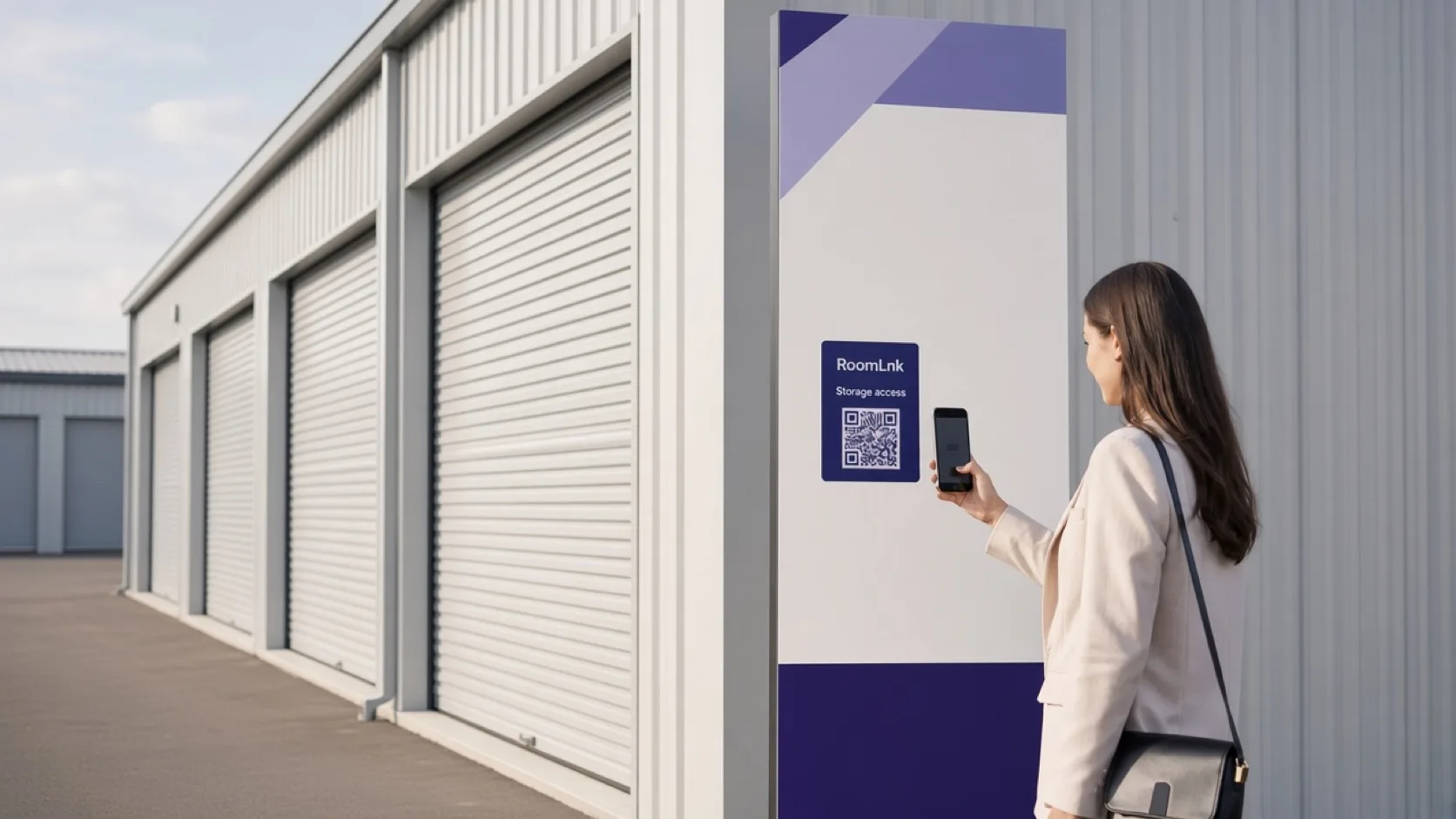
Help at the point of confusion
A customer standing at a gate that will not open, or looking for Unit B214, should not have to hunt through old emails for a phone number. The facility is large, and staff cannot be in every aisle.
RoomLnk puts a private support room on the gate, the lift, the loading bay, and the facility map. The customer joins in the browser and the team can see which location started the chat.
Facility support
Answer gate, unit, and loading questions from the place the customer is already standing.
“The gate isn't opening” can start from the code on the gate itself.
Help someone reach Unit B214 without walking them through a phone menu.
Explain published access hours from a room the customer can open on site.
Direct parking and unloading from a code in the loading area.
A photo of the gate keypad or the unit door gives the team the location immediately.
Translate a facility question without asking the customer to install an app.
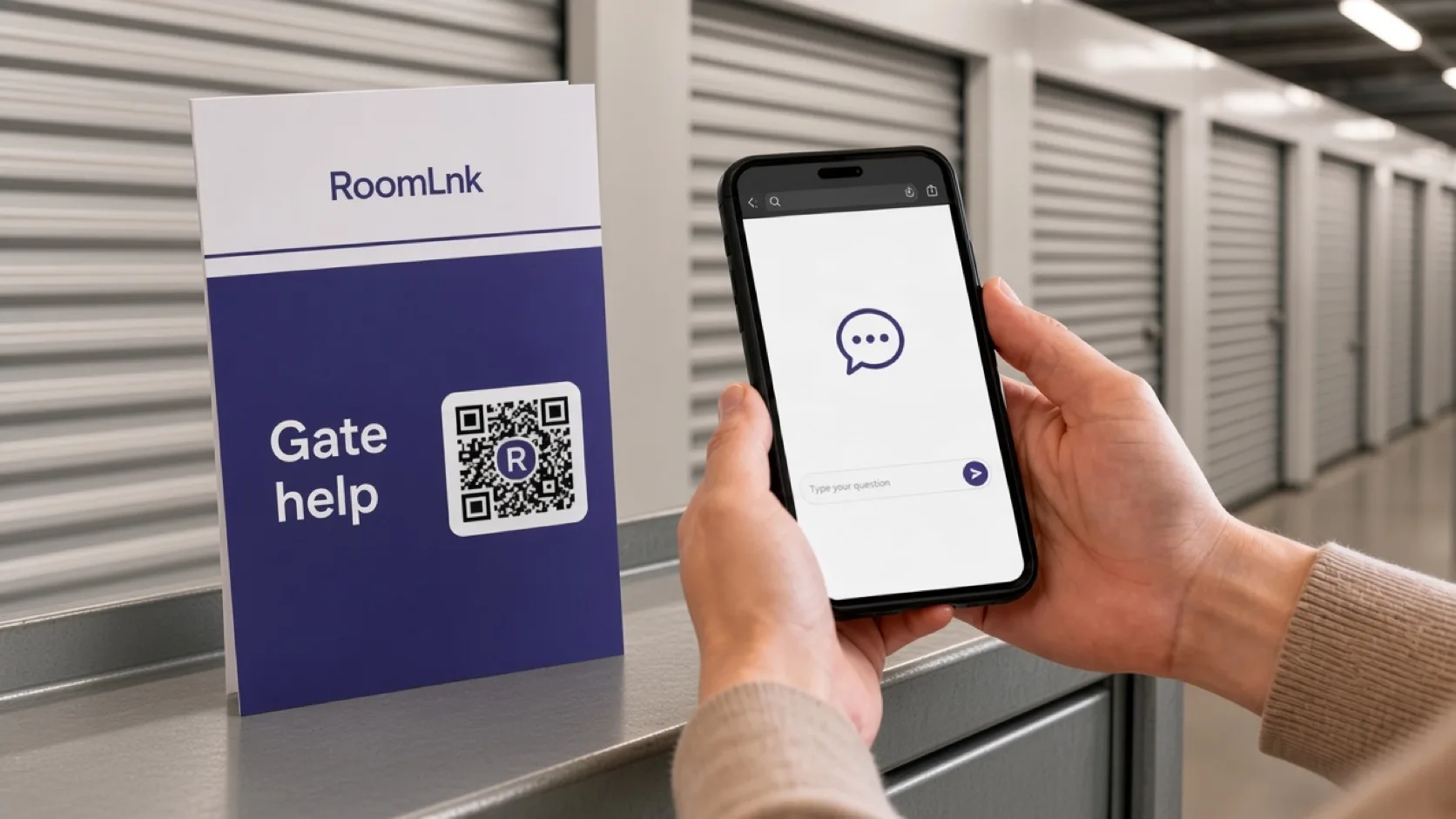
Location-specific entry
Label the code for the place it serves: gate help, loading bay, or this building. The team does not have to ask “where are you?” before they can help.
Photos, voice messages, and translation stay in a private room. Access credentials, contracts, and payment still belong in the storage management system.
How it works
Add a RoomLnk code to the gate, reception, lift, map, or loading bay.
They open a private chat in the browser. No app and no support-number search.
The question arrives with the location you printed on the code.
Reception or operations answers from the business workspace.
Use a picture of the gate or a short voice message when that is faster.
Do not put gate codes, contracts, or payment in the chat as the system of record.
Relevant RoomLnk features
One facility can have several entry points without mixing every question into one inbox.
Where to place the code
Name the place
Use the gate, building, or unit area so staff know where the customer is standing.
Facility boundaries
Publish who monitors gate and loading rooms, including after-hours coverage. A code that nobody watches is worse than a phone number.
Gate codes, contracts, billing, and identity checks stay in the storage platform. RoomLnk is for the conversation about getting help.
Questions and answers
Yes. A QR code at the gate opens a private browser chat with the facility team. The customer does not need an app.
Yes. Use separate rooms or clearly labelled codes for the gate, loading bay, lift, and facility map so the team knows the location.
Yes. Photos and voice messages can travel in the same private room.
No. Treat access credentials as operational secrets and keep them in the facility's approved access process.
No. They scan the code and join in the browser with a display name.
Business team access lets reception and operations answer the rooms you assign to them.
Create your RoomLnk