Lift faults
“The lift on Level 3 isn't working” starts from the code beside that lift.

Property maintenance and strata
Residents should not have to search emails, noticeboards, or old messages just to report a building problem.
Place RoomLnk where communication happens. Scan. Report. Chat.
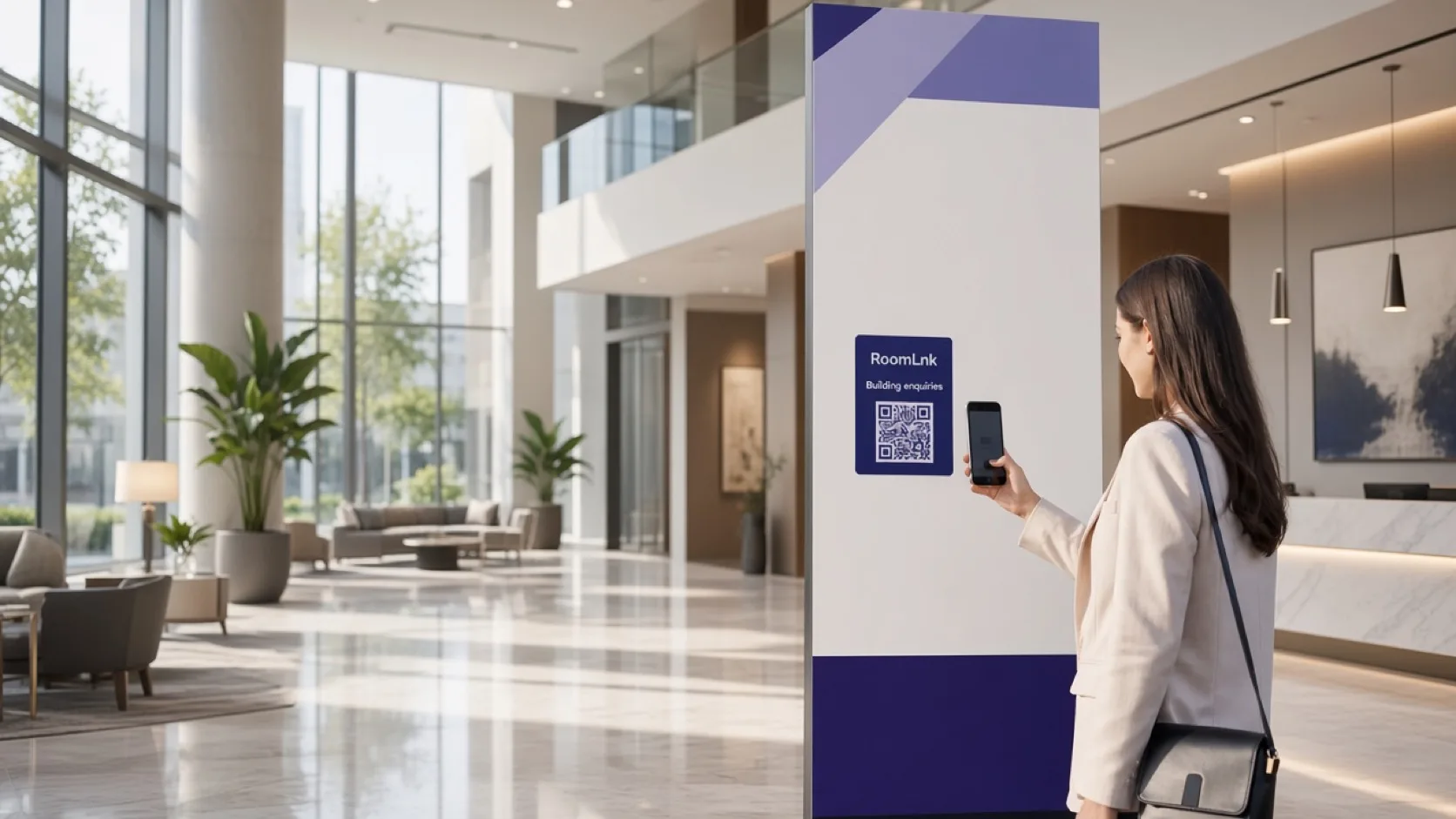
Report it where it is
Building issues show up in lobbies, garages, mail rooms, and hallways. If the only path is an old email address, the report arrives late and without a clear location.
A RoomLnk code in that place opens a private resident conversation. The team can see it came from the Level 3 lift, the garage, or the waste room, and residents can attach a photo.
Building scenarios
Give each common area a labelled way to start a private chat.
“The lift on Level 3 isn't working” starts from the code beside that lift.
A photo of water near the garage is more useful than a vague email.
Report a visitor gate that will not open without posting a personal mobile number.
Hallway lights, gym equipment, and pool issues stay tied to that place.
Building managers and contractors can work from the same resident room.
Translate a report while keeping the resident's original message.
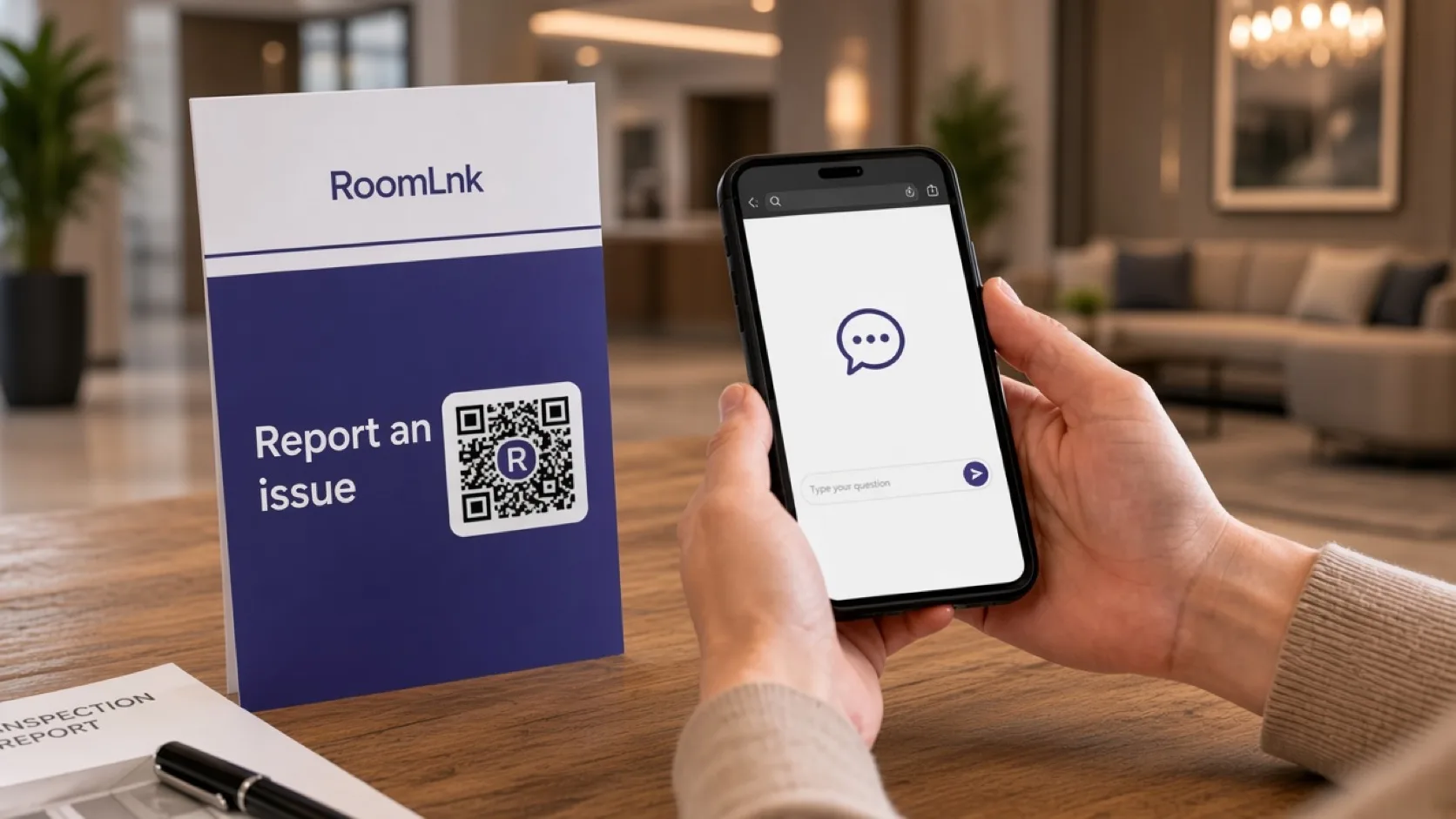
Photo-based reporting
A resident scans, describes the hallway light or the garage leak, and can add a photo or a voice clip. The building team already knows which QR code was used.
RoomLnk is not an emergency service. Life safety, fire, and medical emergencies stay on the building's emergency procedure.
How it works
Put a code in the lobby, lift, garage, mail room, or waste room.
The chat opens in the browser. No app and no search through old emails.
A picture of the leak, light, or gate shows the issue immediately.
Managers and the relevant contractor share the private room.
Work orders, notices, and compliance records stay in the property system.
Tell residents clearly when to use emergency services instead of the chat.
Relevant RoomLnk features
Separate rooms keep a lift fault from being buried in a general inbox.
RoomLnk is not an emergency service. Direct residents to emergency services or the building emergency procedure when the situation is urgent.
Where to place the code
Name the location
Use the level or common area. Avoid putting a resident's name in the room title.
Safety
Publish response hours and who owns lobby, lift, and garage rooms. Replace codes when a contractor or manager changes.
Emergency situations should direct residents to emergency services or the building emergency procedure. Do not treat the room as the only way to report a fire, a person trapped, or an immediate hazard.
Questions and answers
Yes. A QR code in the lobby, lift, or garage opens a private browser conversation for that location.
Yes. Photo reporting is useful for leaks, broken lights, and gates that will not open.
No. Emergencies should use emergency services or the building's emergency procedure. Say that beside the QR code.
Yes. Business team access lets the people responsible for that building work in the same private conversation.
No. RoomLnk is the conversation. Work orders, notices, and compliance records stay in the property system.
Yes. A resident can write in their own language, and the team can translate the message without replacing the original.
Start with RoomLnk