Which entrance to use
A driver who is already outside can ask for Loading Dock B instead of circling the site.

Logistics and delivery
Deliveries often depend on quick communication.
A driver cannot find the entrance. A customer needs to change instructions. A warehouse needs to direct a vehicle to the correct loading dock. RoomLnk gives everyone a private conversation without another app or a personal phone number.
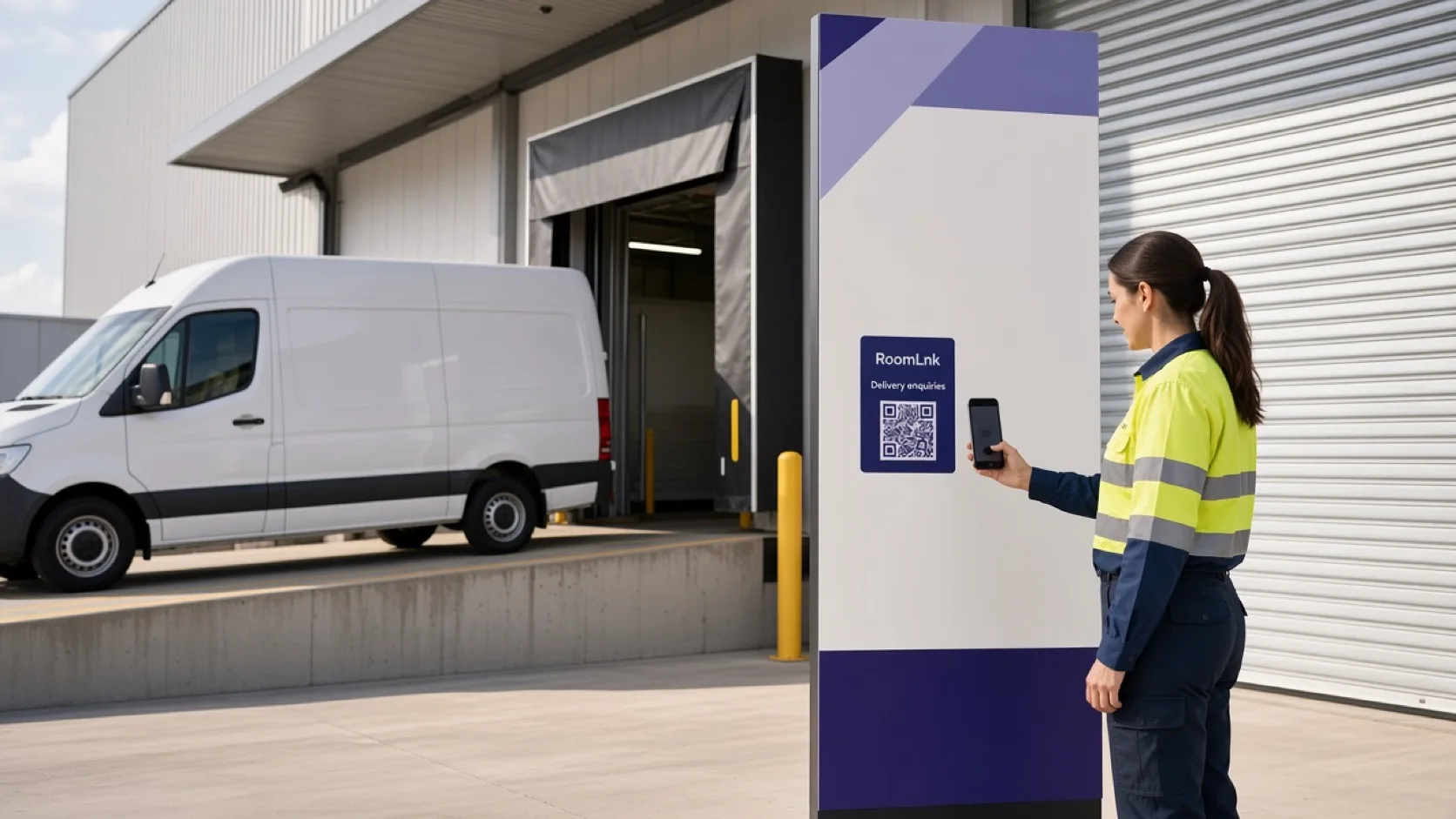
The delivery problem
A missed entrance, a locked gate, or a changed drop-off instruction can stall a vehicle that is already on site. Calling around for a mobile number slows the driver down and exposes personal contact details.
A RoomLnk code on the paperwork, the dock, or the delivery notice opens a private browser chat for that shipment. Dispatch, the warehouse, and the customer can answer in the same room, then let it expire.
On the road and at the dock
Give the driver a direct room for the stop, without turning a personal phone into the dispatch system.
A driver who is already outside can ask for Loading Dock B instead of circling the site.
The customer can say whether reception, a neighbour, or a safe place is acceptable for this delivery.
Ask someone to open the gate without publishing a personal mobile number on the run sheet.
Point the vehicle to the right dock, bay, or holding area from a code at the entrance.
A Korean-speaking driver can write in Korean. The customer can translate it to English without replacing the original.
Share a photo of the entrance, the parcel, or the dock when words are not enough.
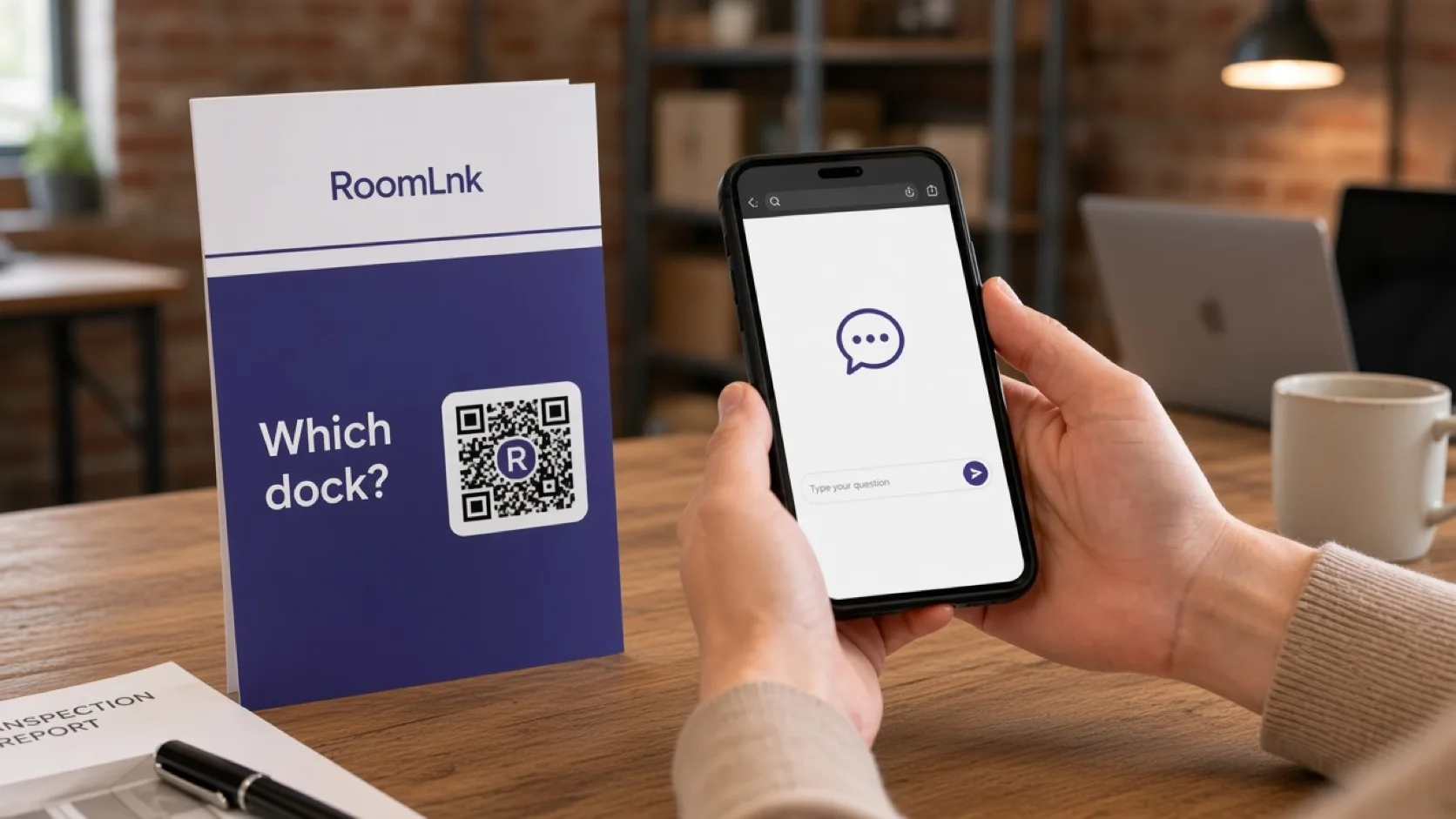
One shipment, one room
Put the code on the delivery notice or the dock sign for that stop. The first message can be as simple as “I'm outside. Which entrance should I use?” and the reply can be “Please use Loading Dock B.”
Translation keeps the original message and shows the English version beside it. Voice clips, photos, and files stay in the same temporary room until the delivery no longer needs it.
How it works
The driver or customer scans the code on the paperwork, vehicle, dock, or notice.
The room opens in the browser. No app and no personal phone number.
Driver, customer, warehouse, or dispatch continues in that room.
Either person can translate a message without losing the original wording.
Use a short voice message, a photo, or a file when the entrance is hard to describe.
Close the room when the stop is finished and the conversation is no longer needed.
Relevant RoomLnk features
Keep the exchange on the shipment, not in a personal messaging thread.
RoomLnk is not an emergency channel for crashes, hazards, or urgent site incidents. Use the operator's emergency process for those.
Where to place the code
Name the stop, not the person
Use the dock, notice, or run reference so the team knows which delivery opened the room.
Keep dispatch in charge
Decide who watches dock, gate, and customer rooms during operating hours. A code on a vehicle or notice should name the purpose, such as “Questions about this delivery?”
Tracking, proof of delivery, dangerous-goods instructions, and incident records stay in the logistics system. Remove codes that point at a room nobody is monitoring.
Questions and answers
Yes. Scanning the RoomLnk code opens a private browser room. The driver does not need an app or a RoomLnk account.
No. The delivery notice or dock code starts the conversation, so neither the driver nor the customer needs to exchange a personal phone number.
Yes. A driver can write in their own language, and the other person can translate that message. The original text stays visible.
Yes. Photos, files, and voice clips can be sent in the same room when a written direction is not enough.
Temporary rooms can expire when the stop is finished. Match the room lifetime to the run, not to a permanent personal chat.
No. RoomLnk is the conversation about the stop. Tracking, proof of delivery, and operational records stay in the logistics system.
Start with RoomLnk