Payment machines
“Payment machine isn't accepting my card” arrives already tied to Machine B14.

Parking
A driver is stuck at the exit gate. The payment machine is not working.
Instead of searching for an intercom or a phone number, they scan a QR code and start chatting. A code on Payment Machine B14 tells the team where the driver is.
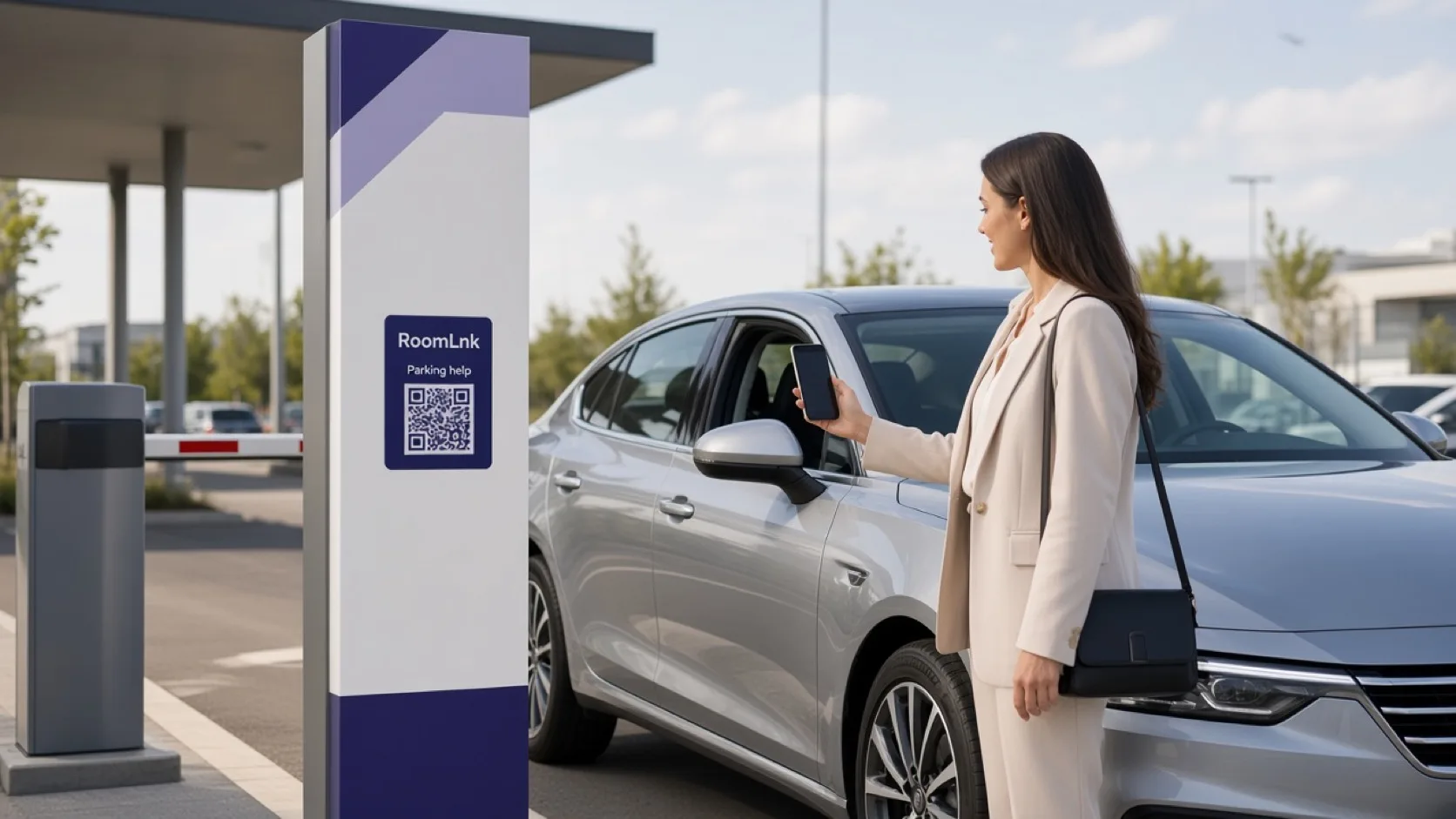
Help at the machine
Exit gates and payment machines fail in a specific place. A driver who cannot find an intercom, or cannot hear one, still needs a way to say “this machine will not take my card.”
RoomLnk on that machine opens a private browser chat. The parking team knows the conversation started at Machine B14, Level 2, or the EV bays.
At the point of friction
Put a separate, labelled code on the equipment that causes the question.
“Payment machine isn't accepting my card” arrives already tied to Machine B14.
Help a driver who is stuck without relying on a noisy intercom.
Direct someone who cannot find a vehicle, a lift, or a visitor bay.
Answer ticket questions from a code printed on the ticket itself.
The driver can photograph the machine screen instead of describing it.
Translate the message when the driver and the attendant do not share one.
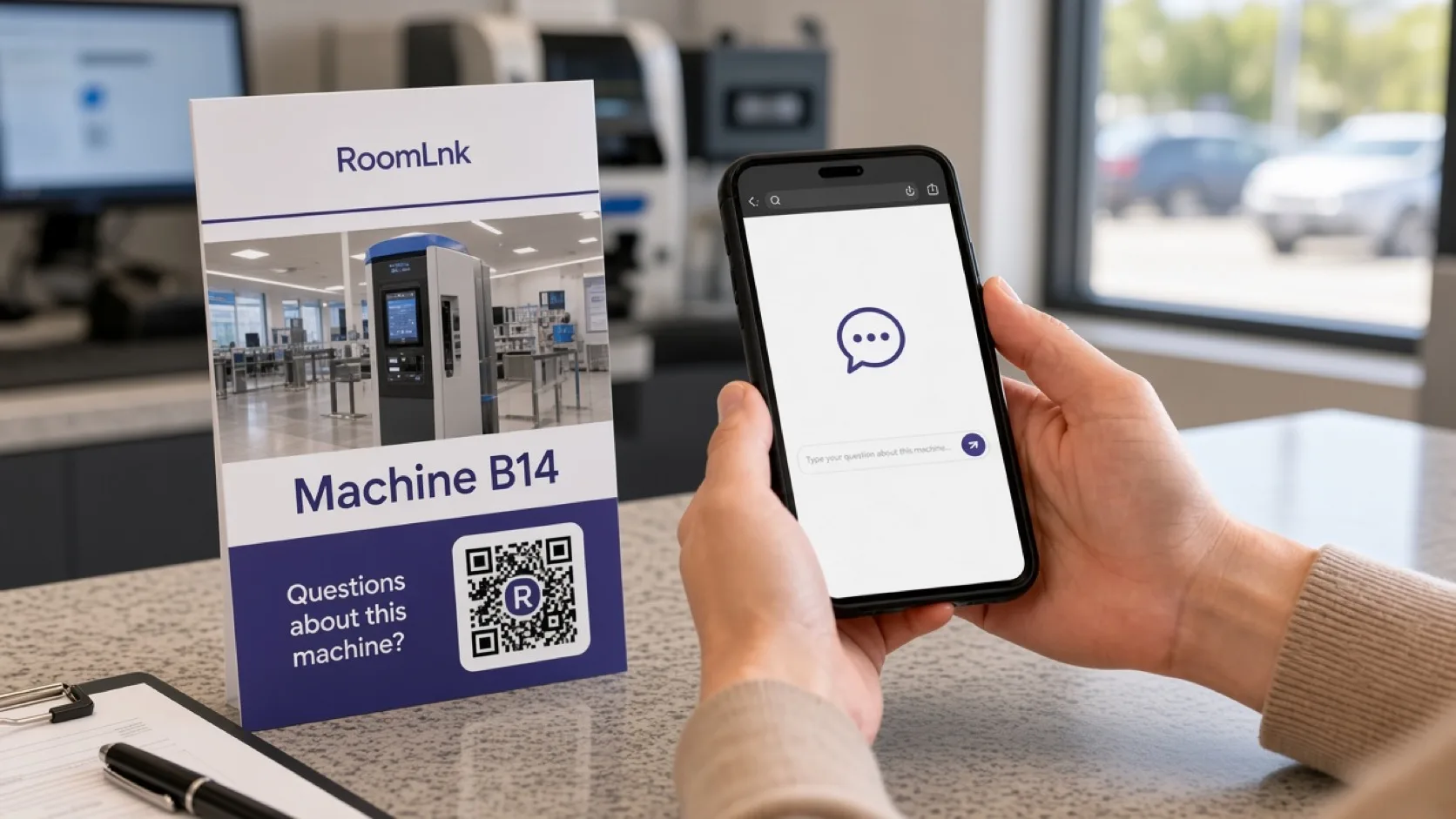
Machine B14
Payment Machine B14 carries its own RoomLnk code. The driver scans, the room opens, and the first message can be “Payment machine isn't accepting my card.”
The parking team does not have to ask which machine. Photos, voice, and translation are available in that same private chat.
How it works
Put a code on the gate, machine, level, or ticket.
RoomLnk opens in the browser. No app and no phone-tree.
The message is already linked to that machine or gate.
A photo shows the card error or the closed barrier.
Attendants answer from the business workspace.
The chat does not take the fee or open the gate by itself.
Relevant RoomLnk features
Location-specific codes tell the team where the driver is standing.
RoomLnk does not process parking payments or control barriers. Never ask a driver to send a card number in the room.
Where to place the code
Name the machine
Use the machine, gate, or level so the attendant does not have to ask where the driver is.
Operational boundary
Monitor gate and machine rooms during attended hours, and say what to do when the car park is unattended. A code with no response traps people.
Fees, refunds, and barrier control stay in the parking system. Do not ask drivers to send card numbers in the chat.
Questions and answers
Yes. A code on Machine B14 tells the team which machine the driver is using before they reply.
No. The QR code opens a private chat in the phone browser.
No. Staff can coordinate help in the chat. The barrier and the payment system remain separate.
Yes. Photos and voice clips help when the machine message is hard to read aloud.
No. Safety incidents and medical emergencies should use the site's emergency process, not a support chat.
Yes. The driver can write in their own language, and the attendant can translate that message.
Try RoomLnk