Opening hours
“When are you open?” should be answerable from the door, in the visitor's language.

Community and support
People asking for community support may speak different languages, use different devices, or simply not want to install another app.
RoomLnk gives them a simple way to start a conversation. They scan a code, ask in their own language, and the organisation can translate when it needs to.
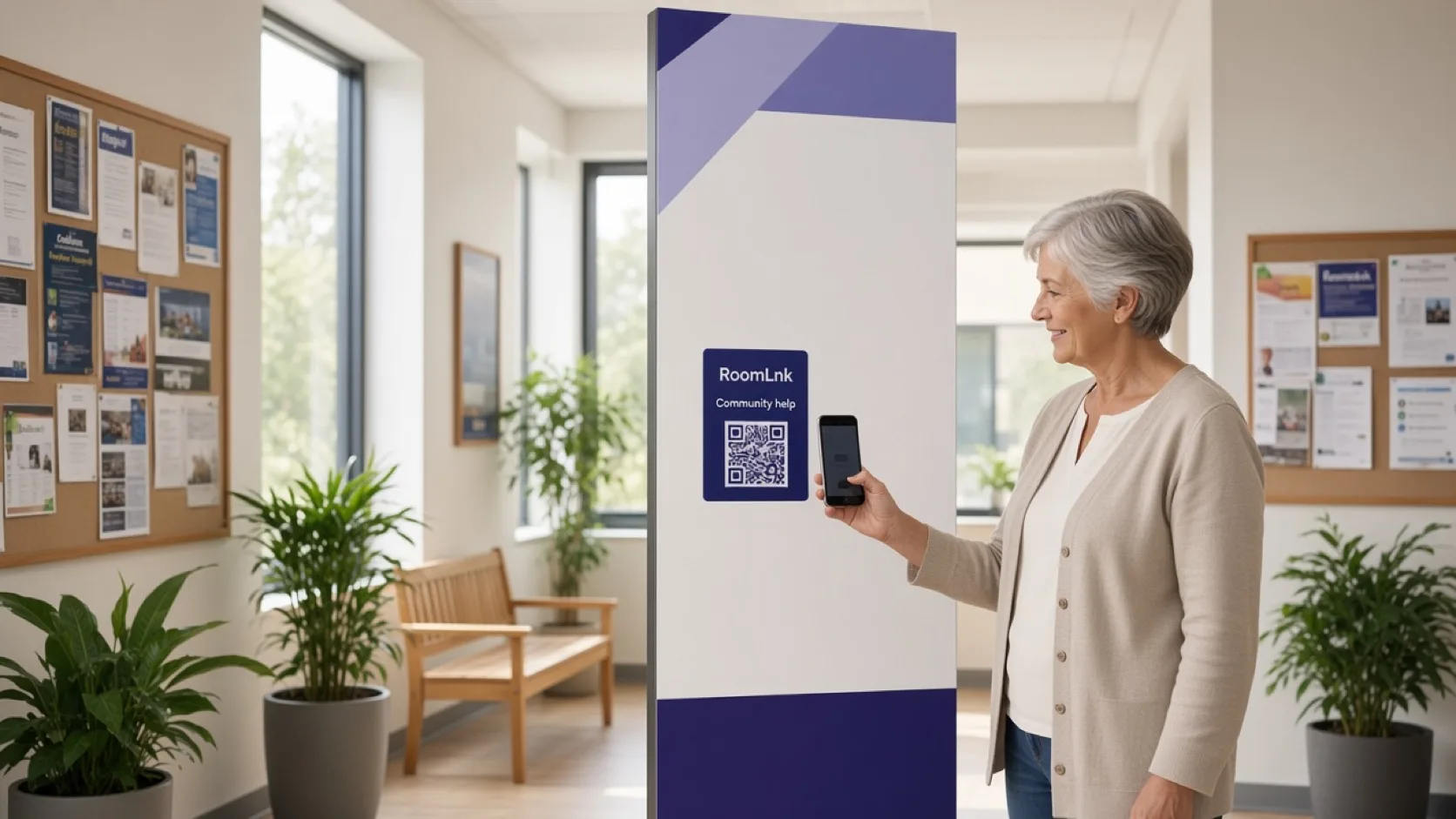
Easy to start
Opening hours, whether an appointment is needed, where to get help, and how to attend an event are the questions people ask first. They should be able to ask in the language they use.
A visitor scans the RoomLnk code, writes or speaks in their language, and the organisation receives the message. Staff can translate it, reply in English, and translate the reply back. A voice clip can be transcribed, translated, and played back.
Common conversations
Make the first contact possible. Keep crisis and emergency help on the right service.
“When are you open?” should be answerable from the door, in the visitor's language.
“Do I need an appointment?” is a service question, not a crisis line.
Point people to the right program, desk, or event.
“How do I attend this event?” can start from a poster code.
A Korean message can be read in English, and the English reply can be translated back.
A voice message can be transcribed, translated, and played back.
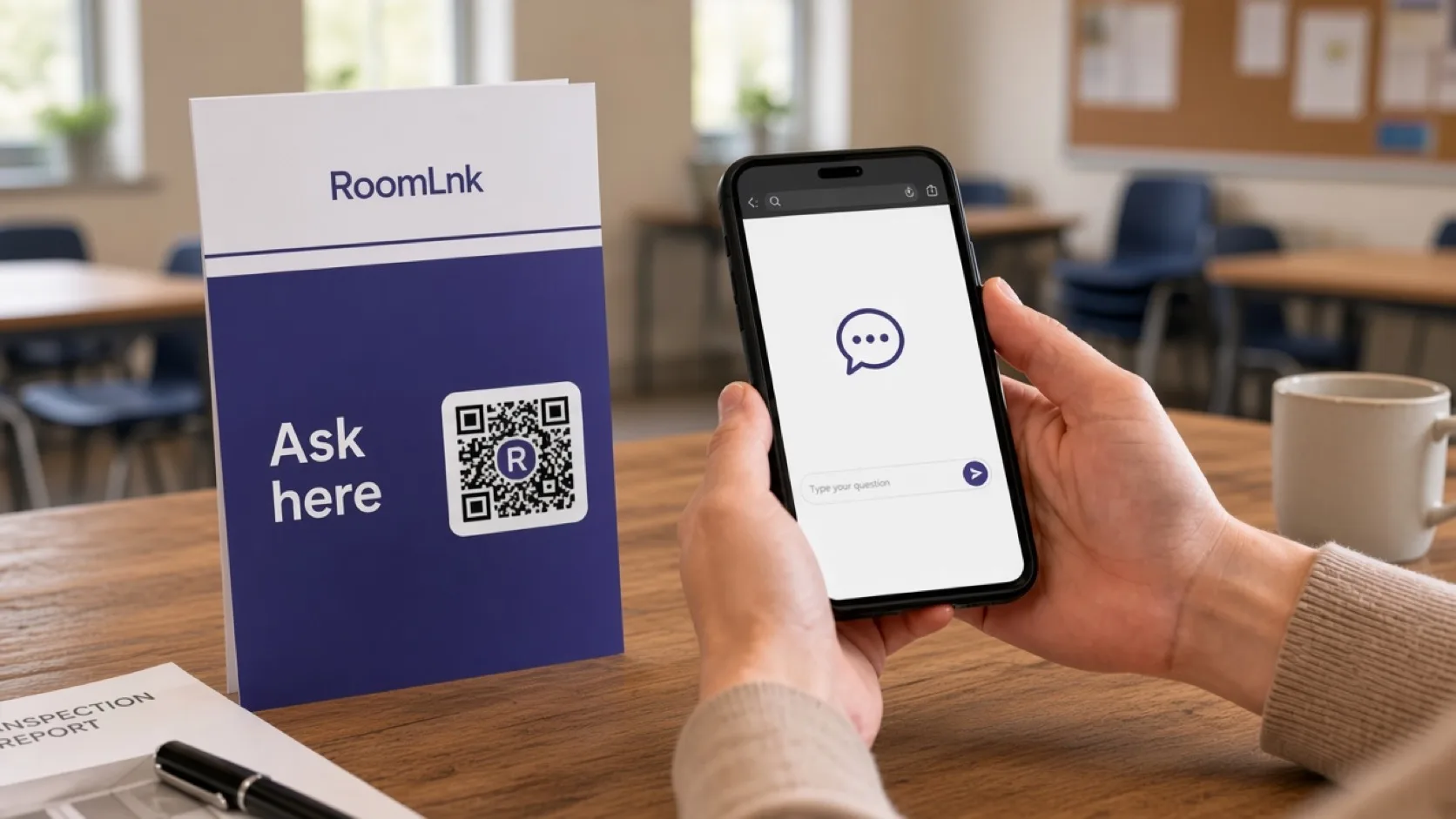
Translation
A visitor writes in Korean. Staff translate that message into English, reply in English, and translate the reply back. The original message stays visible.
The same path works for voice: record a clip, transcribe it, translate the text, and listen to the result. RoomLnk is not an emergency or crisis service. Urgent situations need the organisation's escalation information.
How it works
The poster, door, or event card opens RoomLnk in the browser.
The visitor does not need to write in the staff language first.
The private room arrives with the team, not on a personal phone.
Staff translate the message, then translate their reply back.
Transcribe, translate, and play the message back.
Show the crisis or emergency path beside the code.
Relevant RoomLnk features
Browser access removes the app download. Translation and voice remove the language barrier for everyday questions.
RoomLnk is not an emergency or crisis service. Show the organisation's urgent and emergency contacts beside the QR code.
Where to place the code
Name the service
Name the program or the door. Do not put a visitor's story in the room title.
Safety
RoomLnk is not an emergency or crisis service. Configure and display the organisation's escalation information for urgent situations beside every public code.
Use translation and voice for everyday access. Do not leave a code live if nobody is available to read what arrives.
Questions and answers
No. They scan the code and start a private chat in the browser, on the phone they already have.
Yes. Staff can translate the message into English. The original stays visible, and the English reply can be translated back.
Yes. A voice clip can be transcribed, translated, and played back.
No. It is not an emergency or crisis service. Organisations should show their urgent escalation contacts beside the code.
Business team access lets the organisation receive the conversation instead of one staff member's personal phone.
Everyday questions such as opening hours, whether an appointment is needed, where to get help, and how to attend an event.
Create your RoomLnk