Pickup times
“What time does pickup finish?” can be answered from published centre hours.

Childcare
Everyday centre questions need a private place that is easy for families to open.
RoomLnk is for general centre information: pickup times, what to bring, closure dates, and who to speak to about enrolment. Families join in the browser. No app and no personal phone number.
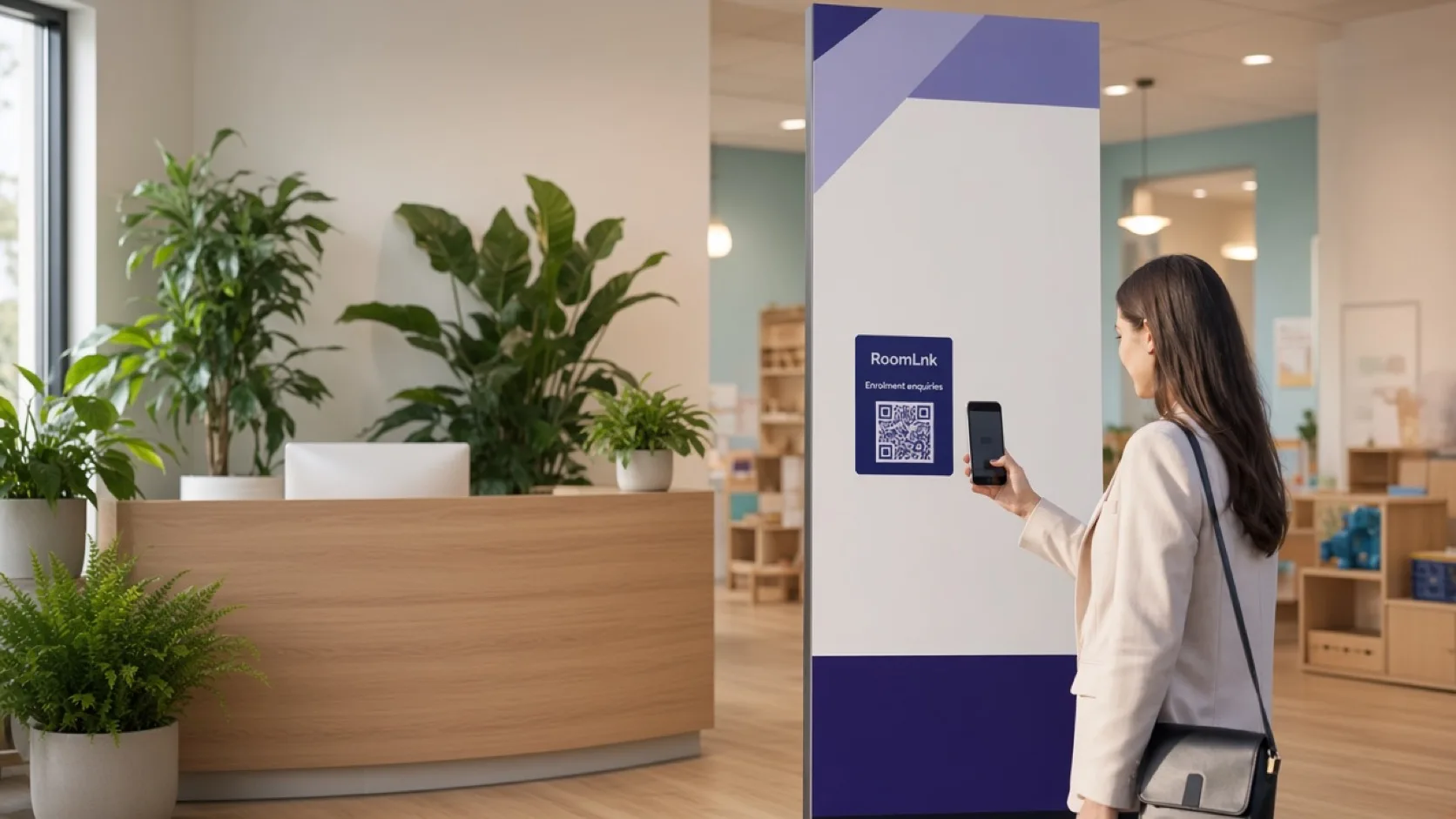
Everyday centre questions
Families ask what time pickup finishes, what to bring tomorrow, when the centre is closed, and who handles enrolment. Those questions should not depend on a staff member's personal mobile.
A RoomLnk room gives the centre a private browser channel for that general information. Sensitive matters involving children, medical details, custody, or safeguarding stay on the centre's established secure procedures.
Appropriate conversations
Use the room for routine questions. Hand sensitive matters to the centre's secure process.
“What time does pickup finish?” can be answered from published centre hours.
Share general preparation notes, such as what families should bring tomorrow.
“When is the centre closed?” belongs with the published calendar.
“Who should I speak to about enrolment?” routes the family to the right person.
Translate a general question. Keep AI answers inside approved centre information.
The centre decides who on the team can see the room.
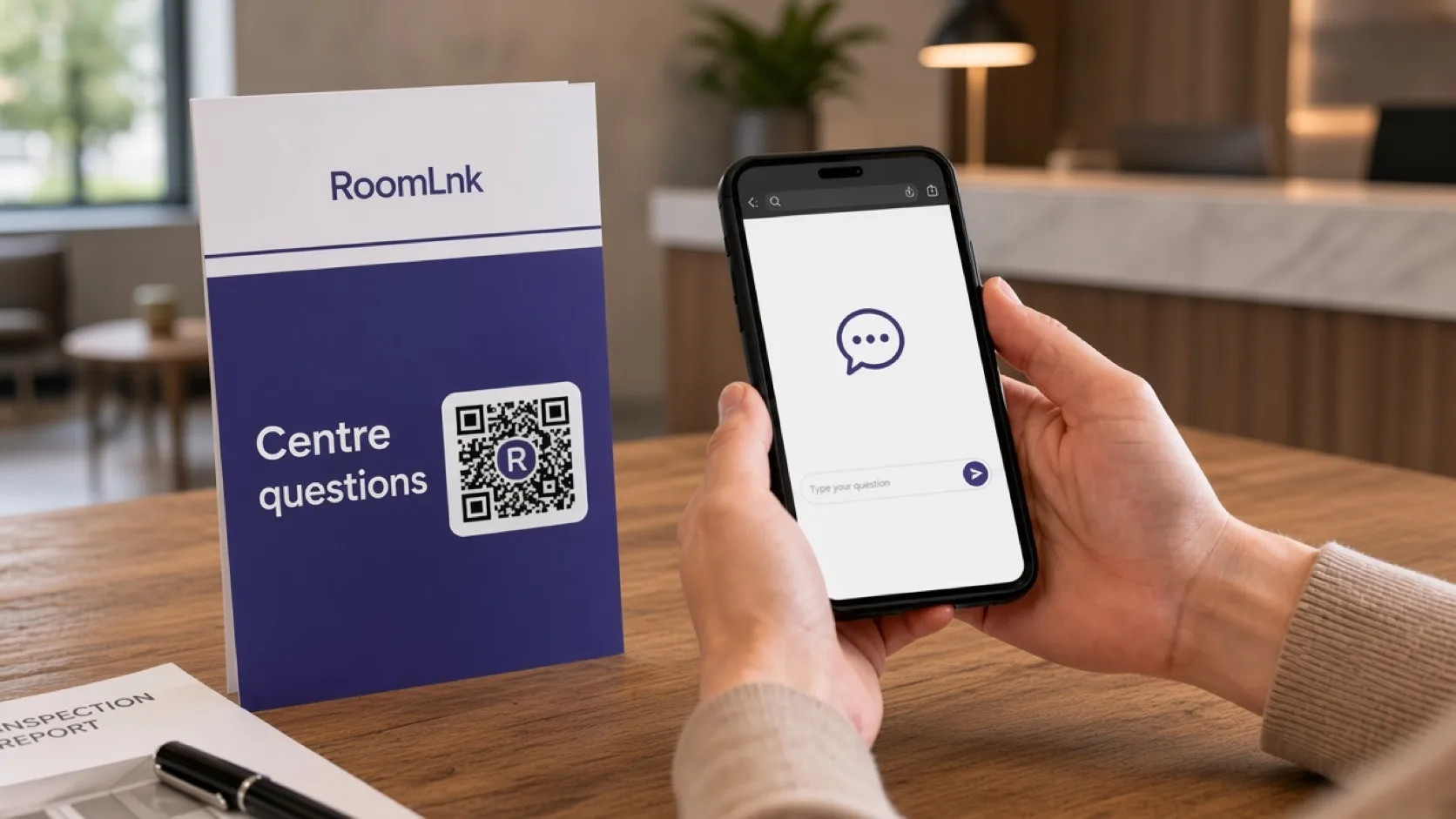
General information only
An enrolment or reception card can open a room for pickup times, what to bring, and closure dates. Families do not install an app or exchange personal numbers.
AI answers should stay inside approved general centre information. Medical details, custody arrangements, and safeguarding matters follow the provider's secure procedures, not an open chat.
How it works
Put it on reception, enrolment packs, or the family notice the centre controls.
They open the room in a browser. No app and no account.
Pickup, what to bring, closures, and enrolment contacts.
Show a translation beside the original message.
Only the staff the centre has authorised can use the business room.
Move medical, custody, and safeguarding topics to the secure process.
Relevant RoomLnk features
The room makes general contact easier. It does not become the child record.
Do not use RoomLnk for safeguarding reports, medical details, custody arrangements, or as a substitute for the centre's secure records and emergency process.
Where to place the code
Keep names operational
Name the purpose. Do not put a child's name in the room title.
Privacy
Sensitive information involving children, medical details, custody arrangements, or safeguarding must follow the childcare provider's established secure procedures.
Limit AI responses to approved general centre information. Tell families, on the code itself, what the room is for and how to reach the centre urgently.
Questions and answers
General questions such as pickup times, what to bring, centre closures, and who to speak to about enrolment.
No. Those matters must follow the centre's established secure procedures, not a general chat room.
No. They open the RoomLnk link or QR code in a browser.
Yes. Translation can help with general centre information. The original message remains visible.
Only with approved general centre information. It should not handle sensitive child, medical, custody, or safeguarding matters.
Business team access is controlled by the centre. Room access can be closed when the enquiry is finished.
Start with RoomLnk