Stock checks
The display code tells staff which product the shopper is holding.

Retail
“Do you have this jacket in a medium?” should start at the display, not at a general switchboard.
A RoomLnk code on the shelf, the receipt, or the click-and-collect message opens a private browser chat. Staff check live stock before they promise a hold.
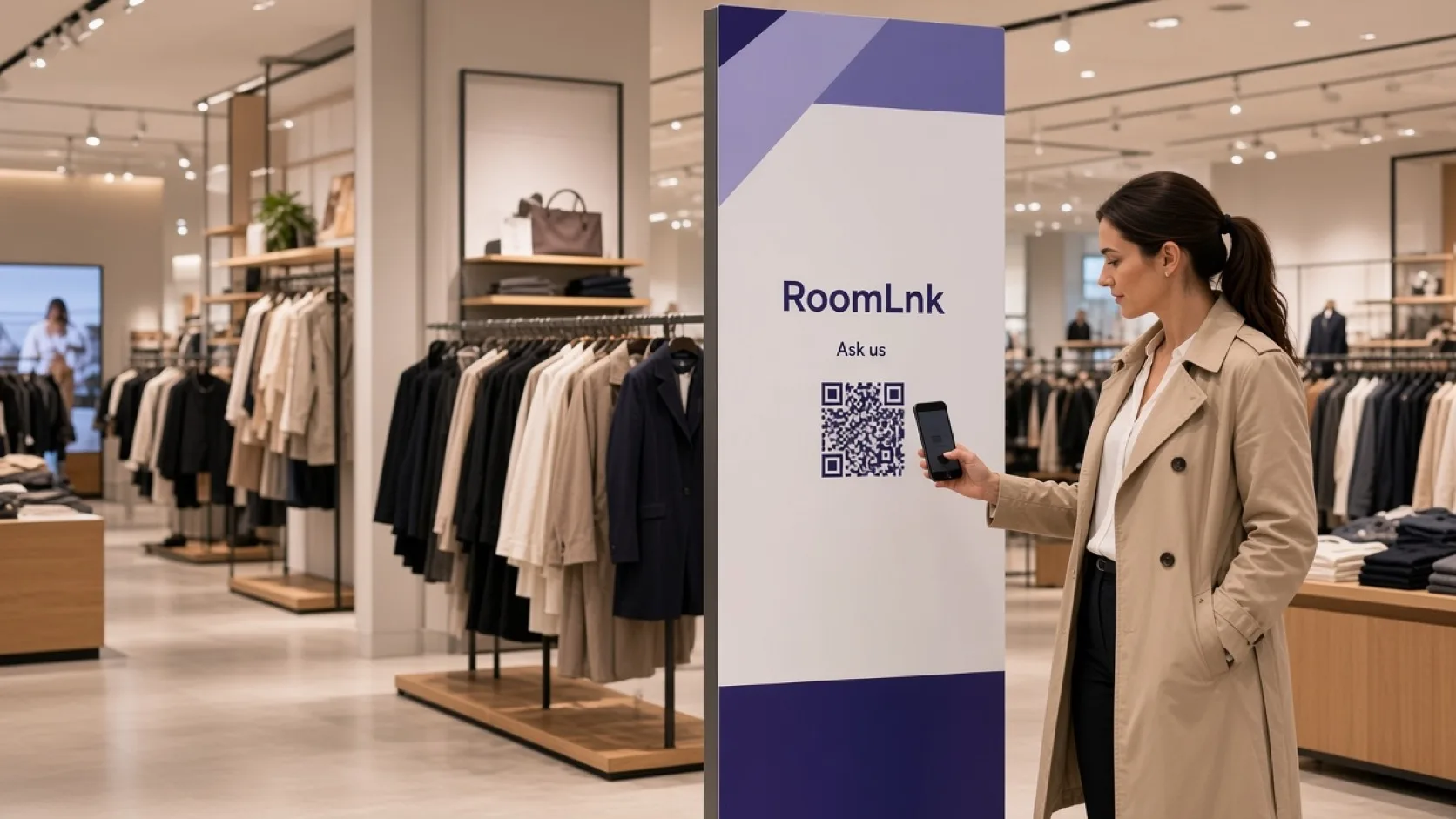
At the shelf
Sizing, availability, and collection are product questions. A personal staff number turns them into a mixed inbox.
RoomLnk keeps the question on that display or that receipt. Holds, sales, and refunds still happen in the retail system.
Shopper conversations
Check live stock before confirming availability. Say whether an item is on the shelf, in another store, or only available to order.
The display code tells staff which product the shopper is holding.
Use published information. Send specialist questions to the right person.
“Is my order ready?” belongs on the collection message.
A photo of the tag avoids a wrong product.
Help a shopper in their language without a new app.
Whoever is covering the department can reply.
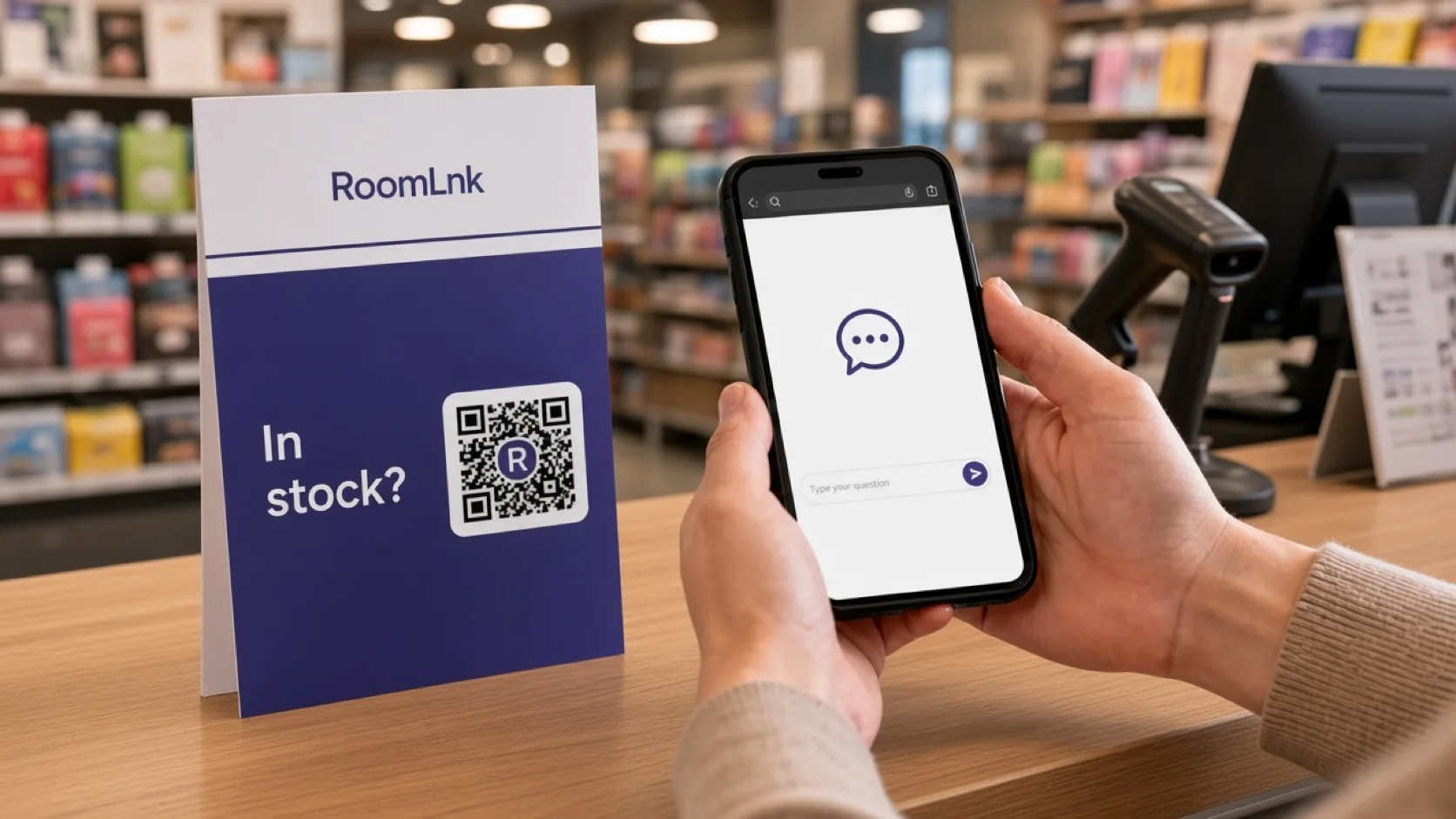
This jacket
The shopper asks for a medium. Staff reply, “We have one available. I can hold it at the counter for you.”
The hold, the sale, and any refund are created in the retail system. The chat does not set the price.
How it works
Shelf labels, displays, receipts, and collect messages.
A private room opens in the browser.
Size, stock, or collection.
Confirm live stock before offering a hold.
Prices, returns, and consumer terms stay in the retail system.
Expire the room when the item is collected or released.
Relevant RoomLnk features
Shoppers get a direct answer. Staff keep the conversation on the item.
Where to place the code
Name the product
Use the product or order reference so two similar items stay separate.
Retail controls
Say whether an item is on the shelf, in another location, reserved, or only available to order. Refer safety, medical, or installation questions to the right expert.
Holds, sales, returns, and refunds are created in the retail system. Formal prices and consumer terms control over informal chat wording.
Questions and answers
Yes. The shelf or display code tells staff which item the shopper means.
No. They scan and chat in the browser.
Only after checking the live stock source, and they should say where that stock actually is.
No. Sales, holds, and refunds stay in the retail system.
Yes. Photos help staff identify the exact item.
Yes. The original message stays visible.
Try RoomLnk