Order questions
Order #1842 opens its own room from the receipt or the shipping email.

Customer support
An order question should not start with a hunt for a phone number.
Put a RoomLnk code on the help page, the receipt, the packaging, or the support email. The customer opens a private browser room for that order. No app. No personal number.
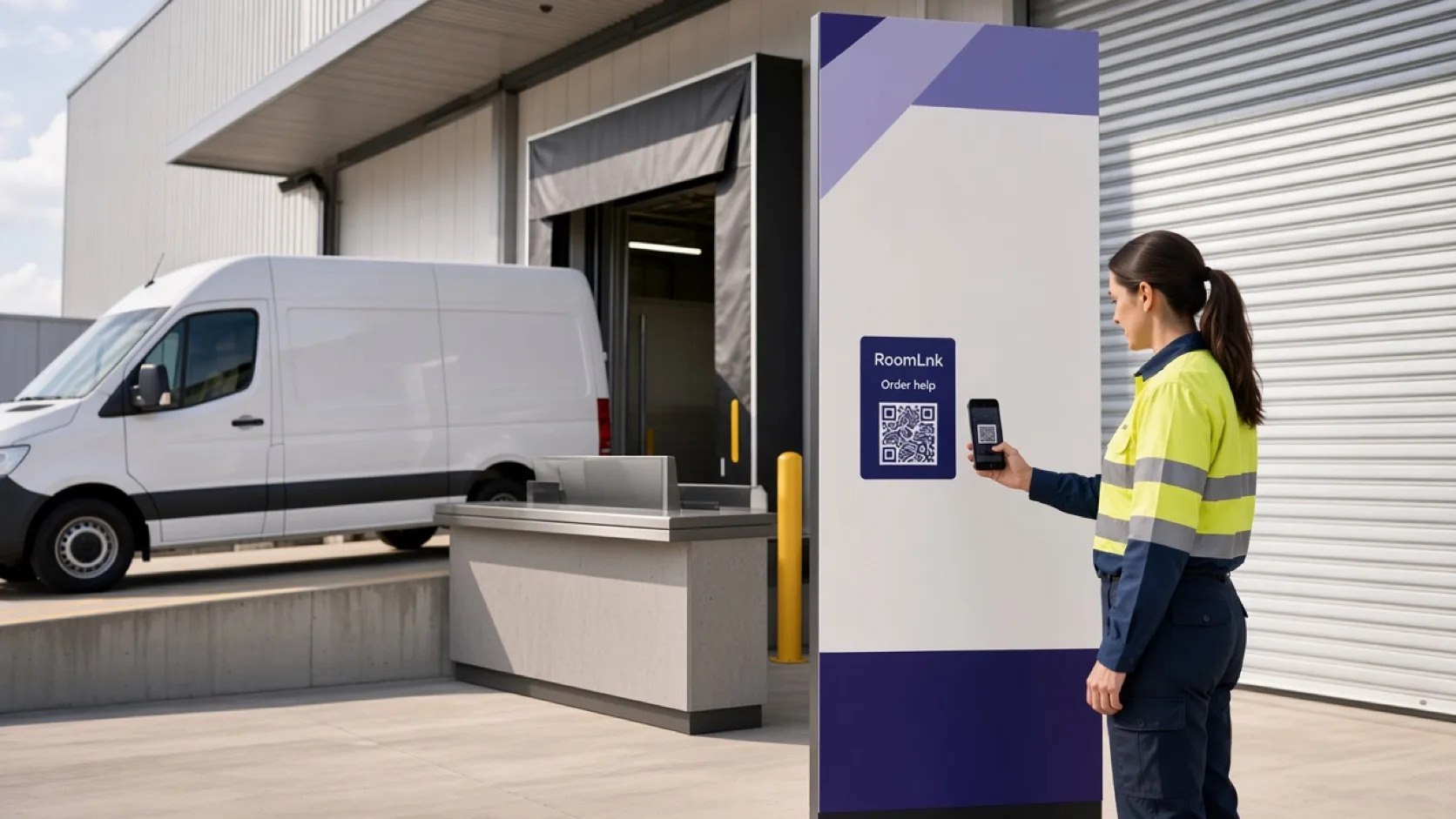
The support problem
“Can you help with order #1842?” is a specific question. A general inbox loses the product, the receipt, and the person who can actually check it.
A RoomLnk room starts from that receipt or packaging. Support can ask for the minimum context, check the order system, and keep the follow-up in one temporary conversation.
Support conversations
Use the room for the exchange. Record the outcome in the support platform.
Order #1842 opens its own room from the receipt or the shipping email.
Walk through published steps, and send a photo when the fault is visible.
Continue after the first reply without moving the thread onto a personal phone.
A photo of the parcel is clearer than a long description.
Keep the customer’s original message and show a translation beside it.
Any authorised agent can pick up the room from the business workspace.
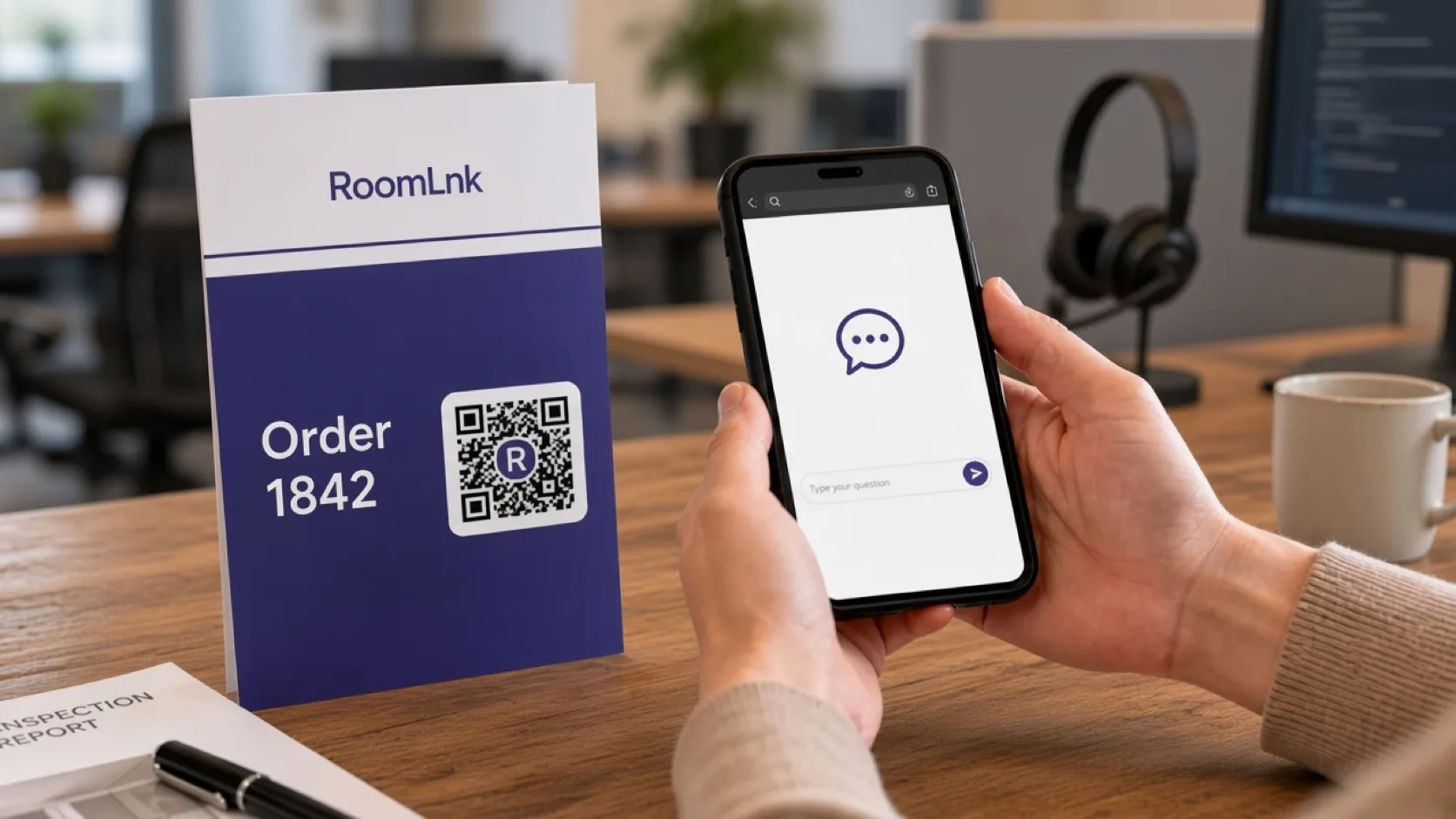
Order #1842
The customer scans and asks for help with the order. The team replies, “Tell me what arrived and I will check it now.”
Replacements, refunds, and delivery promises stay in the support system. The room is the conversation, not the only record.
How it works
Receipts, packaging, help pages, and support emails.
A private chat opens in the browser. No app and no account.
The thread starts with the context printed beside the code.
Look up the order before promising a refund, replacement, or date.
Tickets, returns, and follow-ups belong in the support platform.
Close it when the enquiry is finished.
Relevant RoomLnk features
Customers stay in the browser. Agents keep their personal numbers off the receipt.
Do not treat the room as the only support record, and do not collect passwords or payment details in the chat.
Where to place the code
Name the order
Use the order or ticket reference. Do not put more personal detail in the title than the team needs.
Keep the record in the help desk
Ask only for the context you need, then check the order system before promising a replacement, refund, delivery date, or technical outcome.
When a specialist, warranty team, or secure account channel has to take over, say so. Summarise the resolution in the support platform.
Questions and answers
Yes. A QR code or link on the receipt opens a private browser room.
No. The conversation stays in the RoomLnk room.
Yes. Photos, files, and voice clips can be sent in the same room.
No. Tickets, refunds, replacements, and delivery promises stay in the support platform.
Yes. The original message stays visible beside the translation.
Keep it for the follow-up, then expire it. It should not become a permanent personal chat.
Start with RoomLnk