Table service
“Could we order another sparkling water?” arrives as table 12.

Restaurants
A guest at table 12 should be able to ask for another sparkling water without waving down the room.
A RoomLnk code on the table, the menu, or the takeaway bag opens a private browser chat. The team already knows which table or order it came from.
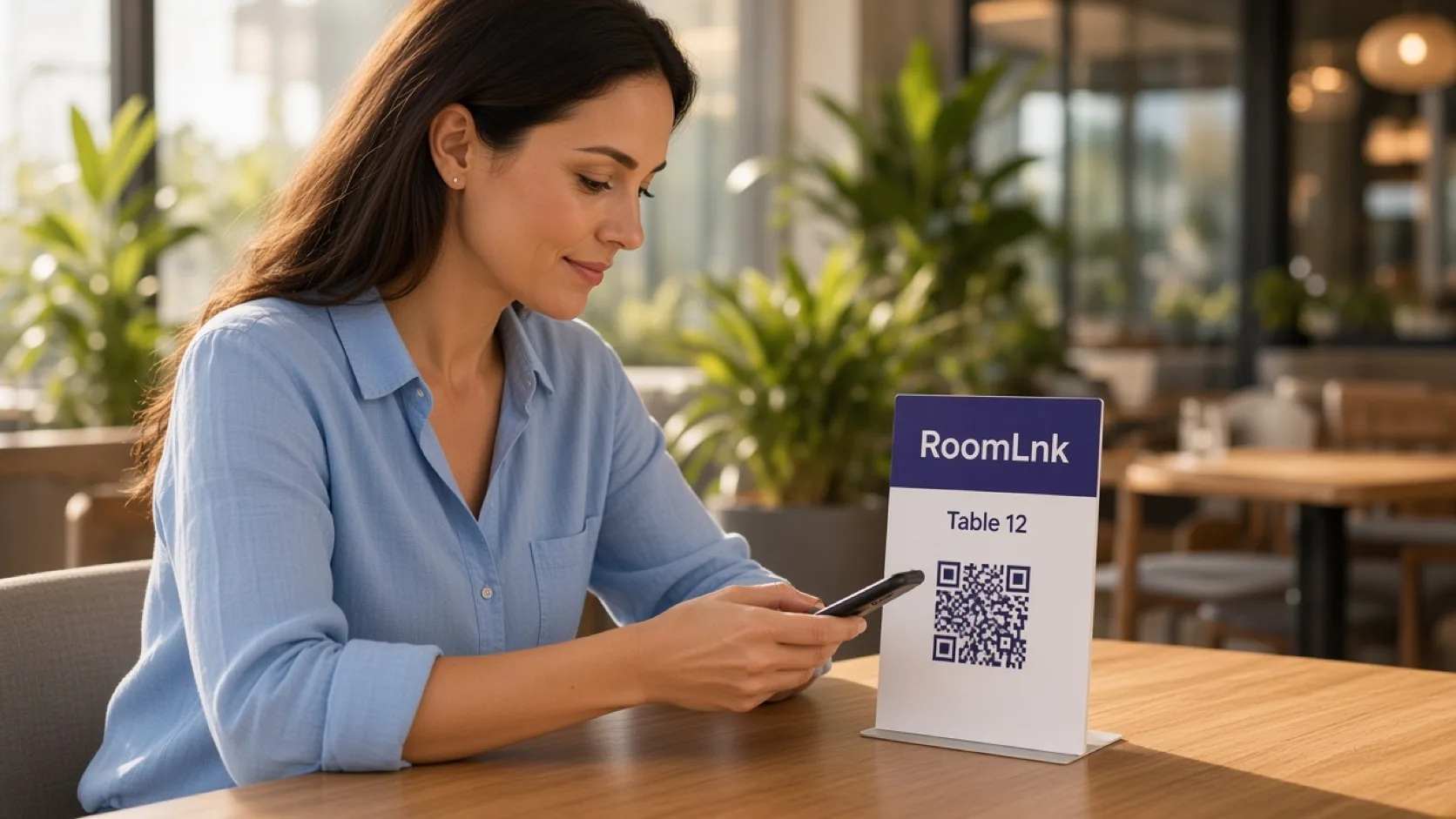
At the table
Menu questions, a simple service request, and a takeaway update do not need a personal mobile number for the floor staff.
RoomLnk keeps that exchange on the table or the collection counter. Orders and charges still go through the point of sale.
Service conversations
Use the room for service. Keep dietary and medical questions on the restaurant’s approved process.
“Could we order another sparkling water?” arrives as table 12.
Answer from the current menu, and do not guess allergens.
Say when an order is an estimate and when it is actually ready.
Translate a question and keep the original wording.
Useful when the table is noisy and typing is awkward.
Whoever is covering the section can reply from the workspace.
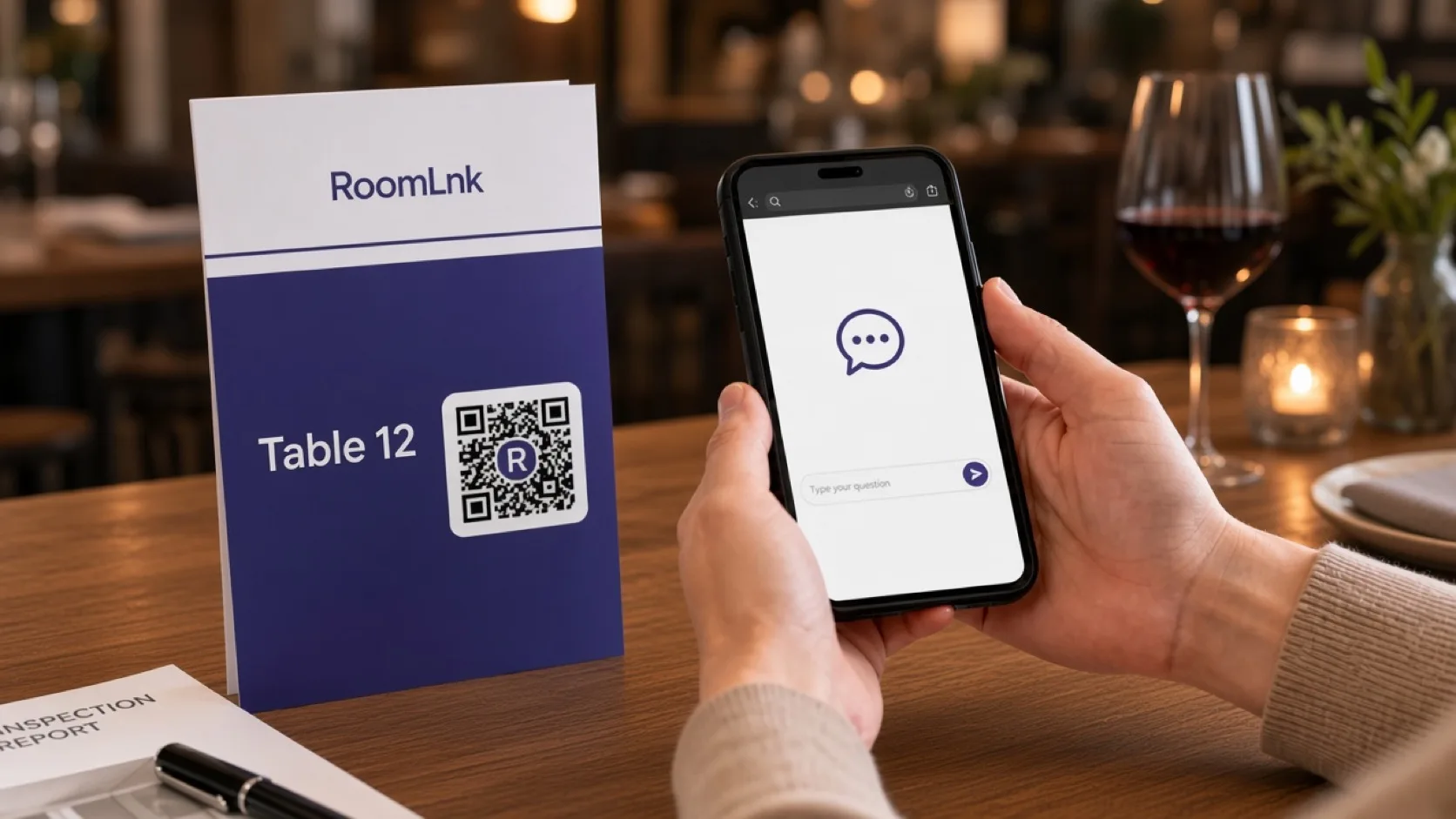
Table 12
The guest scans the table card. The team replies, “Of course. We will bring one to table 12.”
The chat is not the bill. Enter the order and the charge in the point of sale.
How it works
Put a code on the table, menu, or collection counter.
The room opens in the browser. No app.
The team sees the table or the takeaway order.
Bring the water, answer the menu question, or update the collection time.
Dietary and medical questions follow the restaurant’s approved process.
Expire the room when the table turns or the order is collected.
Relevant RoomLnk features
Each table or collection point can start its own conversation.
Do not use the chat as the allergen record, the bill, or the emergency contact for the dining room.
Where to place the code
Name the table
Use the table or ticket number so two sittings never share one thread.
Service boundaries
Keep the current menu and availability with the people who reply. Refer dietary or medical questions to the restaurant’s approved process.
Confirm the table before acting. Payments, refunds, and formal complaints stay in their own channels. A takeaway time is an estimate until the kitchen confirms it.
Questions and answers
Yes. A code on table 12 tells the team where the request came from.
No. They scan the card and chat in the browser.
No. Staff still enter orders and charges in the point of sale.
Only through the restaurant’s approved allergen process. Do not guess from the chat.
Yes. Put the code on the packaging or the collection message, and distinguish an estimate from a confirmed ready time.
Yes. The original guest message stays visible.
Create your RoomLnk