Listing enquiries
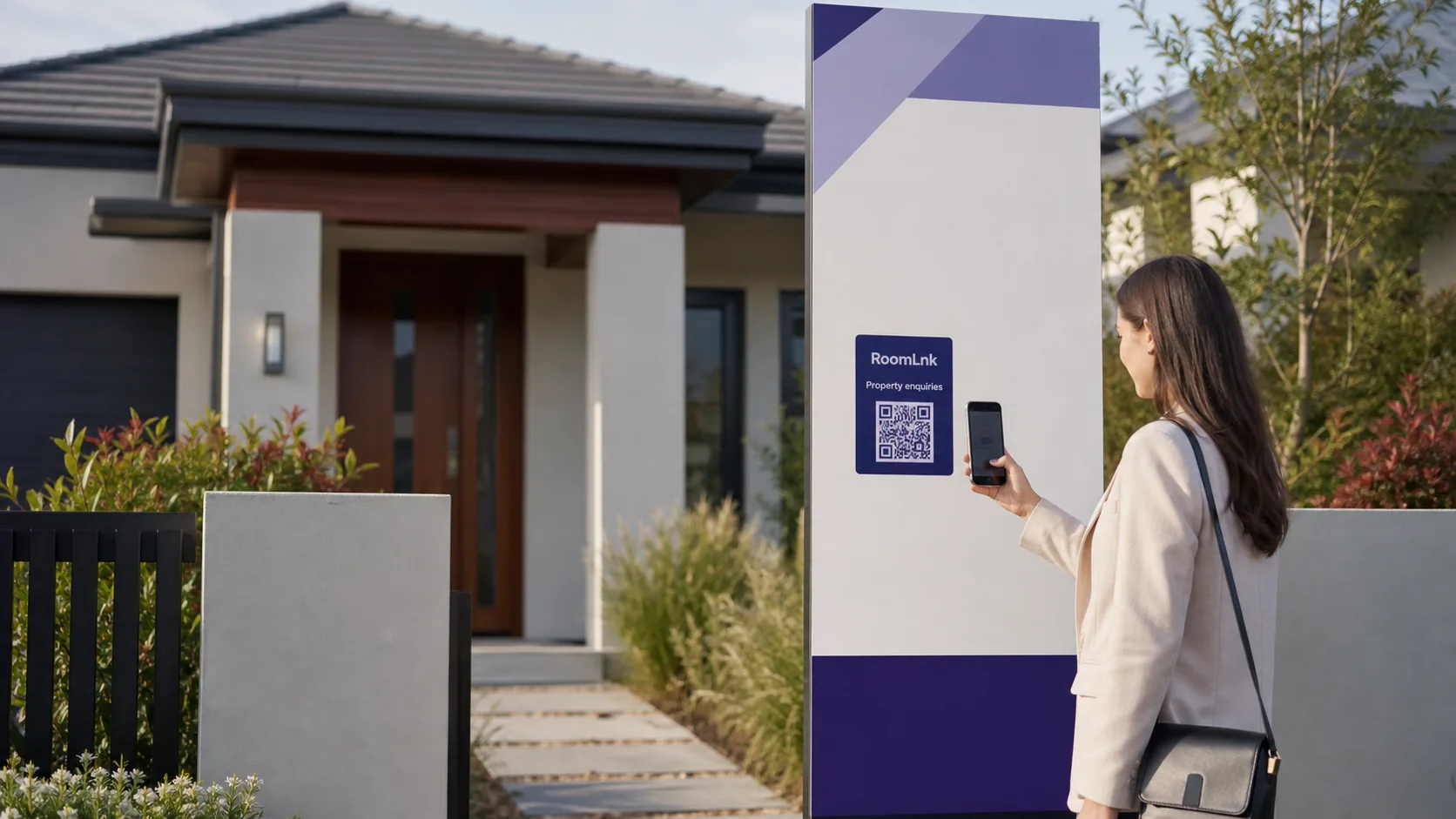
Put a listing-specific QR code on approved signs or brochures for availability and inspection questions.

Property enquiry communication
Use RoomLnk links and QR codes for private property enquiries, inspection follow-up, and maintenance coordination without sharing personal numbers.
Create a room for each listing, inspection, building, or project. The person joins from a browser without downloading an app.
Start with the property context
A property can generate questions from buyers, tenants, owners, contractors, and neighbours. An inspection enquiry is different from a maintenance request, and a question about one listing should not be mixed with another.
RoomLnk gives each property-related conversation a defined starting point. It complements rather than replaces tenancy management, contract signing, emergency repair, legal-notice, and recordkeeping systems.
From listing to completed work
Give each listing, building, project, or request its own clearly labelled conversation.
Put a listing-specific QR code on approved signs or brochures for availability and inspection questions.
Give visitors a defined place for practical follow-up after an open home or inspection.
Coordinate non-emergency scheduling, access, and practical job details in a temporary room.
Use a purpose-labelled room for general questions about planned work or common areas.
Separate project, site-visit, and stakeholder conversations with clear names and expiry.
Coordinate where to meet or who will provide access without exposing personal mobile numbers.
At the point of interest
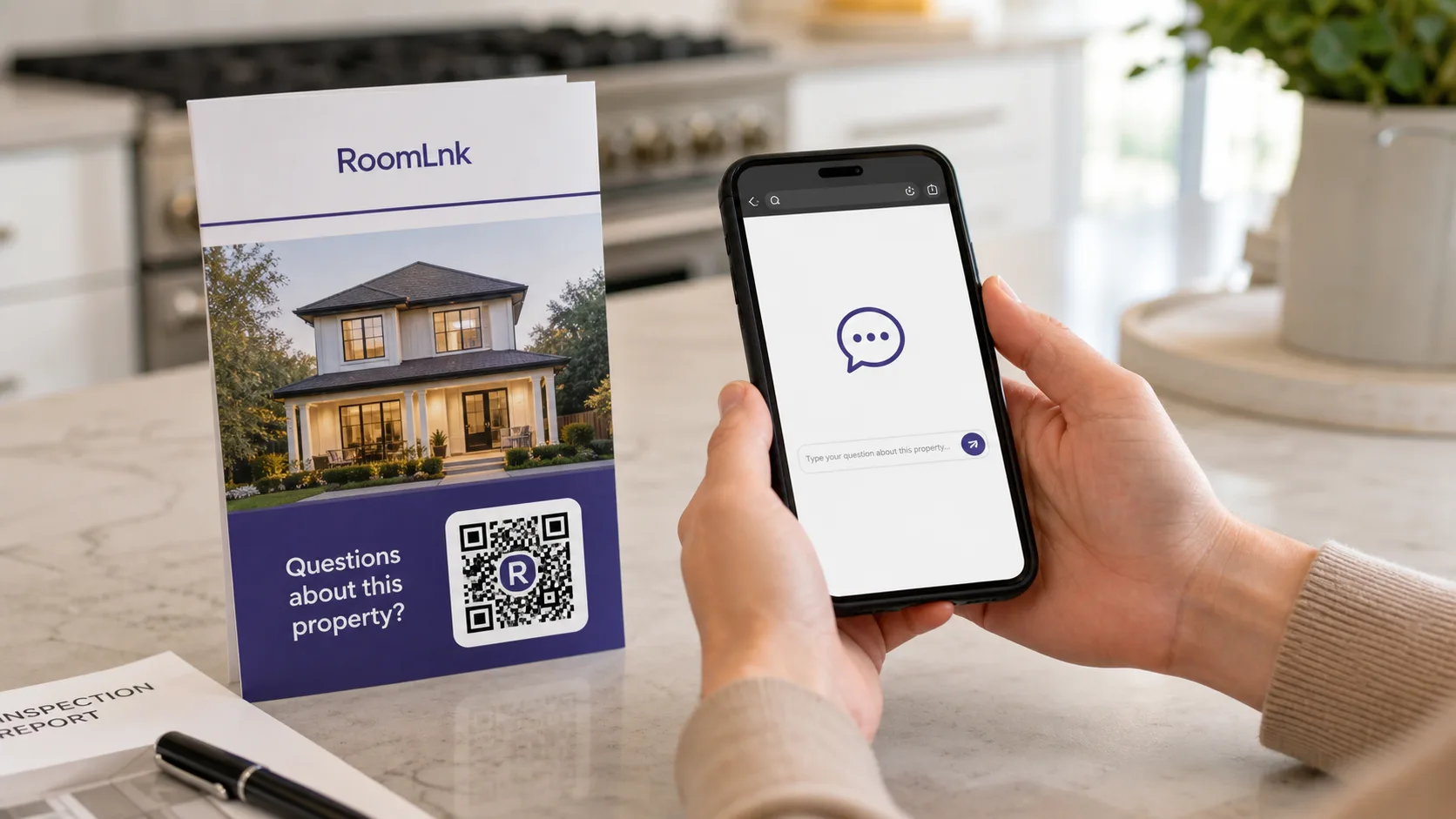
A QR code attached to one listing already tells the team which property prompted the conversation. Add a clear label such as “Questions about this property?” so expectations are obvious.
RoomLnk supports the conversation. Applications, offers, contracts, legal notices, payments, and authoritative records remain in approved property systems.
Listing communication
Create a RoomLnk room for the specific property or enquiry.
Use a listing reference or approved address format without personal details.
Add it to approved signs, brochures, and inspection materials with a clear label.
The person scans the code and enters from a browser without an app.
The relevant agent or team member responds from the business workspace.
Move applications, offers, contracts, and notices to approved systems.
Close access when the listing or follow-up period ends.
For property teams
Separate rooms help teams avoid combining unrelated listings, buildings, inspections, and maintenance requests in one thread.
A property-specific RoomLnk room should never be the only route for emergency repairs, immediate hazards, legal notices, contracts, or access credentials.
Label every placement
Route work without excess data
Choose names that identify the property workflow while limiting personal information visible to staff.
Operational boundaries
Decide who monitors listing, maintenance, strata, and project rooms. Publish response hours and define handover when an agent or manager is unavailable.
Document which conversations must move into tenancy, CRM, contract, maintenance, or legal-record systems. Remove or replace outdated QR codes when a room is no longer monitored.
Questions and answers
RoomLnk is a browser-based private chat platform. A property business creates a room for a listing, inspection, building, project, or enquiry and shares it through a link or QR code.
You can create a separate RoomLnk room for each listing and share that room through its QR code on approved signs, brochures, or inspection materials.
No. RoomLnk supports browser-based conversations. It does not replace tenancy management, CRM, contract signing, maintenance, legal-notice, or recordkeeping platforms.
No. A person opens the shared RoomLnk link or scans its QR code and joins from a browser, which reduces friction for one-off property questions and short coordination.
No. RoomLnk should not replace the property's emergency-repair or emergency-services process. It is better suited to non-emergency questions and practical coordination.
Business accounts can manage multiple rooms, and team access is available on supported plans. The organisation should assign ownership and document handover procedures.
Match the room lifetime to its purpose. A site-visit room may be temporary, while a listing room may remain useful through the marketing and follow-up period.
No. RoomLnk should not be treated as a contract-signing, secure document portal, or legal-notice platform. Use approved systems and legally required delivery methods for formal records.
Start a property-specific conversation