Where to meet
“Where should we meet for photos?” stays with the shoot, not a personal thread.

Photography and wedding services
Weddings and events involve photographers, organisers, venues, couples, and guests, often for just one day.
RoomLnk creates a temporary private conversation without requiring everyone to exchange phone numbers. When the event finishes, the room can expire.
Built around one day
Photo timing, where to meet, which entrance to use, and whether the photographer has arrived are day-of questions. A permanent group chat leaves everyone's numbers in a thread that outlives the event.
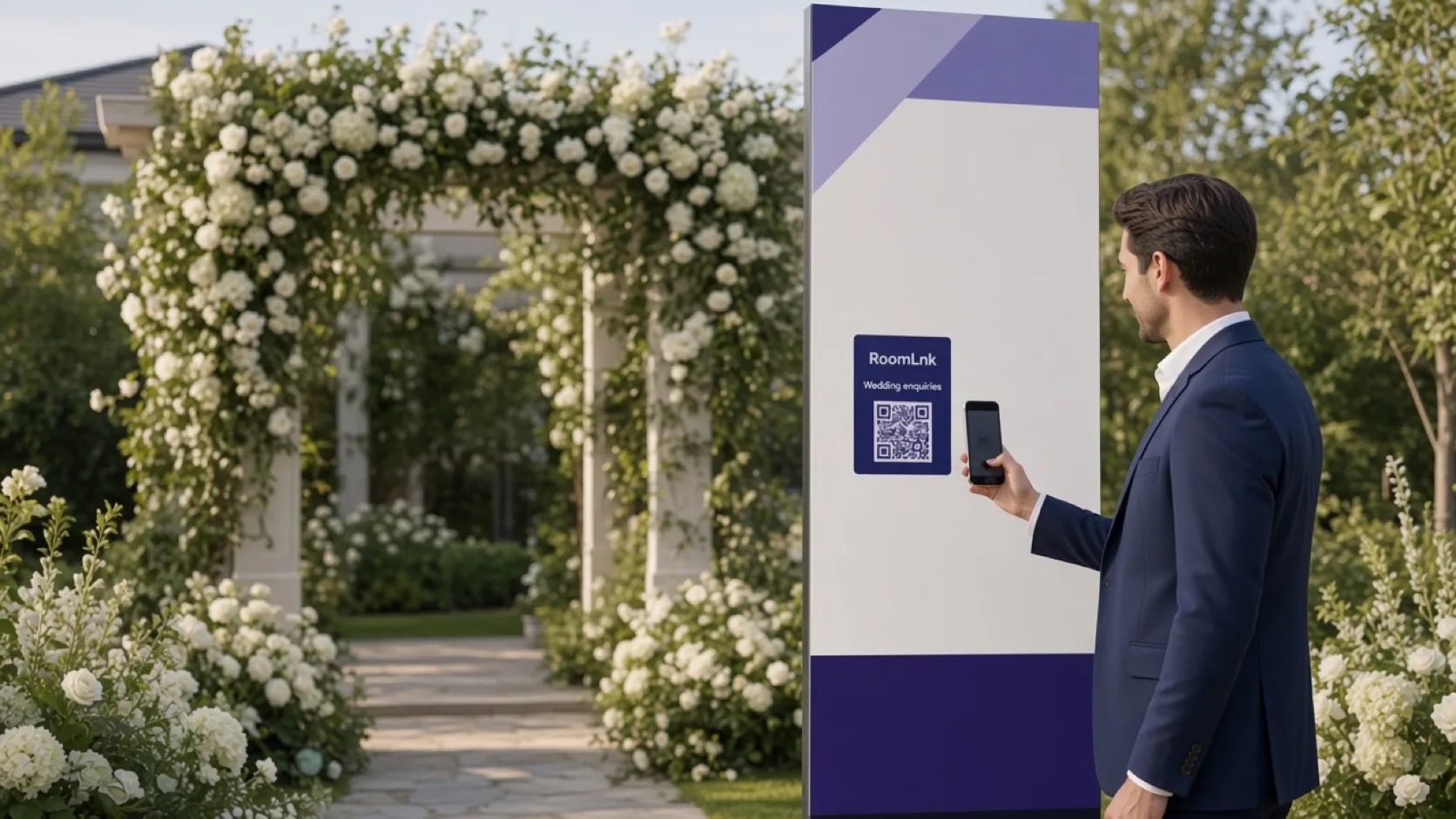
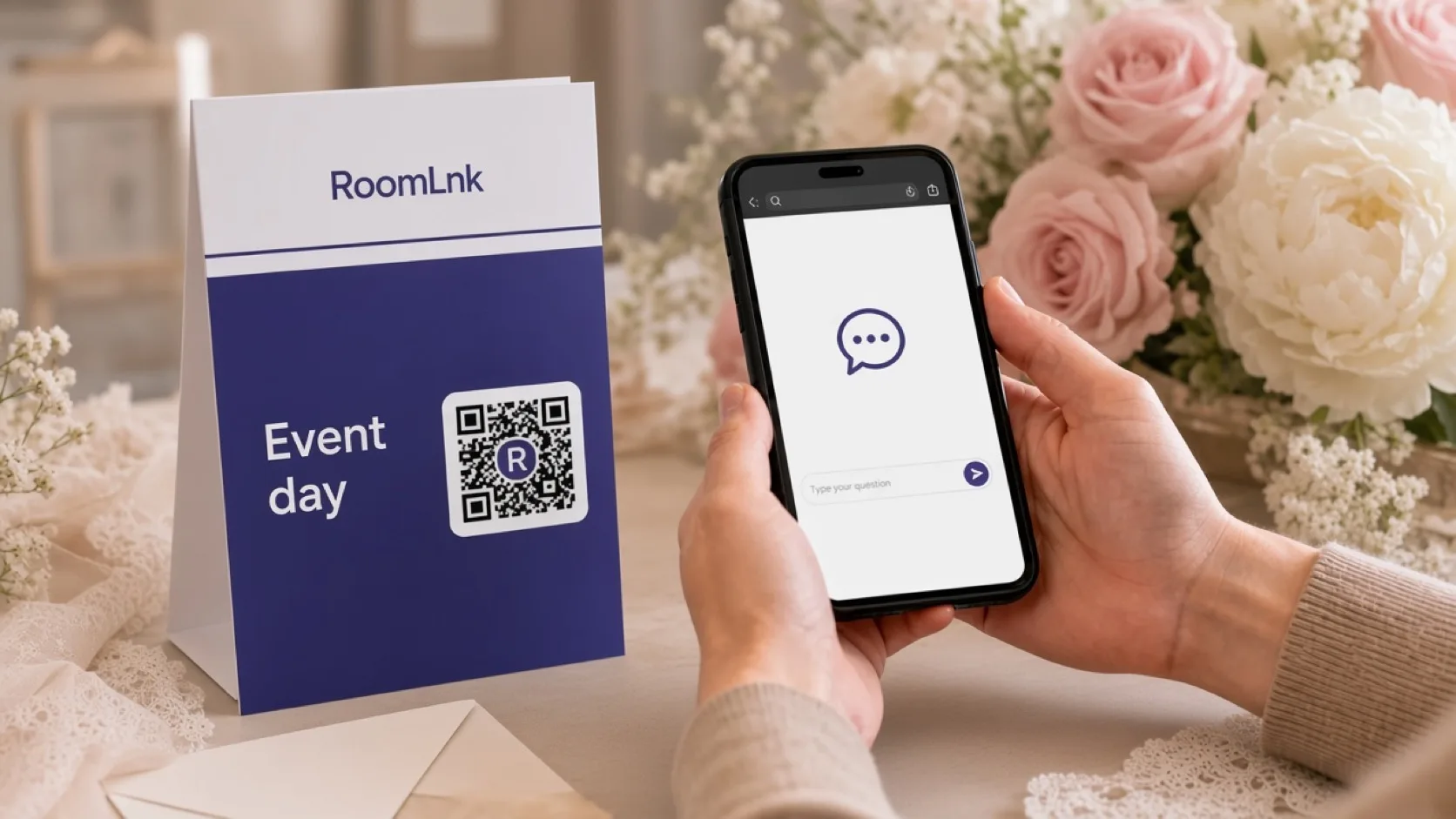
A RoomLnk room can live for the wedding day or the shoot. Invitations, venue signs, and table cards carry the code. People join in the browser.
Event conversations
Give the wedding, the shoot, or the reception its own temporary room.
“Where should we meet for photos?” stays with the shoot, not a personal thread.
“The photographer has arrived” reaches organisers without a phone tree.
“Can we move the family photos to 4 PM?” has one place to land.
“Where is the reception entrance?” starts from a sign at the venue.
Wedding day, conversation, event finishes, room expires.
Translate a message between a supplier and a family when they need it.
Temporary by design
An information card or invitation carries the RoomLnk code for that wedding or shoot. Guests and suppliers join without swapping mobile numbers.
The useful sequence is simple: wedding day, RoomLnk conversation, event finishes, room expires. Photos of a meeting point can travel in the room while it is open.
How it works
Open a room for the wedding, the shoot, or the reception.
Invitations, venue signs, table cards, and photo-booth notices.
No app and no exchange of personal phone numbers.
Meeting points, arrivals, and timing changes stay in one thread.
Show the entrance or the photo location when words are unclear.
Close it when the event is over.
A temporary room
The room is for the day. It is not a permanent group chat of suppliers and guests.
Where to place the code
Name the event
Use the event and the purpose. Avoid a room title that lists guests.
After the event
Tell couples and suppliers how long the room stays open. A day-of room should not quietly become a permanent contact list.
Contracts, image delivery, and invoices stay in the photographer's or planner's business systems. The room is for coordination.
Questions and answers
Yes. Create a room for the event and close it when the day is finished.
No. They scan the invitation, sign, or table card and join in the browser.
Whoever you give the code to: the couple, the photographer, the venue, organisers, or guests.
Yes. Photos and voice clips can be sent while the room is open.
No. Image delivery, contracts, and invoices stay in the business systems you already use.
Yes. Messages can be translated, and the original text stays visible.
Create your RoomLnk