Wi-Fi and desks
“The Wi-Fi isn't working” can start from the code in that zone.

Coworking
Members and visitors need help in the room they are already using, not back at a desk that may be empty.
A RoomLnk code at reception, on a meeting room, or beside the printer opens a private chat. No extra workplace app. No personal mobile number for the community manager.
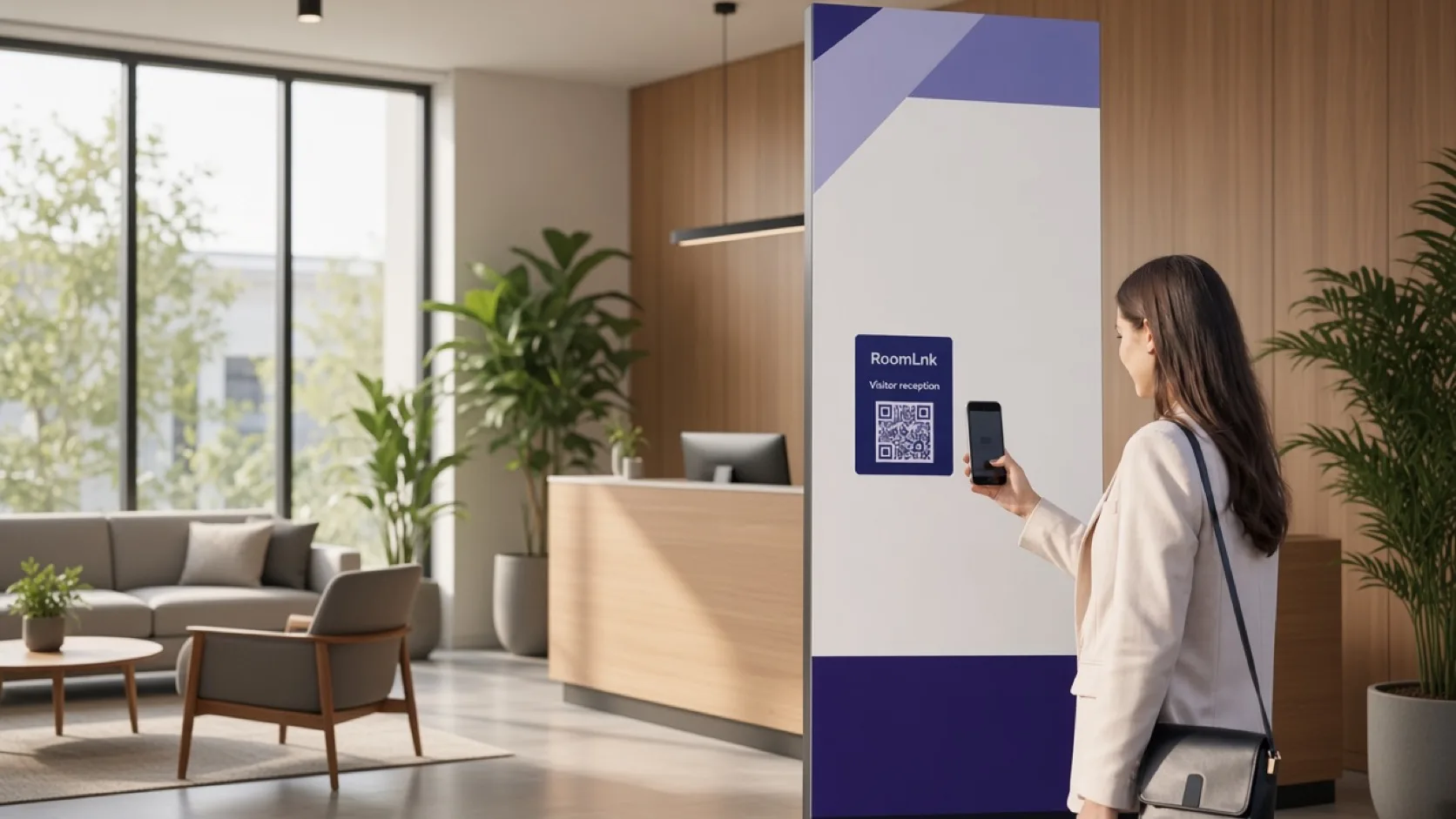
Support in the room
Wi-Fi, meeting-room bookings, paper, visitors, and after-6 PM access are local problems. A member should not have to leave the room to find out who can help.
Each of those places can carry its own RoomLnk code. The conversation is private, the team can share it, and files or voice clips can travel with the question.
Workspace scenarios
Keep facilities questions in a room that names the space.
“The Wi-Fi isn't working” can start from the code in that zone.
“How do I book this meeting room?” belongs on the room, not in a group chat.
Paper, toner, and jam reports stay with that printer.
“My visitor has arrived” reaches reception without sharing a personal number.
Explain published after-6 PM access from the entrance code.
Translate a visitor question and keep the original message.
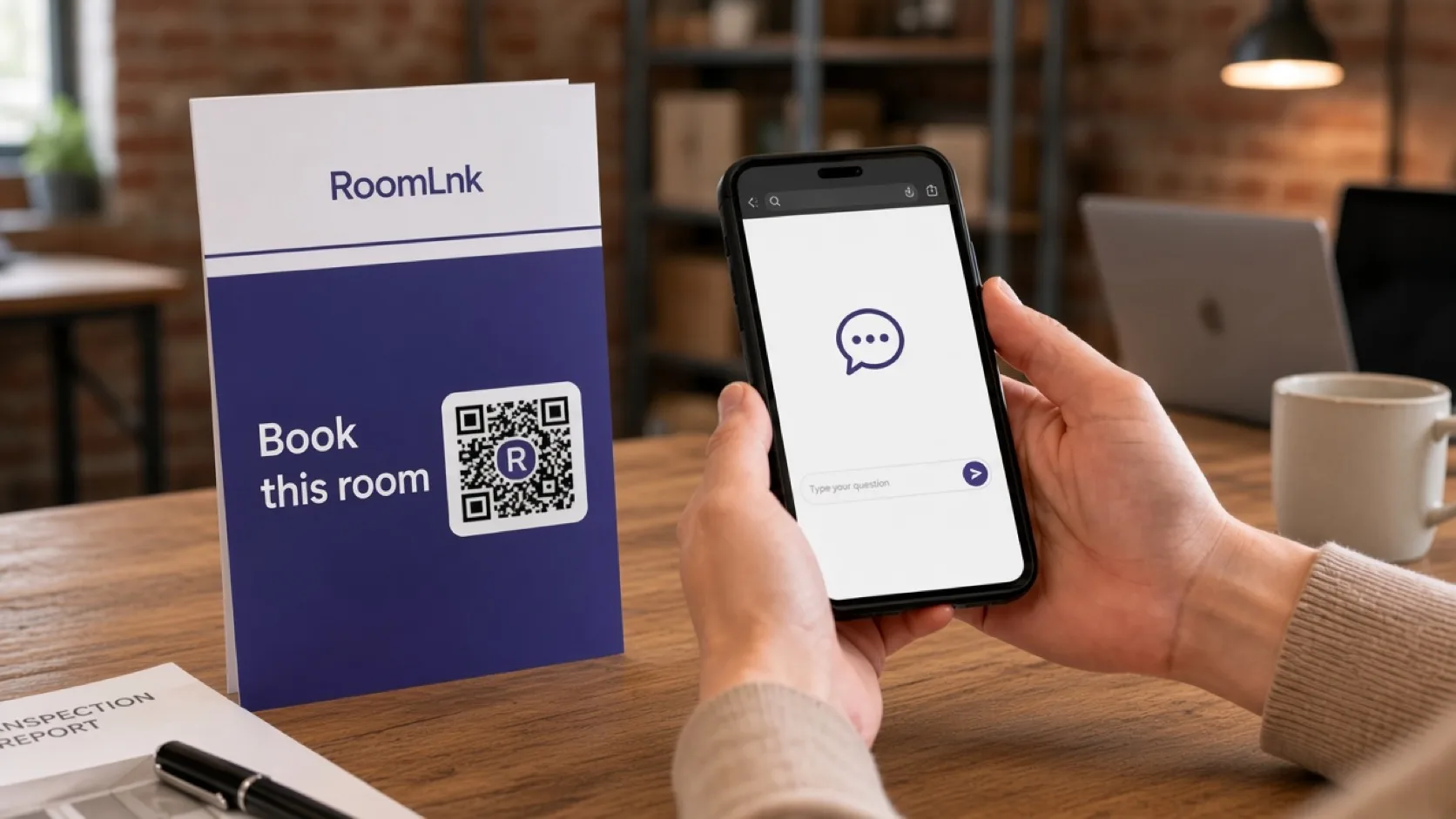
Room-specific help
A card on the table says how to ask about the booking, the screen, or the visitor who has arrived. The member scans and chats in the browser.
Reception and the community team share the business workspace. File sharing covers a floor plan or a booking note without moving the thread to email.
How it works
Add a code to reception, the meeting room, the printer, or the entrance.
The chat opens in the browser. No workspace app is required.
Wi-Fi, booking, paper, or access stays tied to the code they scanned.
Reception and community staff share the private room.
Send a floor plan, a how-to, or a booking note in the same thread.
Door credentials and member billing stay in the coworking platform.
Relevant RoomLnk features
Different rooms in the building can start different conversations.
Where to place the code
Name the space
Use the room or facility name so two meeting rooms never share one thread.
Workspace operations
Publish staffed hours beside entrance and reception codes. An after-hours code should say what it can and cannot solve.
Access control, billing, and membership records stay in the coworking system. RoomLnk is the conversation about the space.
Questions and answers
Yes. A code in Studio 2 keeps booking and equipment questions separate from the printer or the front door.
No. They scan the code and chat in the browser.
Yes. A visitor can open the reception room without an account or a personal phone exchange.
Yes. Floor plans, notes, and short instructions can be sent in the same private conversation.
No. Building credentials and membership billing stay in the coworking platform.
Yes. Visitors can write in their own language, and staff can translate the message.
Start with RoomLnk