Availability
“Yes. It is available after 5pm.”

Marketplace sellers
“Is the desk still available for pickup today?” does not need your personal mobile.
Share a temporary RoomLnk link in the listing or the marketplace message. The buyer joins in the browser. The room is the conversation, not proof of payment or identity.
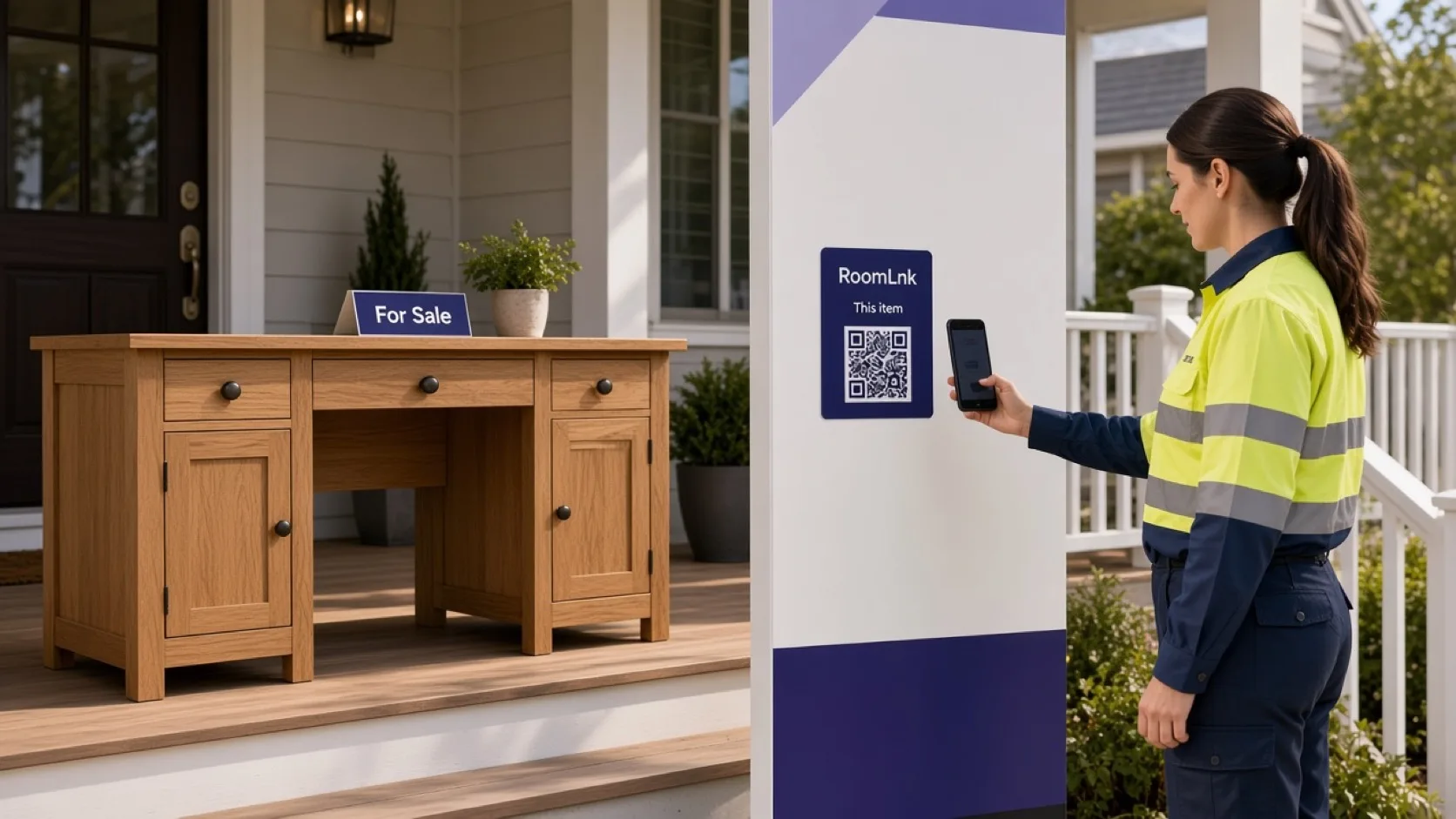
One item, one room
Availability, a product question, and a pickup time are all the buyer needs at first. A personal number stays in their phone after the sale.
A temporary RoomLnk room can expire when the item is gone. Share a precise address only when the handover is agreed, and choose a safe place to meet.
Buyer conversations
Be honest about availability and condition. Do not ask for security codes or credentials in the room.
“Yes. It is available after 5pm.”
Condition, size, and what is included.
Share the meeting details when they are needed, not before.
Send a picture of the item in the same room.
Keep the original and show a translation.
Close it when the item is collected or the listing ends.
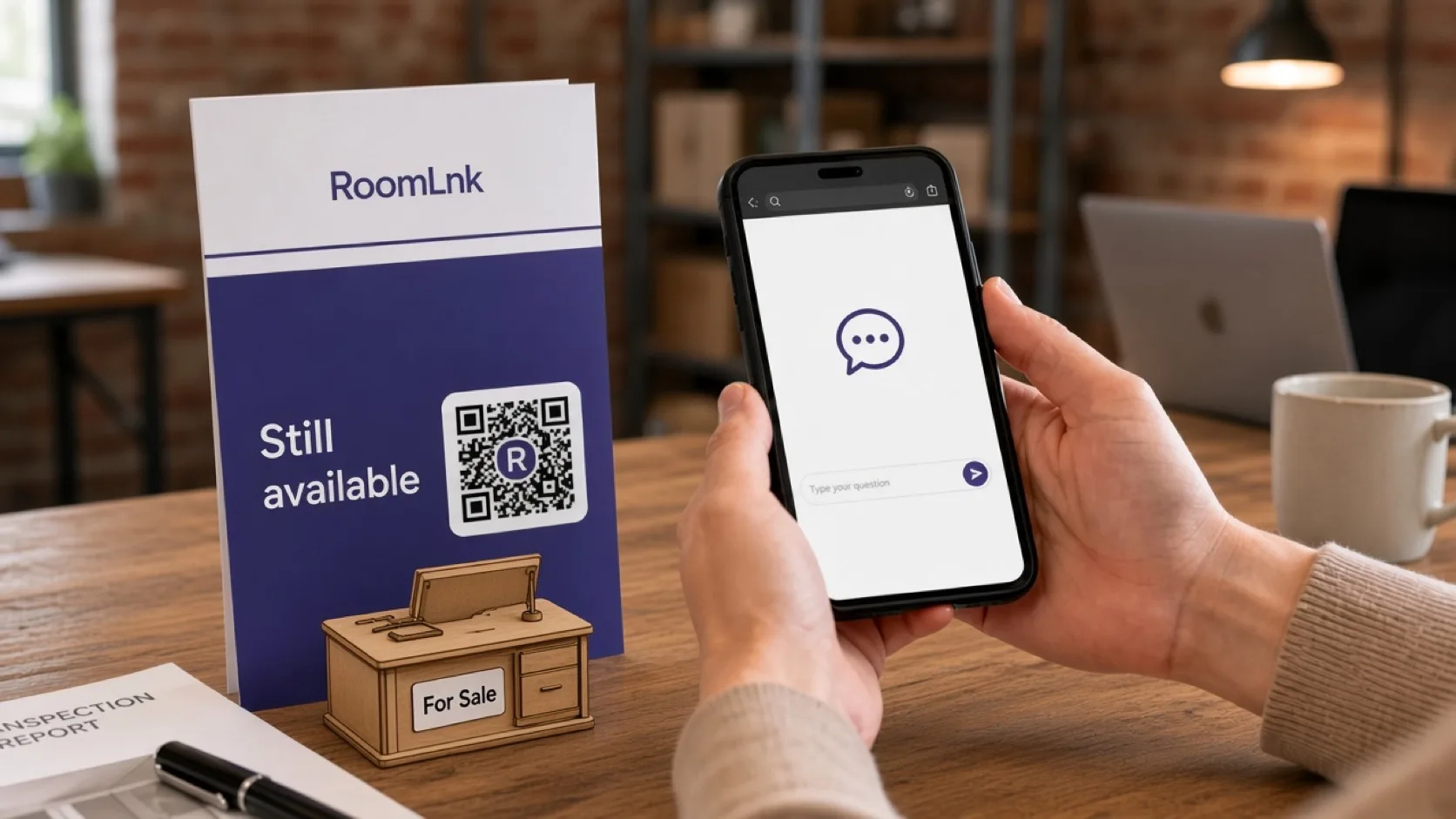
This listing
The buyer asks if it is still available today. The seller replies with the pickup window and can share the meeting details in the same room.
A display name and a room link do not prove payment or identity. Stop if the conversation looks like fraud or feels unsafe.
How it works
Share the link in the listing or the marketplace message.
No app and no exchange of phone numbers.
Availability, condition, and pickup.
Keep the pictures with that listing.
Use a safe handover place.
Close it after the sale or when the listing ends.
Relevant RoomLnk features
Your personal number stays off the listing.
Do not treat a RoomLnk display name as proof of identity or payment. Meet in a way that feels safe.
Where to share the link
Name the item
Use the item. Do not put your home address in the room title.
Safety
Confirm availability and condition honestly. Keep payment in a method you trust, and never ask for security codes in the chat.
Share a precise address only when needed, prefer a safe handover, and stop if the behaviour suggests fraud, harassment, or danger.
Questions and answers
Yes. Share a RoomLnk link. The buyer opens it in a browser.
Yes. A temporary room can expire when the item is sold.
No. A display name and a link are not proof of payment or identity.
Yes. Photos stay in that item’s room.
Only when pickup is agreed, and choose a safe place to meet.
Yes. The original message stays visible.
Create your RoomLnk