This vehicle
The window code tells the team which car the buyer is standing at.

Automotive
A test-drive question should arrive already tied to the car in the window.
Put a RoomLnk code on the vehicle, the online listing, or the sales handout. The customer joins in the browser. A message does not authorise a test drive or a sale.
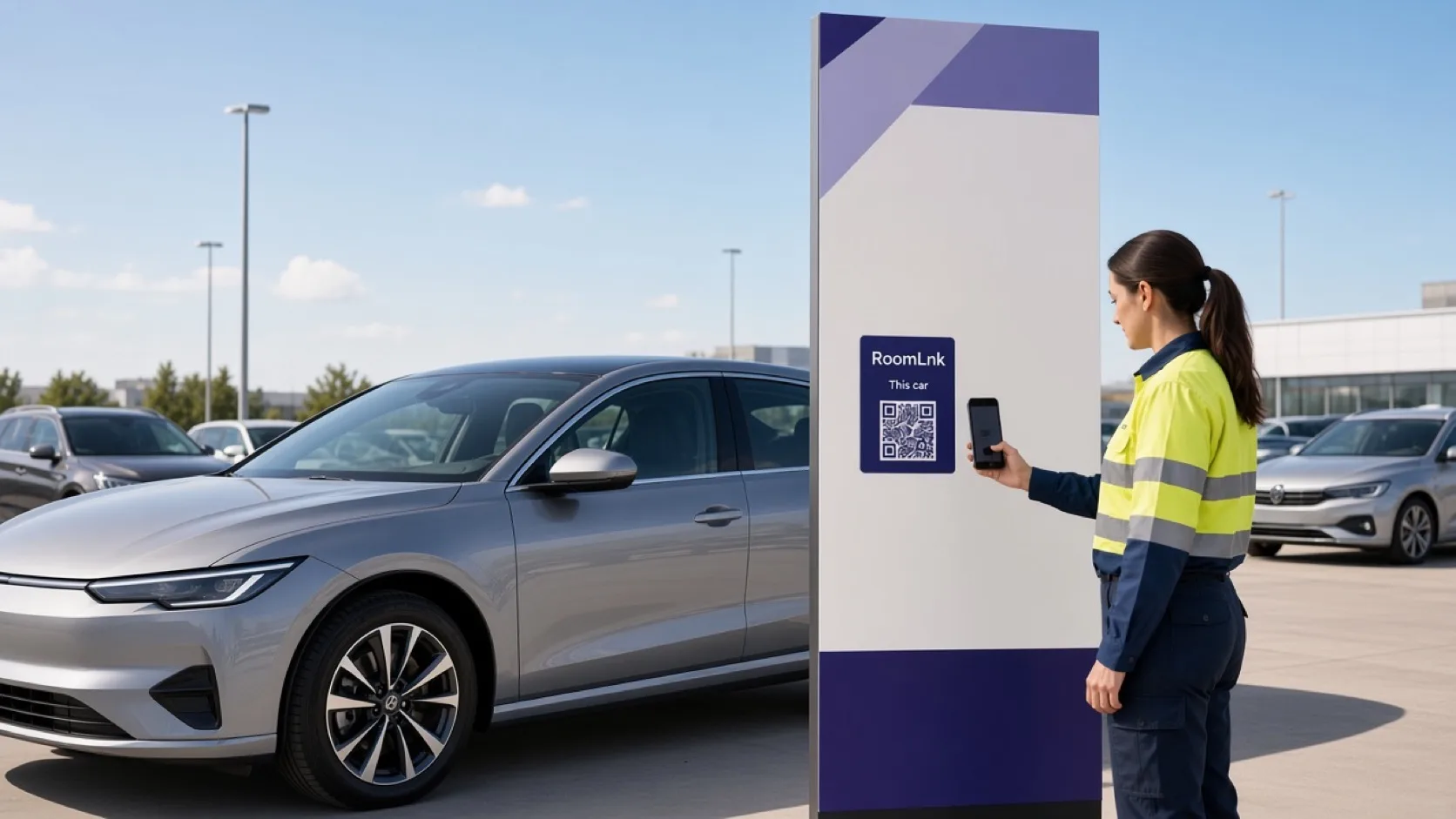
On the car
Buyers ask if this model is free tomorrow morning, what is included, and whether a trade-in is possible. Those questions get mixed up when every car shares one salesperson’s phone.
RoomLnk keeps the thread on that vehicle. Licence checks, finance, deposits, and the sale stay in the dealership’s formal process.
Sales conversations
Check current stock and status before offering a time.
The window code tells the team which car the buyer is standing at.
“Yes. I have a 10:30 slot” still needs the dealership’s booking process.
Collect the first details here. The appraisal is formal.
Send a specification photo in the same room.
Keep the buyer’s original message.
Whoever covers that stock can reply.
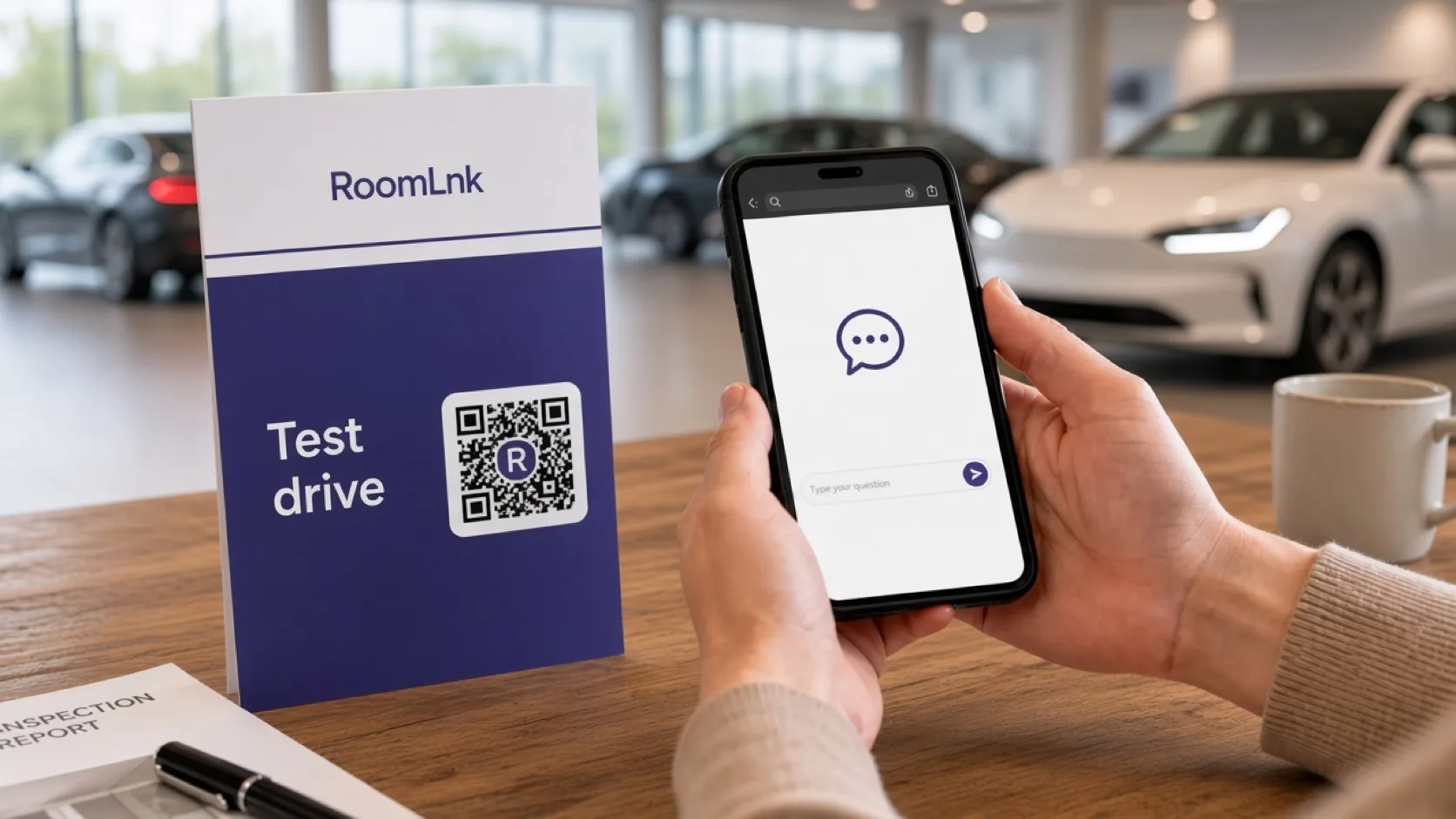
This car
The buyer asks for a morning test drive. The team replies that 10:30 is available and can reserve it through the dealership process.
A room message alone does not hand over keys. Licence, insurance, and consent still apply.
How it works
Windows, listings, and sales handouts.
A private room opens in the browser.
Availability, a drive, or a trade-in.
Confirm it is still available before offering a time.
Licence, insurance, and consent stay on the dealership process.
Offers, deposits, and finance go into the approved system.
Relevant RoomLnk features
Each car can have its own conversation for as long as it is in stock.
Do not treat a RoomLnk message as permission to release a vehicle or as a finance approval.
Where to place the code
Use the stock number
Lead with the stock or model so two similar cars stay separate.
Sales controls
Verify availability, specification, location, and sales status before offering an appointment.
Use the dealership’s licence, insurance, and consent process for test drives. Record finance, offers, and deposits in the approved system.
Questions and answers
Yes. The window code opens a room for that vehicle.
No. They scan and chat in the browser.
The team can offer a time, then complete the dealership’s licence and booking process.
No. Finance, deposits, and the sale are recorded in the dealership’s formal systems.
Yes. Photos help confirm which car they mean.
Remove or expire the code so the next person is not chatting about a vehicle that has gone.
Create your RoomLnk