Pickup
“Yes. I have updated the booking and sent the after-hours instructions here.”

Car rental
A delayed flight should update the pickup without a queue of personal texts.
Put a RoomLnk link in the confirmation, on the rental desk, or in the handover pack. The customer joins in the browser. Knowing a booking detail does not release the car.
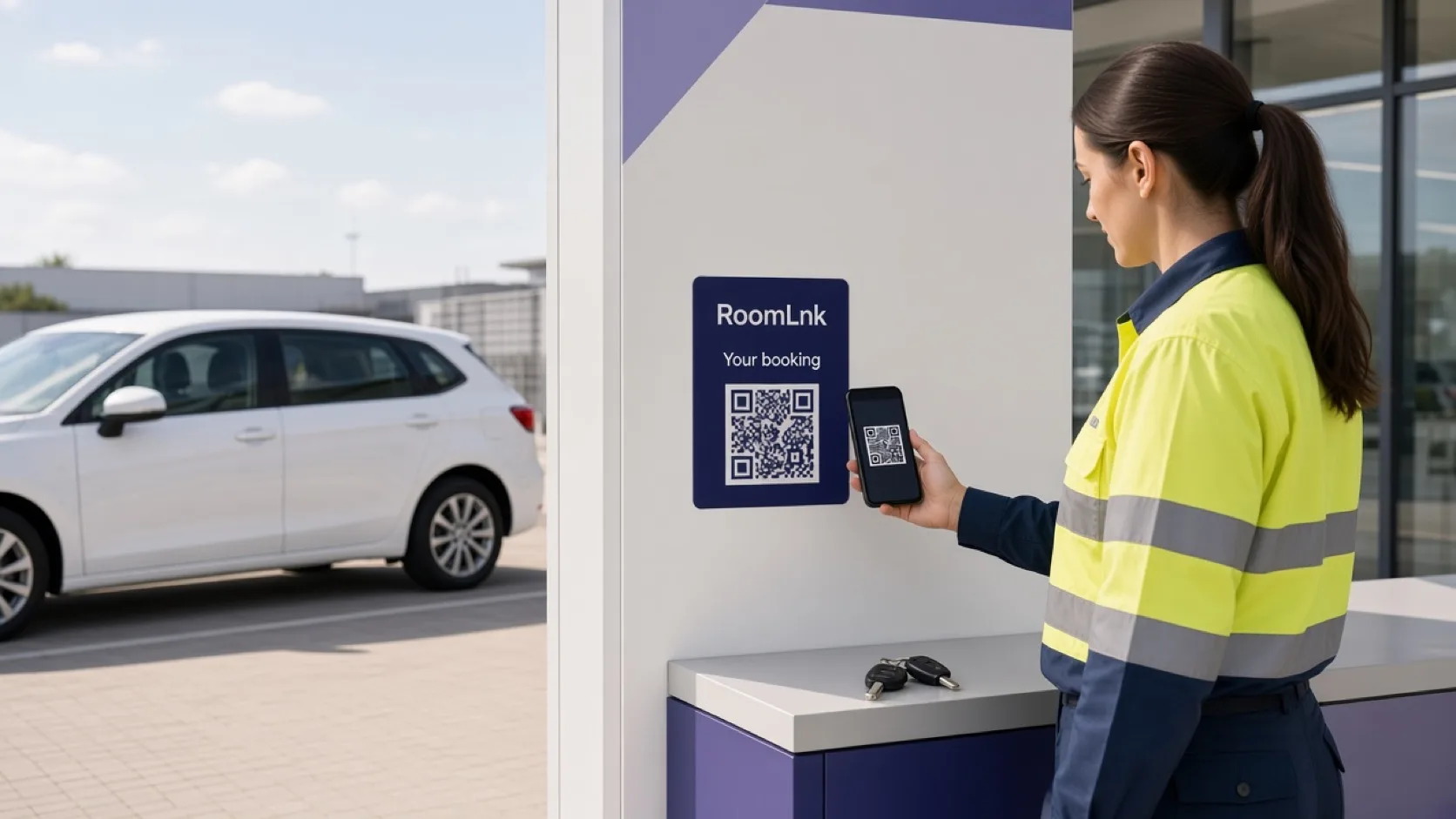
This reservation
Customers ask if an 8pm collection is still possible, where the after-hours desk is, and what the car includes. Those messages get lost across branch phones.
RoomLnk keeps them on that reservation. Licence, payment, and the rental agreement stay on the formal process.
Rental conversations
Check the live reservation and branch hours before confirming a new time.
“Yes. I have updated the booking and sent the after-hours instructions here.”
Only confirm a late collection if the branch and the car are actually available.
What is included, where to return, and who to tell about a fault.
The room can request one. The contract change is in the rental system.
Keep the customer’s original message.
Whoever is on the desk can reply for that booking.
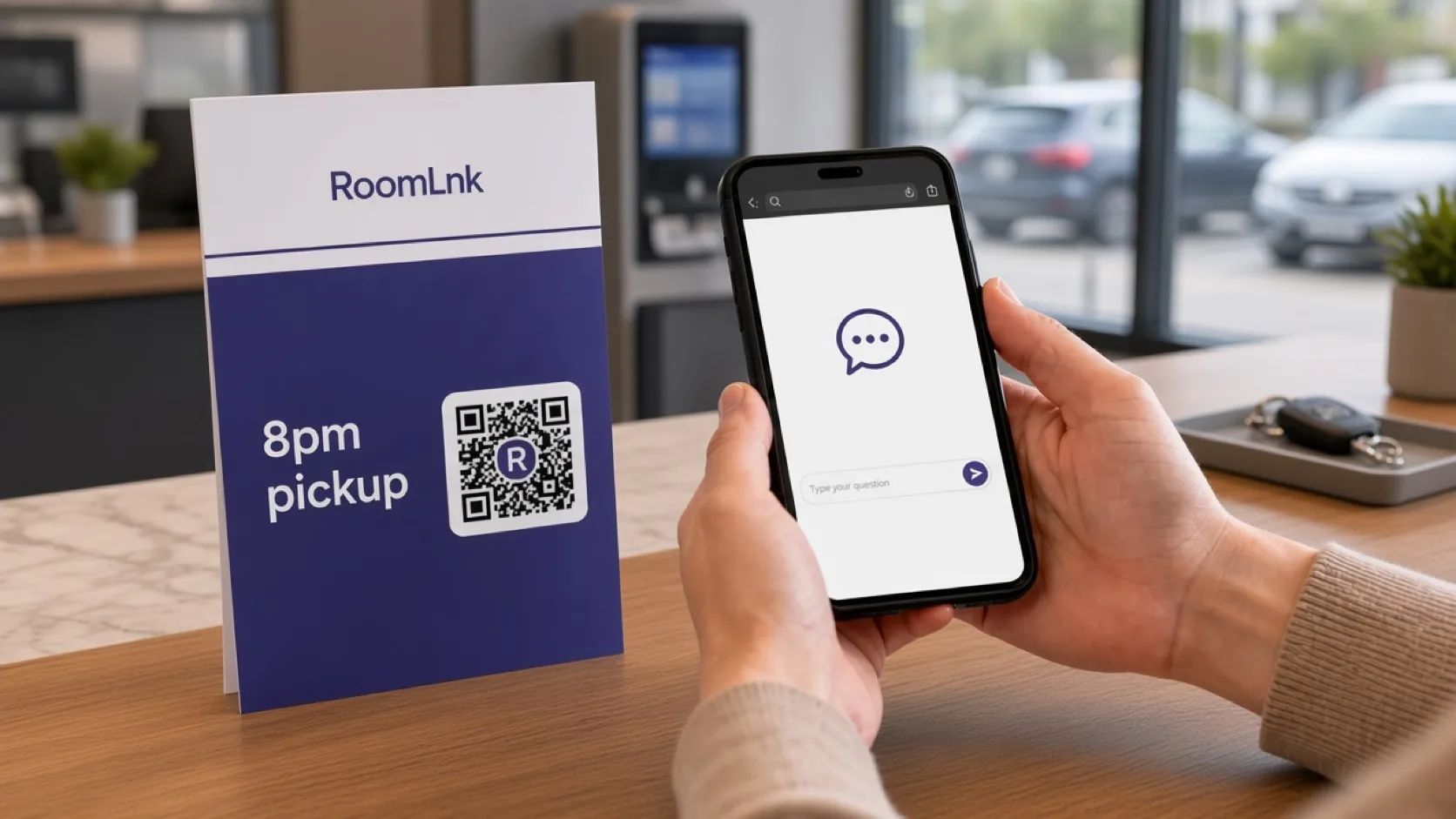
This booking
The customer says the flight is delayed and asks about 8pm. The branch checks hours and the car, then sends the after-hours instruction if it is allowed.
Identity, licence, deposit, and the agreement still happen before the keys are released.
How it works
Confirmations, desk signs, and handover packs.
A private room in the browser. No app.
A delay, a question, or a return time.
Hours, vehicle readiness, and policy.
Licence and agreement are not replaced by chat.
Extensions, damage, and fees stay in the rental system.
Relevant RoomLnk features
The customer is not tied to one staff member’s phone.
Do not release a vehicle from chat alone, and do not collect card numbers in the room.
Where to place the code
Use the booking reference
Lead with the reservation. Do not put licence details in the title.
Contract boundary
Check the reservation, branch hours, and vehicle before confirming a changed pickup or return.
Identity, licence, payment, inspection, and the agreement stay formal. Accidents and emergencies follow the provider’s immediate procedure.
Questions and answers
Yes. The confirmation link opens a room for that reservation.
No. They open the link in a browser.
Only after checking hours, the car, and the delay policy.
No. Licence, payment, and the contract still happen before the keys are released.
Yes. They can describe it or send a photo. Roadside and accident procedures still apply.
Yes. The original message stays visible.
Create your RoomLnk