Documents
“What documents do you need?” and a file can stay in the client room.

Insurance and brokers
Clients need a private place to ask what happens next, not a personal mobile number.
RoomLnk is a private browser conversation for service questions: which documents you need, whether a call can be scheduled, and whether the broker has received what was sent.
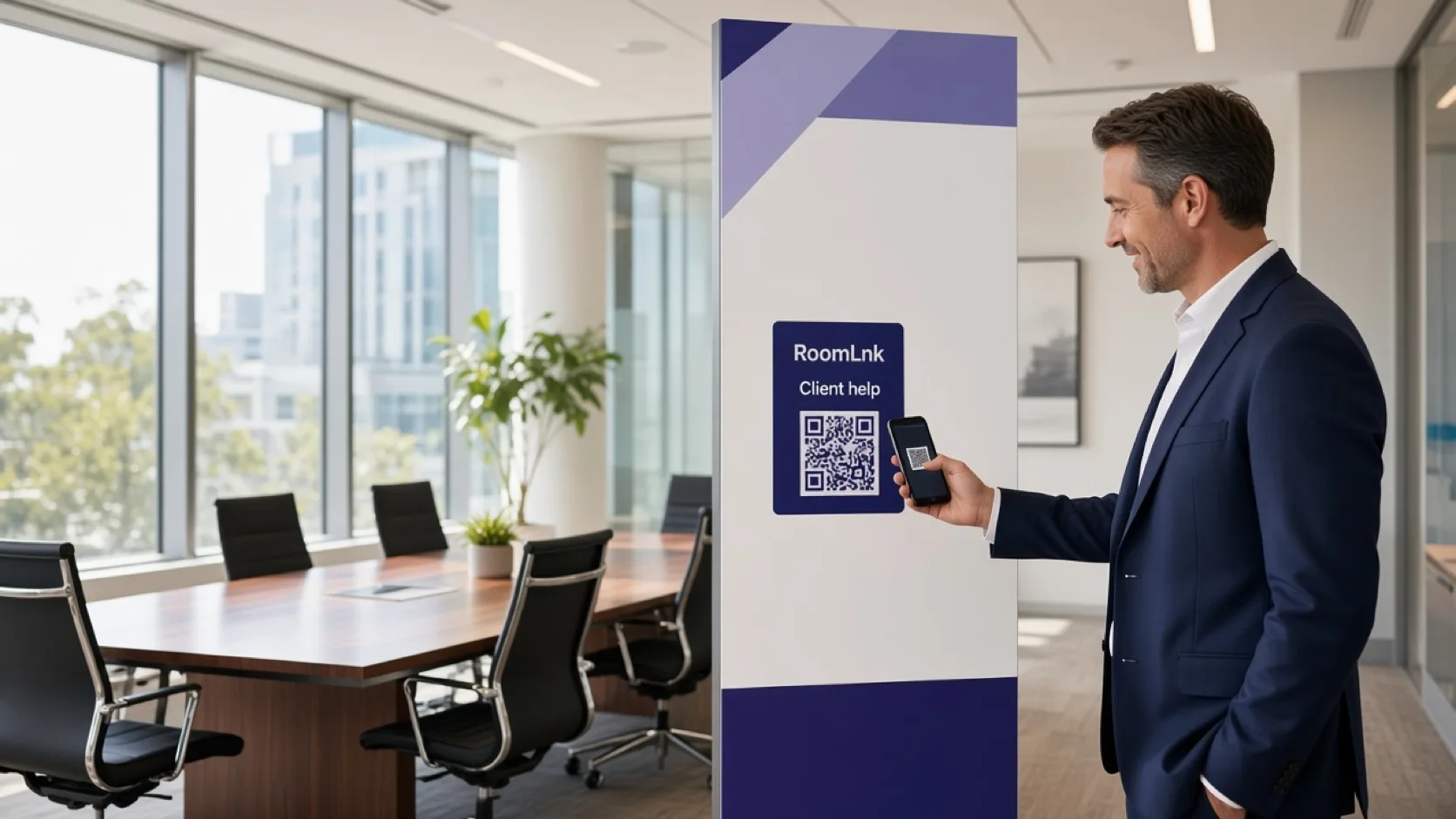
Service questions
“What documents do you need?”, “Can I schedule a call?”, and “Has my broker received my documents?” are service questions. They should not live in a personal text thread that mixes several clients.
A RoomLnk room gives the client one private place to continue that conversation. Files, voice, and translation can travel with it. Coverage decisions do not.
Common client messages
Use the room to move the process along. Hand regulated questions to authorised staff.
“What documents do you need?” and a file can stay in the client room.
“Can I schedule a call?” does not need a personal mobile number.
Explain the next service step without making the chat a policy document.
“Has my broker received my documents?” is a status question for the team.
Authorised staff can share the room instead of a personal inbox.
Show a translation beside the original. Do not treat it as advice.
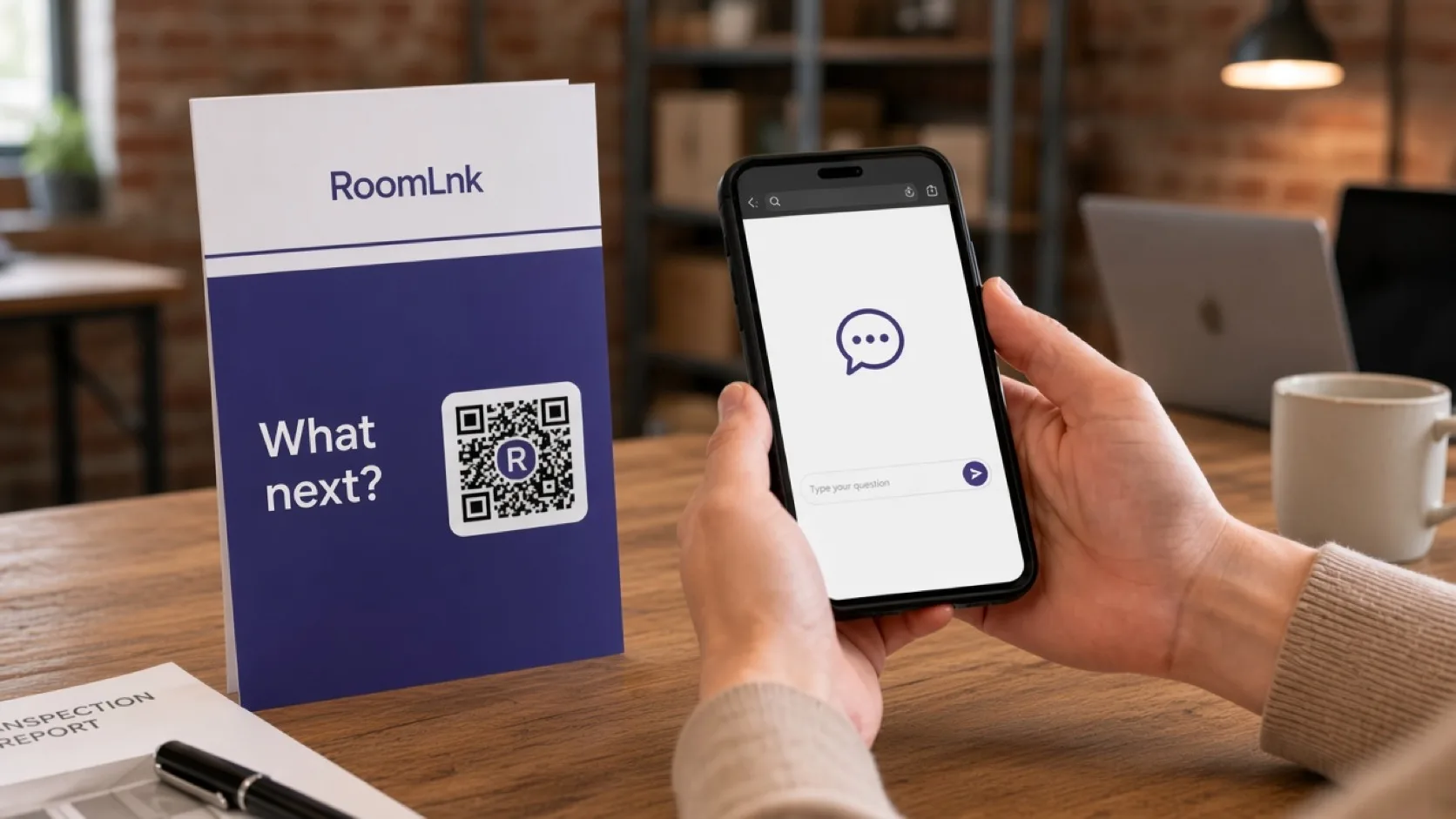
A clear boundary
A card or email link opens the client's private room. They can ask what documents are needed and send a file. The team can confirm what has been received.
RoomLnk AI should not determine coverage, guarantee a claim outcome, give regulated personal advice, or ask for passwords. Those questions go to authorised staff.
How it works
Share a link or code for that client enquiry.
No app and no personal phone number.
Document lists, call times, and receipt of files.
The brokerage team uses the business workspace.
Coverage, claim outcomes, and personal advice go to authorised staff.
The room holds the service thread until you close it.
Relevant RoomLnk features
The chat is the service thread. The policy system remains the record of cover.
Do not use RoomLnk AI to determine coverage, guarantee a claim, give regulated personal advice, or collect passwords.
Where to place the code
Name the enquiry
Use an enquiry or policy reference the brokerage already uses. Avoid extra personal detail in the title.
Compliance boundary
RoomLnk AI should not independently determine insurance coverage, guarantee claim outcomes, provide regulated personalised advice, or request passwords or credentials.
Sensitive or regulated questions should be handed to authorised staff. Say that in the room so clients know a chat reply is not a coverage decision.
Questions and answers
General service questions: documents you need, scheduling a call, what happens next, and whether files were received.
No. AI must not determine coverage, guarantee a claim outcome, or give regulated personalised advice.
Yes. Files can be shared in the private room. The policy or claim record still lives in the brokerage system.
No. They open the RoomLnk link in a browser.
Yes. Authorised staff can use business team access instead of a personal inbox.
No. RoomLnk should not be used to request passwords or credentials.
Start with RoomLnk